1. Pendahuluan
This manual provides essential information for the safe and effective use of your Gardena AssistCut Cordless Pruning Shears. Please read these instructions carefully before operating the device and retain them for future reference. The Gardena AssistCut is designed to assist with pruning tasks, offering enhanced power for cutting branches up to 25 mm in diameter.

Image 1.1: Gardena AssistCut Cordless Pruning Shears, showing the ergonomic design and cutting blades.
2. Informasi Keselamatan
- Baca semua instruksi: Familiarize yourself with the controls and proper use of the device.
- Kenakan perlengkapan pelindung yang sesuai: Always wear safety glasses and gardening gloves when operating the pruning shears.
- Jaga agar tangan dan tubuh tetap bersih: Ensure hands and other body parts are kept away from the cutting blades.
- Secure footing: Maintain proper balance and footing when pruning.
- Simpan dengan aman: When not in use, store the pruning shears in a dry, secure place, out of reach of children.
- Use for intended purpose only: Do not use the device for cutting materials other than plant matter.
- Keamanan pengisian daya: Use only the provided USB-C cable for charging. Do not expose the device to extreme temperatures or moisture during charging.
3. Isi Paket
Verifikasi bahwa semua item ada dalam paket:
- 1 x Gardena AssistCut Cordless Pruning Shears
- 1 x USB-C Charging Cable (power supply not included)
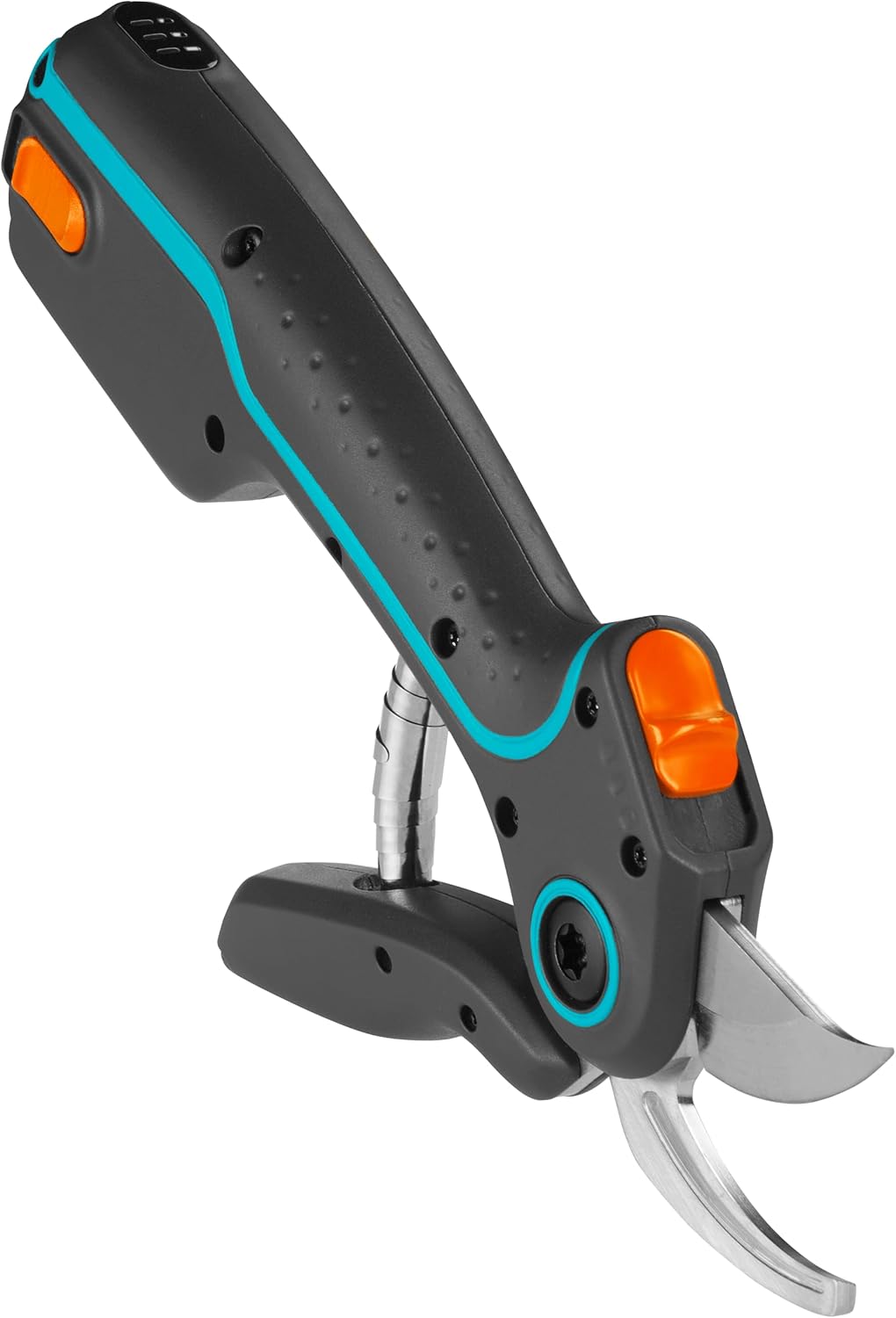
Image 3.1: Included USB-C charging cable.
4. Fitur Produk
- Diameter Pemotongan: Capable of cutting branches, young shoots, and fresh wood up to 25 mm in diameter.
- Sensor Cerdas: Provides up to 5 times additional power compared to conventional pruning shears when resistance is detected, ensuring effortless cutting.
- Desain Ergonomis: Comfortable handling with a two-stage opening width, suitable for various hand sizes.
- Pisau Presisi: Features precision-ground, German-made knives with a bypass cutting principle for a clean, plant-friendly cut.
- Battery-Assisted: Integrated battery provides power assistance for reduced effort.
5. Pengaturan
5.1 Pengisian Awal
- Before first use, fully charge the Gardena AssistCut.
- Hubungkan kabel pengisi daya USB-C yang tersedia ke port pengisian daya pada perangkat.
- Hubungkan ujung lain kabel USB-C ke adaptor daya USB yang kompatibel (tidak disertakan).
- Biarkan perangkat mengisi daya hingga indikator baterai menunjukkan daya penuh.
5.2 Adjusting Opening Width
The shears feature a two-stage opening width for ergonomic handling and to accommodate different hand sizes or cutting needs. Refer to the device for specific adjustment mechanisms, typically a switch or lever near the handle.

Image 5.1: Demonstrating the two-stage opening width for comfortable use.
6. Petunjuk Pengoperasian
6.1 Menghidupkan/Mematikan
Locate the power button on the device. Press and hold to power on or off. The battery indicator lights will typically illuminate upon powering on.
6.2 Teknik Pemangkasan
- Ensure the blades are clean and sharp.
- Select the appropriate opening width for the branch you intend to cut.
- Position the branch as deep as possible into the blades, close to the pivot point, for maximum leverage and a clean cut.
- Squeeze the handles firmly. The intelligent sensor will detect resistance and activate the battery assistance, providing additional power to complete the cut.
- Release the handles to open the blades for the next cut.
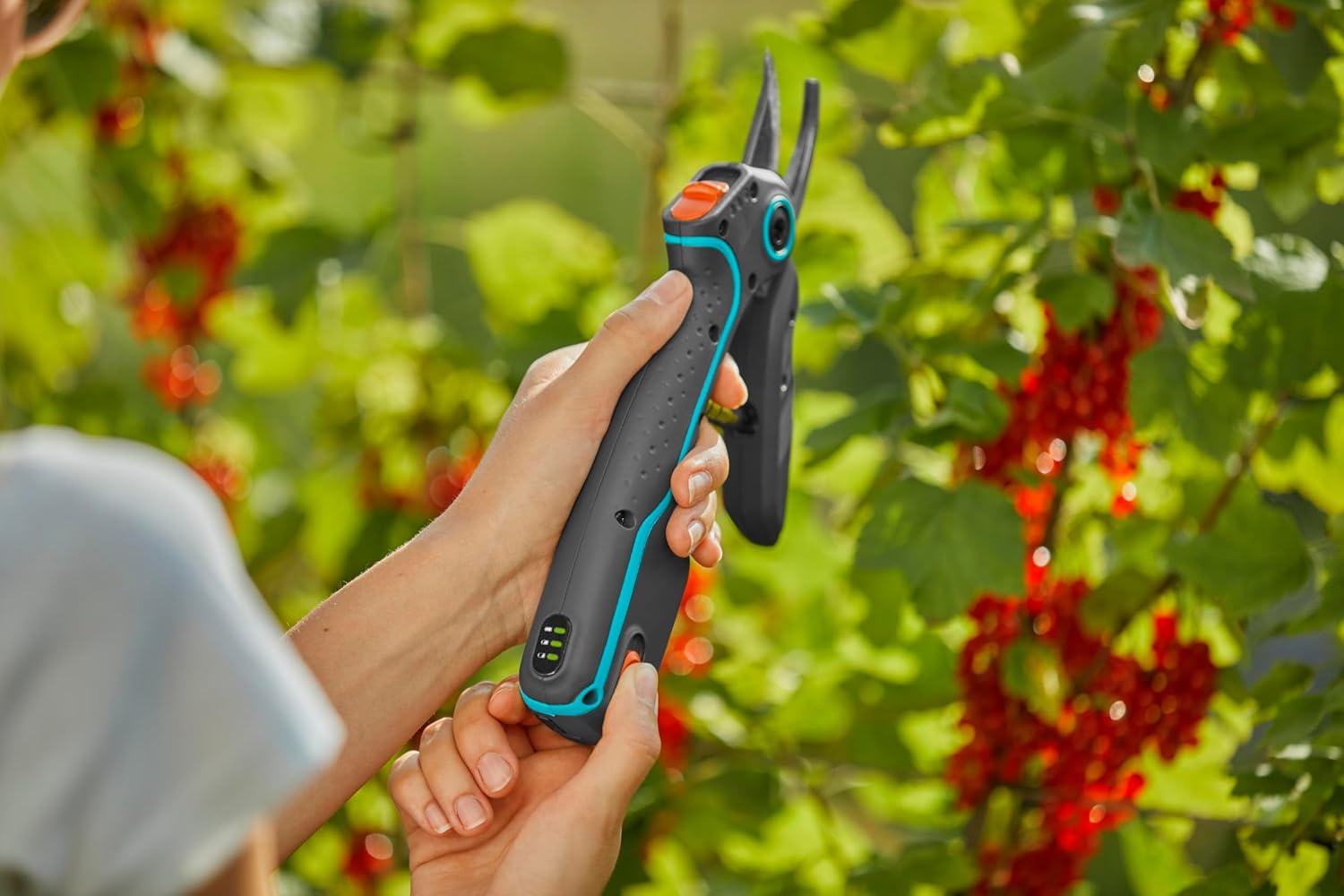
Image 6.1: User pruning red currants with the Gardena AssistCut.

Image 6.2: User pruning grapevines, demonstrating effective use in a garden setting.
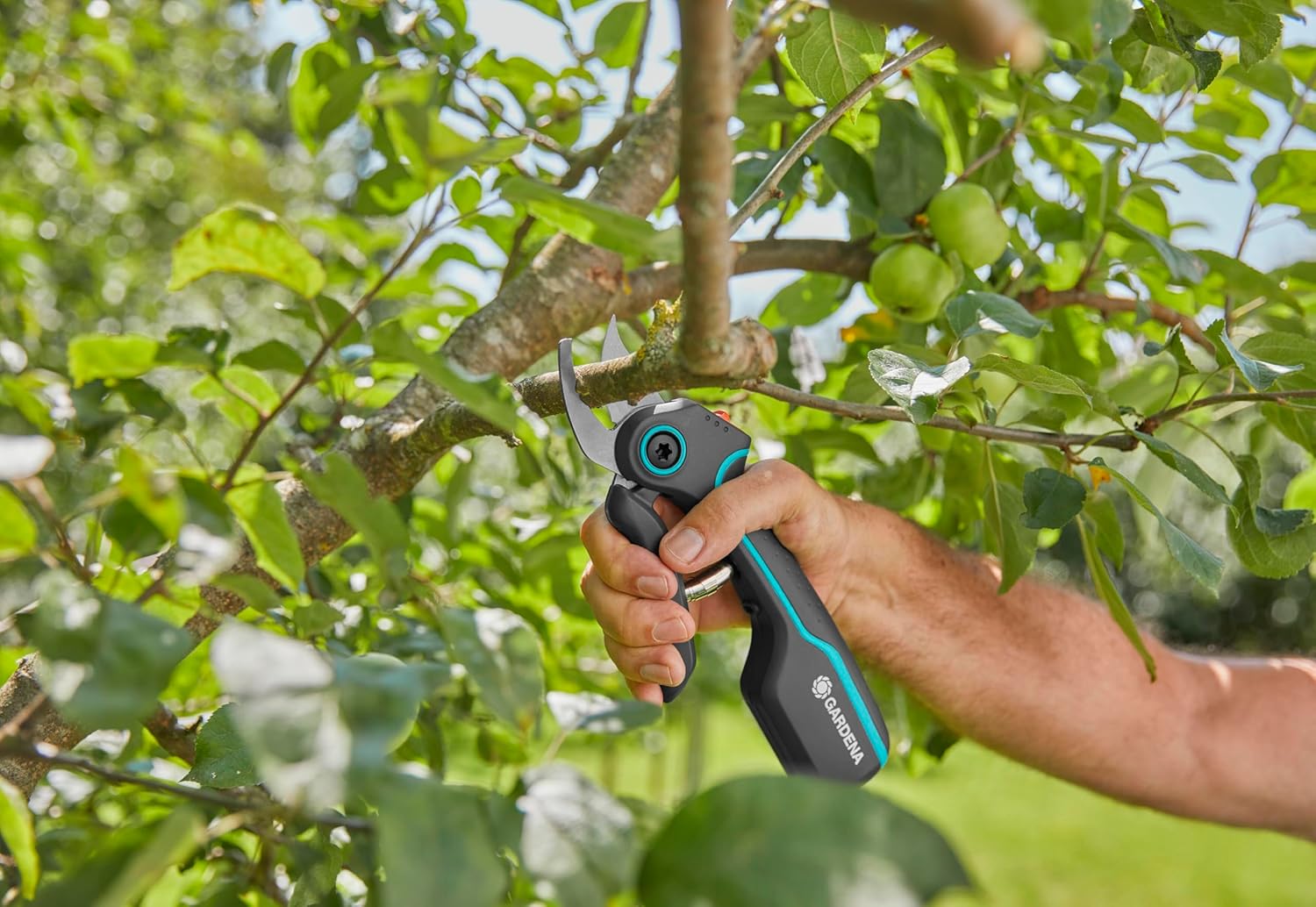
Image 6.3: User pruning an apple tree branch, highlighting the shears' capability for thicker cuts.
7. Pemeliharaan
7.1 Membersihkan Bilah
After each use, clean the blades to remove sap, dirt, and debris. Use a damp cloth and, if necessary, a mild cleaning solution. Ensure the blades are dry before storage to prevent rust.
7.2 Penajaman Pisau
The precision-ground blades will maintain their sharpness for a long time. If sharpening becomes necessary, use a fine-grit sharpening stone or consult a professional tool sharpener to maintain the bypass cutting edge.
7.3 Pelumasan
Periodically apply a light oil to the pivot point and blades to ensure smooth operation and prevent corrosion.
7.4 Penyimpanan
Store the Gardena AssistCut in a dry, cool place, away from direct sunlight and moisture. Ensure the blades are closed and locked (if a locking mechanism is present) for safety.
8. Penyelesaian masalah
- Perangkat tidak menyala: Ensure the battery is charged. Connect to the USB-C charging cable and allow sufficient charging time.
- Mata pisau tidak memotong secara efektif: Check if the blades are clean and free of debris. If dull, consider sharpening or professional service. Ensure the branch diameter is within the 25 mm limit.
- Reduced power assistance: This may indicate a low battery. Recharge the device. If the issue persists after charging, contact customer support.
- Blades sticking: Clean and lubricate the blades and pivot point.
9. Spesifikasi
| Spesifikasi | Detil |
|---|---|
| Nomor Model | Nomor telepon 12222-20 |
| Diameter Pemotongan | Hingga 25 mm |
| Jenis Sumber Daya | Baterai |
| Jenis Sel Baterai | Ion Litium |
| Kabel Pengisian Daya | USB-C (included) |
| Bahan Pisau | Baja tahan karat |
| Jenis Pisau | Melewati |
| Bahan Pegangan | Wood (handle material is listed as wood in specs, but product image shows composite/plastic) |
| Berat Barang | 485 gram |
| Dimensi Produk | Ukuran 26.9x7x0.25 cm |
| Pabrikan | Gardena Deutschland GmbH |
10. Garansi dan Dukungan
For warranty information, product registration, or technical support, please refer to the official Gardena website or contact Gardena customer service directly. Keep your proof of purchase for any warranty claims.
Gardena Official Weblokasi: www.gardena.com


