1. Pendahuluan
This manual provides essential instructions for the safe and effective use of your Victoper VT-BL2001 USB Rechargeable Bike Light Set. This set includes a high-lumen headlight and a multi-mode taillight, designed to enhance visibility and safety during cycling, especially in low-light conditions.
Harap baca manual ini dengan saksama sebelum penggunaan pertama dan simpan untuk referensi di masa mendatang.
2. Tindakan pencegahan keselamatan
- Jangan melihat langsung ke berkas cahaya to avoid temporary vision impairment.
- Ensure lights are securely mounted before riding.
- Always use appropriate light modes for current riding conditions and local regulations.
- Jauhkan dari jangkauan anak-anak.
- Do not disassemble the lights; this may void the warranty and cause damage.
- Charge only with the provided USB-C cables to prevent potential damage to the device.
3. Isi Paket
Your Victoper VT-BL2001 Bike Light Set includes:
- 1 x Victoper Headlight (VT-BL2001)
- 1 x Victoper Taillight
- 2 x Kabel Pengisi Daya USB-C
- 2 x Silicone Mounting Straps (for headlight and taillight)
- 1 x Panduan Pengguna (dokumen ini)
4. Pengaturan dan Instalasi
4.1 Pemasangan Lampu Depan
- Identify the silicone mounting strap attached to the headlight.
- Wrap the strap around your bicycle's handlebar.
- Hook the strap securely onto the latch on the underside of the headlight. Ensure the light is stable and facing forward.

Image: Victoper Headlight securely mounted on a bicycle handlebar. The light is positioned to illuminate the path ahead.

Gambar: Close-up view of the headlight's silicone strap wrapping around the handlebar and securing into its latch.
4.2 Pemasangan Lampu Belakang
- Identify the silicone mounting strap attached to the taillight.
- Wrap the strap around your bicycle's seat post or another suitable rear component.
- Hook the strap securely onto the latch on the taillight. Ensure the light is stable and facing backward.
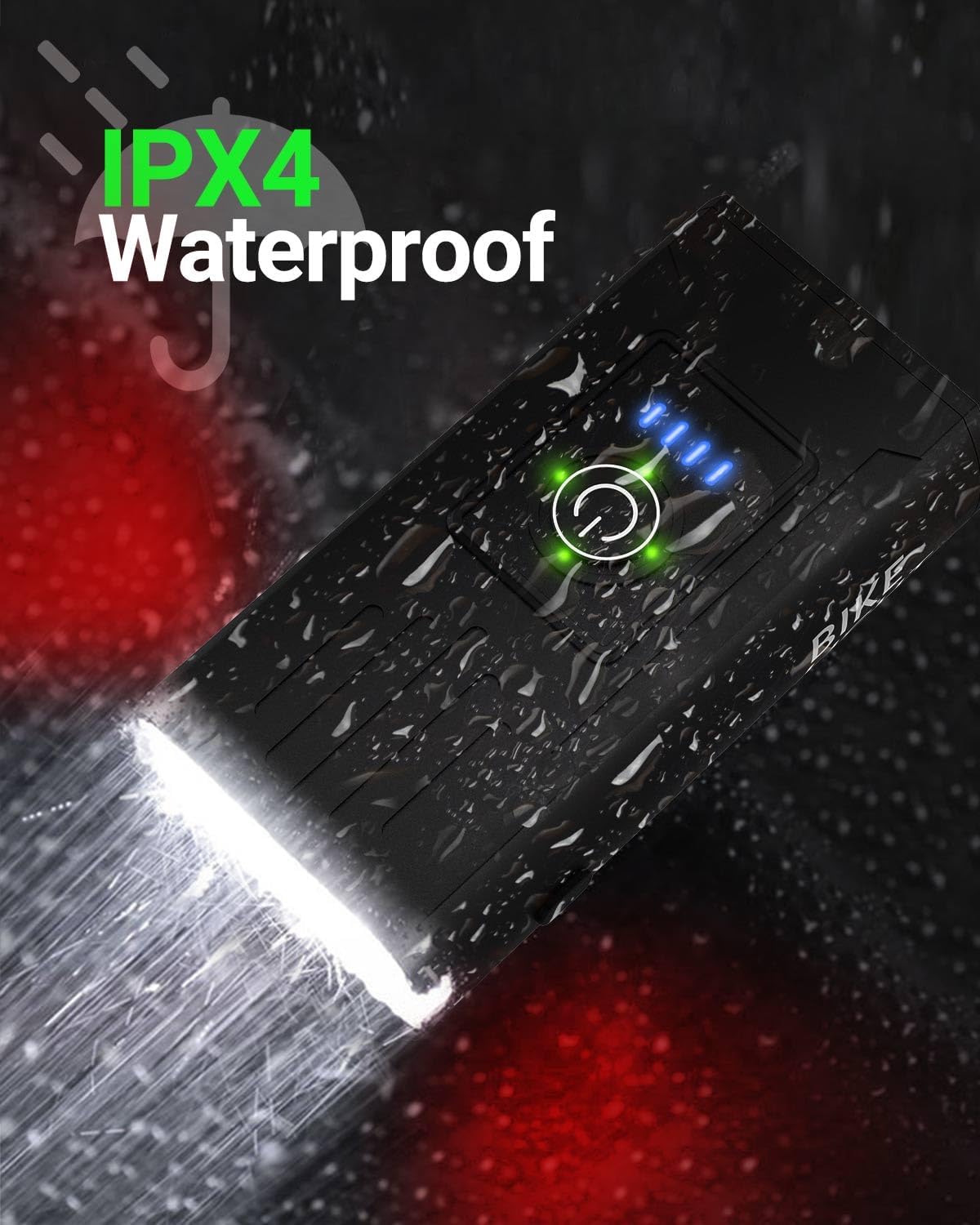
Image: Victoper Taillight mounted on a bicycle seat post, positioned for maximum rear visibility.
5. Petunjuk Pengoperasian
5.1 Pengoperasian Lampu Depan
- Daya Hidup/Mati: Press and hold the power button (circular icon) on top of the headlight for 2 seconds.
- Ubah Mode: While the light is on, short press the power button to cycle through the 6 available modes:
- Left Strong Light
- Left Weak Light
- Right Strong Light
- All-On (Both LEDs strong)
- Breathing Light (Gradual fade in/out)
- Strobe (Rapid flashing)
- Indikator Baterai: Four blue LED lights on the top indicate battery level (each light represents approximately 25% charge).

Gambar: Atas view of the Victoper Headlight showing the power button and four blue LED battery indicator lights.

Image: Illustration of the Victoper Headlight cycling through its six different lighting modes, including left strong, left weak, right strong, all-on, breathing, and strobe.
5.2 Taillight Operation
- Daya Hidup/Mati: Press and hold the power button on the taillight for 2 seconds.
- Ubah Mode: While the light is on, short press the power button to cycle through the 4 available modes:
- Strong Light (Solid red)
- Berkedip Lambat
- Strobe (Rapid flashing)
- Berkedip Cepat
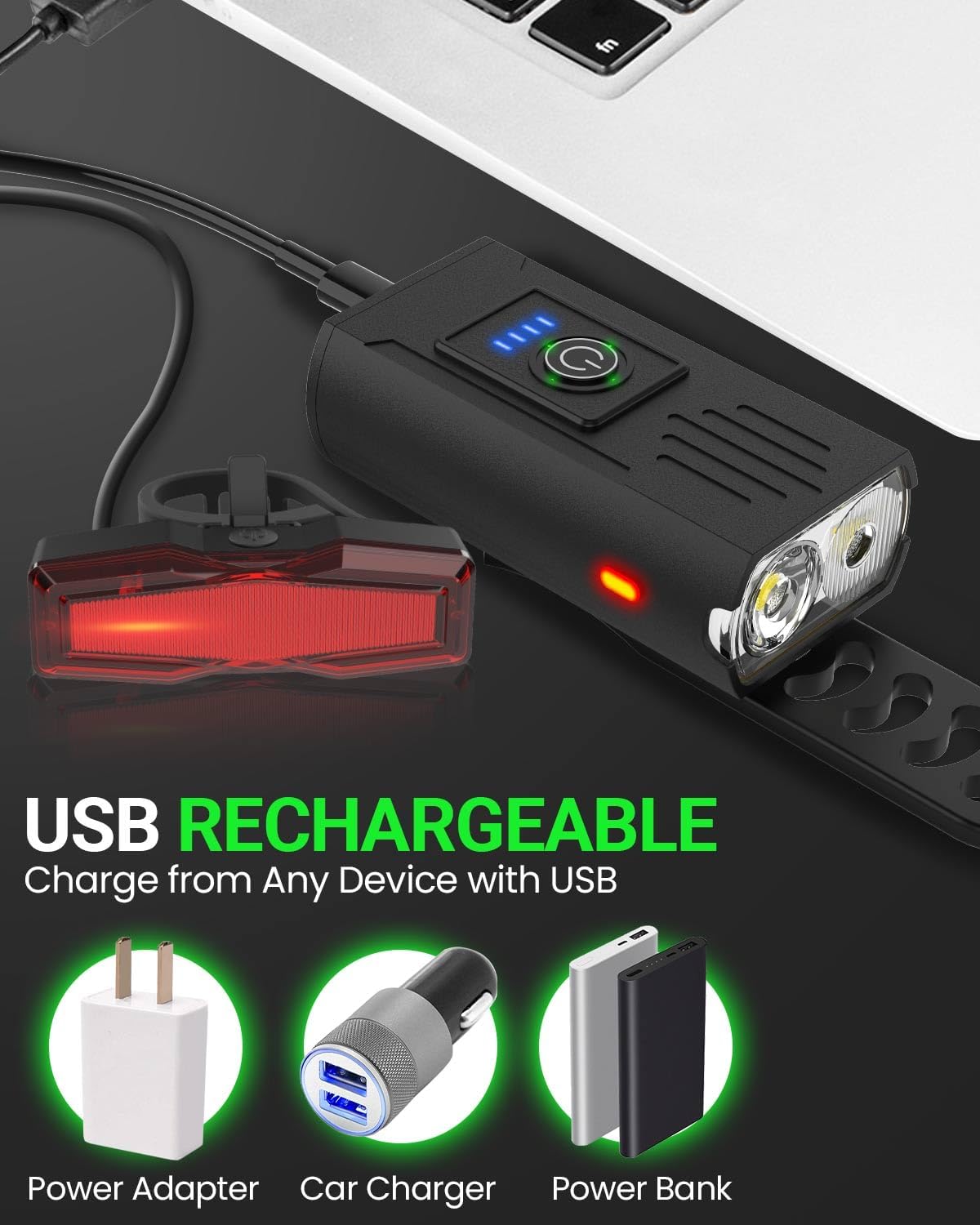
Image: Illustration of the Victoper Taillight cycling through its four different lighting modes, including strong light, slow flashing, strobe, and quick flashing.
6. Petunjuk Pengisian
- Both the headlight and taillight are USB rechargeable.
- Locate the USB-C charging port on each light, typically covered by a rubber flap for water resistance.
- Connect the provided USB-C cable to the light and to a compatible USB power source (e.g., computer, wall adapter, power bank).
- The battery indicator lights on the headlight will show charging progress. For the taillight, a red indicator light will typically show charging status and turn green or off when fully charged.
- Penting: Use only the provided USB-C cables or cables with compatible voltage to avoid damaging the lights.
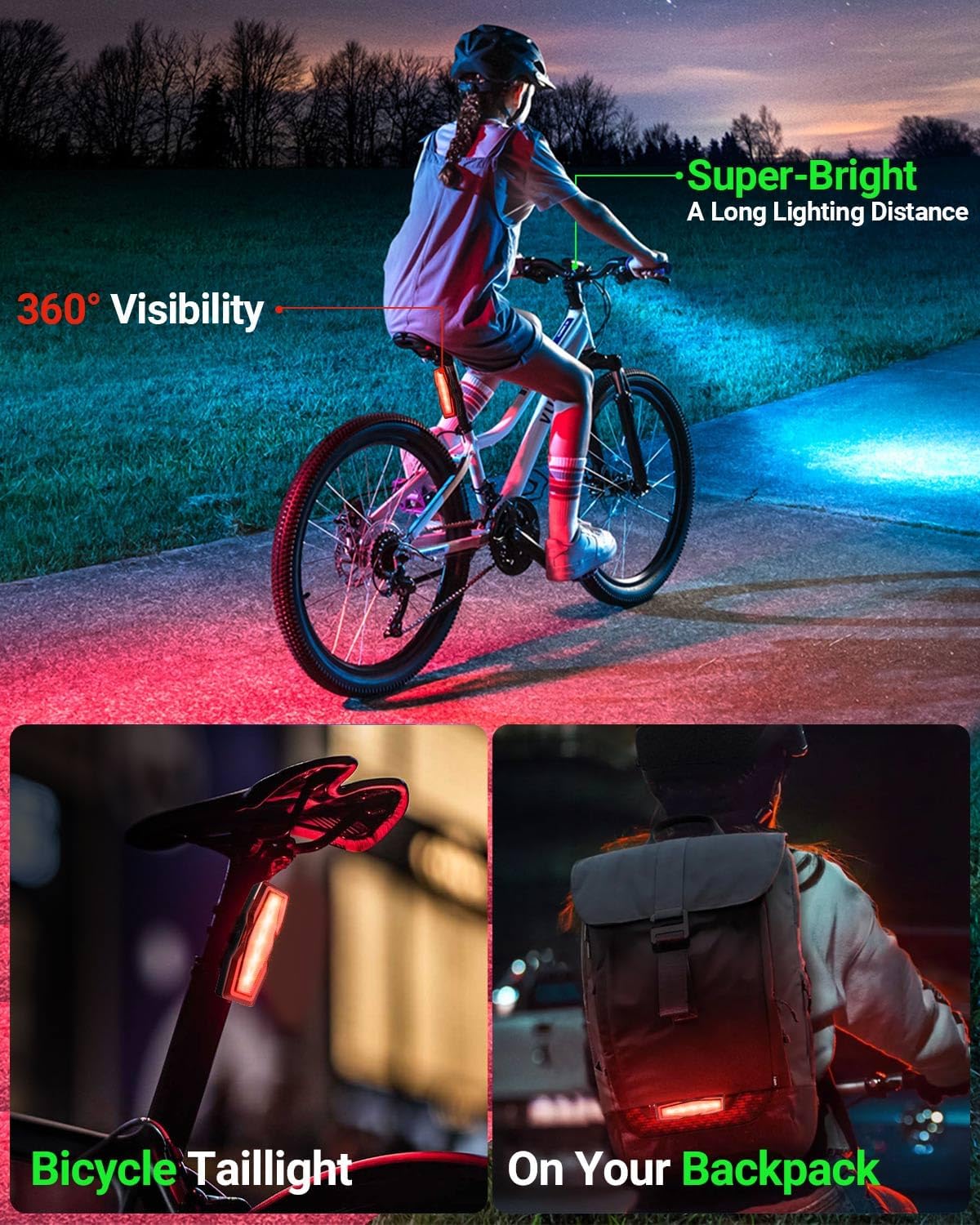
Image: Victoper Headlight and Taillight connected via USB cables to various power sources (power adapter, car charger, power bank) for recharging.
7. Pemeliharaan
- Pembersihan: Usap lampu dengan lembut, damp kain. Jangan gunakan pembersih atau pelarut yang bersifat abrasif.
- Penyimpanan: Store the lights in a cool, dry place when not in use. If storing for extended periods, charge them periodically to maintain battery health.
- Tahan Air: The lights are IPX4 waterproof, meaning they are resistant to splashing water from any direction. They are not designed for submersion. Ensure the USB port cover is securely closed to maintain water resistance.
Image: Victoper Headlight shown with water droplets, illustrating its IPX4 water-resistant design.
8. Penyelesaian masalah
| Masalah | Kemungkinan Penyebab | Larutan |
|---|---|---|
| Lampu tidak menyala. | Baterai lemah atau tombol daya tidak ditekan dengan benar. | Charge the light fully. Press and hold the power button for 2 seconds to turn on. |
| Cahaya tidak bermuatan. | Kabel, sumber daya, atau port pengisian daya rusak. | Cobalah kabel USB-C dan sumber daya yang berbeda. Pastikan kabel terpasang sepenuhnya. |
| Lampu padam saat berkendara. | Improper installation or loose strap. | Re-install the light, ensuring the silicone strap is tightly secured to the latch. |
| Daya tahan baterai pendek. | Using high brightness modes frequently or aging battery. | Use lower brightness modes when possible. Ensure full charge before each use. Battery life naturally degrades over time. |
9. Spesifikasi
- Merek: victoper
- Nama Model: VT-BL2001
- Light Output Maximum: 150 Lumen (Lampu Depan)
- Jumlah Mode: 6 (Headlight), 4 (Taillight)
- Sumber Daya: Bertenaga Baterai (Dapat Diisi Ulang dengan USB)
- Tingkat Tahan Air: IPX4 (Tahan Air)
- Berat Barang: Approximately 4 Ounces (total for set)
- Dimensi Produk: 4.17"L x 1.89"W x 1.04"H (Headlight)
- Tipe Pemasangan: Dudukan Stang (Lampu Depan), Dudukan Tiang Jok (Lampu Belakang)
10. Garansi dan Dukungan
Victoper products are designed for durability and performance. For any questions, concerns, or warranty claims, please contact Victoper customer support. Refer to the product packaging or the official Victoper websitus untuk informasi kontak terkini.
Catatan: The warranty typically covers manufacturing defects. Damage due to misuse, unauthorized modification, or improper charging may not be covered.

Image: Victoper customer support team ready to assist.
11. Video Produk
11.1 Victoper Bike Light Overview
Video: Penjelasan singkatview of the Victoper bike light, highlighting its brightness and ease of installation.
11.2 Close Look - Victoper Bike Light
Video: A detailed look at the Victoper bike light, showcasing its features and bright illumination.
11.3 Victoper Bike Light Functionality
Video: Demonstration of the Victoper bike light's various modes and how it functions in different settings.