1. Pendahuluan
This manual provides instructions for the VTech CS2051 DECT 2 Handset Cordless Home Telephone with Answering Machine. It covers setup, operation, maintenance, and troubleshooting to ensure optimal performance of your device. Please read these instructions carefully before using your telephone.
2. Isi Paket
Verifikasi bahwa paket Anda berisi item berikut:
- 1 x Unit Dasar
- 2 x Telepon Genggam Nirkabel
- 2 buah Pengisi Daya Ponsel
- 2 x AC Adaptors (for base unit and chargers)
- 2 x Battery Packs (AAA batteries required, included)
- 1 x Kabel Saluran Telepon
- 1 x Panduan Memulai Cepat

Image: The VTech CS2051 system, showing the main base unit with one handset, and a separate charger with the second handset.
3. Pengaturan
3.1 Pemasangan Baterai
- Buka penutup kompartemen baterai di bagian belakang setiap telepon genggam.
- Masukkan paket baterai AAA yang disertakan, pastikan polaritasnya benar.
- Tutup penutup ruang baterai.
- Place each handset on its respective charger or the base unit to charge for at least 16 hours before first use.
3.2 Koneksi Unit Dasar
- Connect one end of the telephone line cord to the LINE port on the base unit.
- Hubungkan ujung lain kabel saluran telepon ke stopkontak dinding telepon Anda.
- Connect the AC adaptor to the POWER port on the base unit.
- Plug the AC adaptor into a mains power outlet.
- For the additional charger, connect its AC adaptor to the charger and then to a mains power outlet.
3.3 Registrasi Perangkat Genggam
Your handsets are typically pre-registered to the base unit. If a handset displays 'Unregistered' or 'Register Handset', follow these steps:
- Pada unit dasar, tekan dan tahan tombol HALAMAN button for approximately 5 seconds until the registration indicator light flashes.
- On the handset, navigate to the 'Registration' menu (refer to the Quick Start Guide for specific menu navigation).
- Select 'Register Handset' and enter the system PIN (default is usually 0000).
- The handset will display 'Registering...' and then 'Handset Registered' upon successful completion.
4. Petunjuk Pengoperasian
4.1 Melakukan dan Menerima Panggilan
- Untuk Menelepon: Tekan tombol BICARA button, then dial the number. Alternatively, dial the number first and then press BICARA.
- Untuk Menerima Panggilan: Ketika telepon berdering, tekan tombol BICARA tombol.
- Untuk Mengakhiri Panggilan: Tekan tombol AKHIR tekan tombol atau letakkan kembali handset ke unit dasar/pengisi daya.
4.2 Digital Answering Machine
The base unit includes a digital answering machine to record messages when you are unavailable.
- Memutar Pesan: Tekan tombol MAINKAN/BERHENTI button on the base unit. The display will show the number of new messages.
- Menghapus Pesan: Saat pemutaran pesan, tekan tombol MENGHAPUS tombol pada unit dasar.
- Pengaturan: Access the answering machine settings via the handset menu to record your outgoing message or adjust settings.

Image: The base unit of the VTech CS2051, highlighting the digital answering system with a message count display.
4.3 Pemblokir Panggilan Mengganggu
This feature allows you to block unwanted incoming calls.
- Memblokir Nomor: During or after a call, access the call blocker menu on the handset. You can add numbers to a block list.
- Memblokir Nomor Tidak Dikenal: The system can be configured to block calls from numbers not stored in your phonebook or from withheld numbers.

Image: A VTech CS2051 handset, illustrating the call blocker feature for managing unwanted calls.
4.4 Caller ID and Call Waiting
These features require subscription from your telephone service provider.
- ID Penelepon: The handset display shows the caller's number (and name if stored in your phonebook) before you answer. The phone stores up to 20 incoming call records.
- Panggilan Menunggu: If you are on a call and another call comes in, you will hear a tone. You can switch between calls.

Image: A close-up of the VTech CS2051 handset display showing an incoming call number, demonstrating the Caller ID feature.
4.5 Speaker Ponsel
The speakerphone function allows for hands-free conversations.
- Mengaktifkan: Selama panggilan, tekan PEMBICARA tombol.
- Untuk Menonaktifkan: Tekan tombol PEMBICARA tekan tombol lagi atau angkat gagang telepon ke telinga Anda.
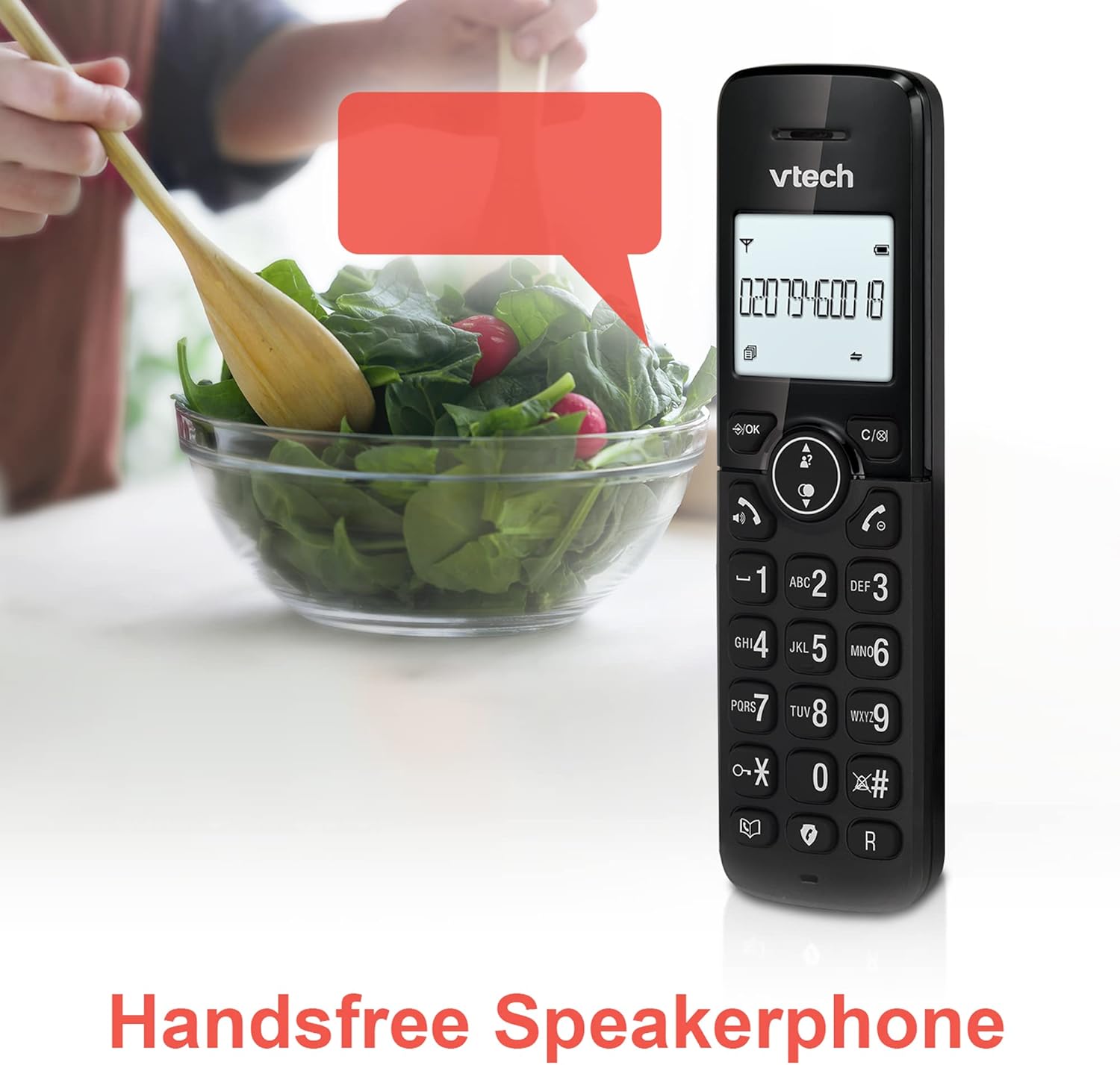
Image: A VTech CS2051 handset positioned for hands-free use, illustrating the speakerphone capability.
4.6 Interkom
You can use the handsets to communicate with each other internally.
- Untuk Memulai: Tekan tombol KE DALAM button on one handset and select the desired handset to call.
4.7 Adjustable Ring Volume and Melody
Customize the ringtone and volume to your preference.
- Access the 'Ringtone Settings' or 'Volume Settings' menu on the handset to choose from available melodies and adjust the ring volume.

Image: A VTech CS2051 handset, highlighting the controls for adjusting ring volume and melody settings.
4.8 Alarm and Mute Function
- Alarm: Set an alarm through the handset menu.
- Bisu: Selama panggilan, tekan BISU button to temporarily silence your microphone. Press again to unmute.

Image: Illustrates the alarm function (represented by a clock icon) and the mute function (represented by a musical note icon) available on the VTech CS2051.
5. Pemeliharaan
- Pembersihan: Wipe the telephone and handsets with a soft, damp kain. Jangan gunakan pembersih atau pelarut yang bersifat abrasif.
- Perawatan Baterai: Ensure handsets are placed on the charger when not in use to maintain battery life. Replace batteries when performance significantly degrades.
- Lokasi: Tempatkan unit dasar di lokasi sentral, jauh dari peralatan listrik lain yang dapat menyebabkan gangguan.
6. Penyelesaian masalah
- Tanpa Nada Panggil: Ensure the telephone line cord is securely connected to both the base unit and the wall socket. Check if the AC adaptor is properly plugged in.
- Ponsel Tidak Mengisi Daya: Verify the handset is correctly seated in the charger/base unit. Clean the charging contacts on both the handset and charger with a dry cloth.
- Kualitas Panggilan Buruk/Gangguan: Jauhkan unit dasar dari perangkat elektronik lain (misalnya, router Wi-Fi, microwave). Pastikan handset berada dalam jangkauan unit dasar.
- Handset Displays 'Unregistered': Follow the handset registration steps in Section 3.3.
- Mesin Penjawab Tidak Merekam: Check the answering machine settings via the handset menu to ensure it is enabled and has sufficient recording time.
7. Spesifikasi
| Fitur | Spesifikasi |
|---|---|
| Model | CS2051 |
| Jenis Telepon | DECT Nirkabel |
| Jumlah Handset | 2 |
| Tipe Sistem Penjawab | Digital (up to 15 minutes record time) |
| Identifikasi Penelepon | Ya (perlu berlangganan) |
| Nuisance Call Blocker | Ya |
| Menampilkan | Layar backlit 1.8 inci |
| Baterai | Diperlukan 4 baterai AAA (termasuk) |
| Bahan | Akrilonitril Butadiena Stirena (ABS) |
| Sumber Daya | Bertenaga Baterai |
| Operasi Multiline | Ya |
8. Garansi dan Dukungan
This VTech CS2051 product is supplied as an Amazon Renewed item. For specific warranty details and support, please refer to the Amazon Renewed program terms and conditions or contact Amazon Renewed customer service directly. VTech provides manufacturing support for its products. For technical assistance or further information, please visit the official VTech support website or consult the full user manual if available from the manufacturer.


