Perkenalan
Thank you for choosing the Laser TWS Earbuds. These true wireless stereo earbuds are designed to provide a high-fidelity audio experience with convenient features such as an LED battery display, intuitive tap controls, and an ergonomic design for comfortable, extended use. The included rechargeable case ensures your earbuds are always ready for use. This manual will guide you through the setup, operation, and maintenance of your new earbuds.
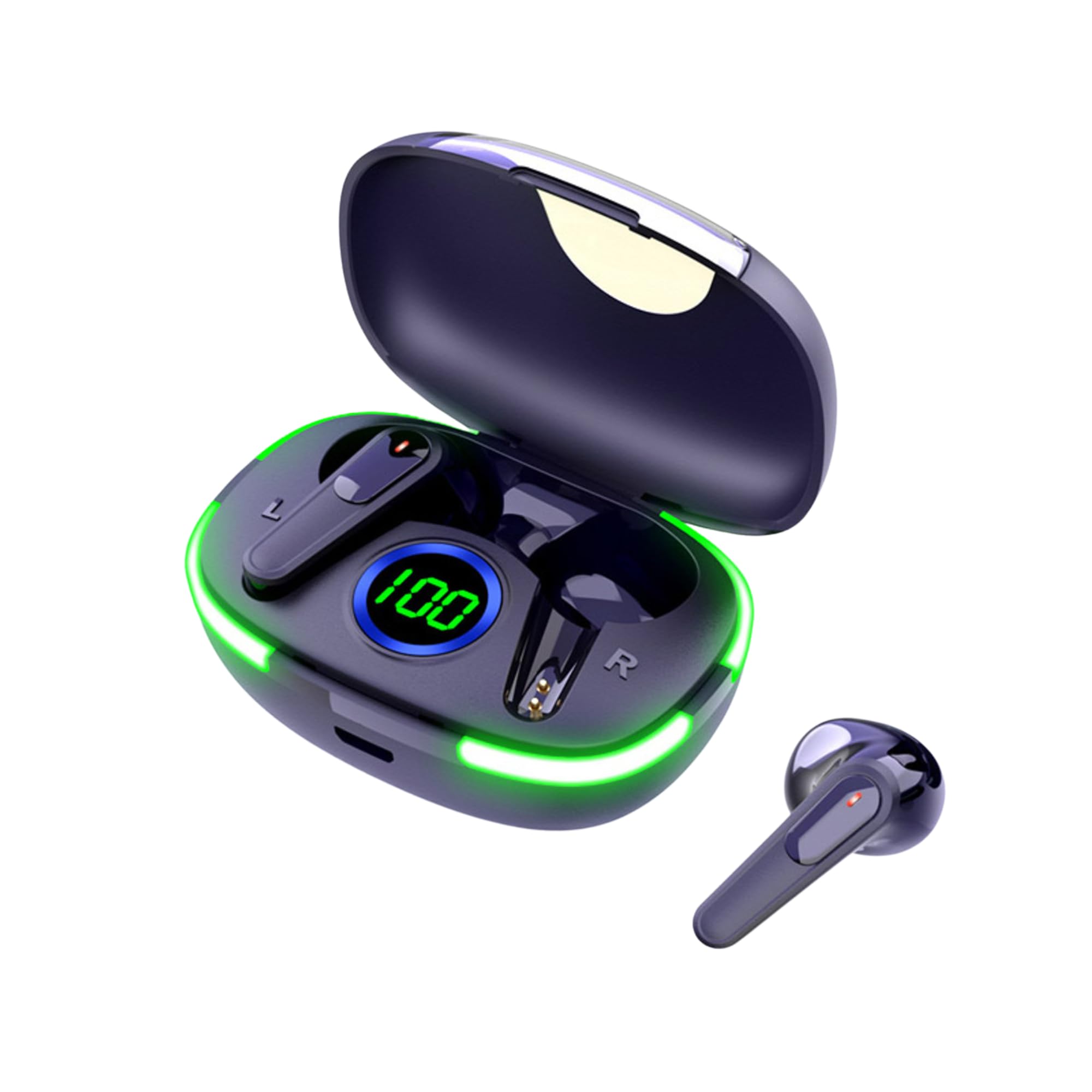
Image: The Laser TWS Earbuds, showcasing the charging case with its LED display and one earbud placed outside the case.
Isi Paket
Pastikan semua item ada dalam paket:
- 1 x Pair of Laser TWS Earbuds
- 1 x Charging Case with Battery Display
- 1 x Kabel Pengisian Daya Tipe-C
- 1 x Panduan Pengguna
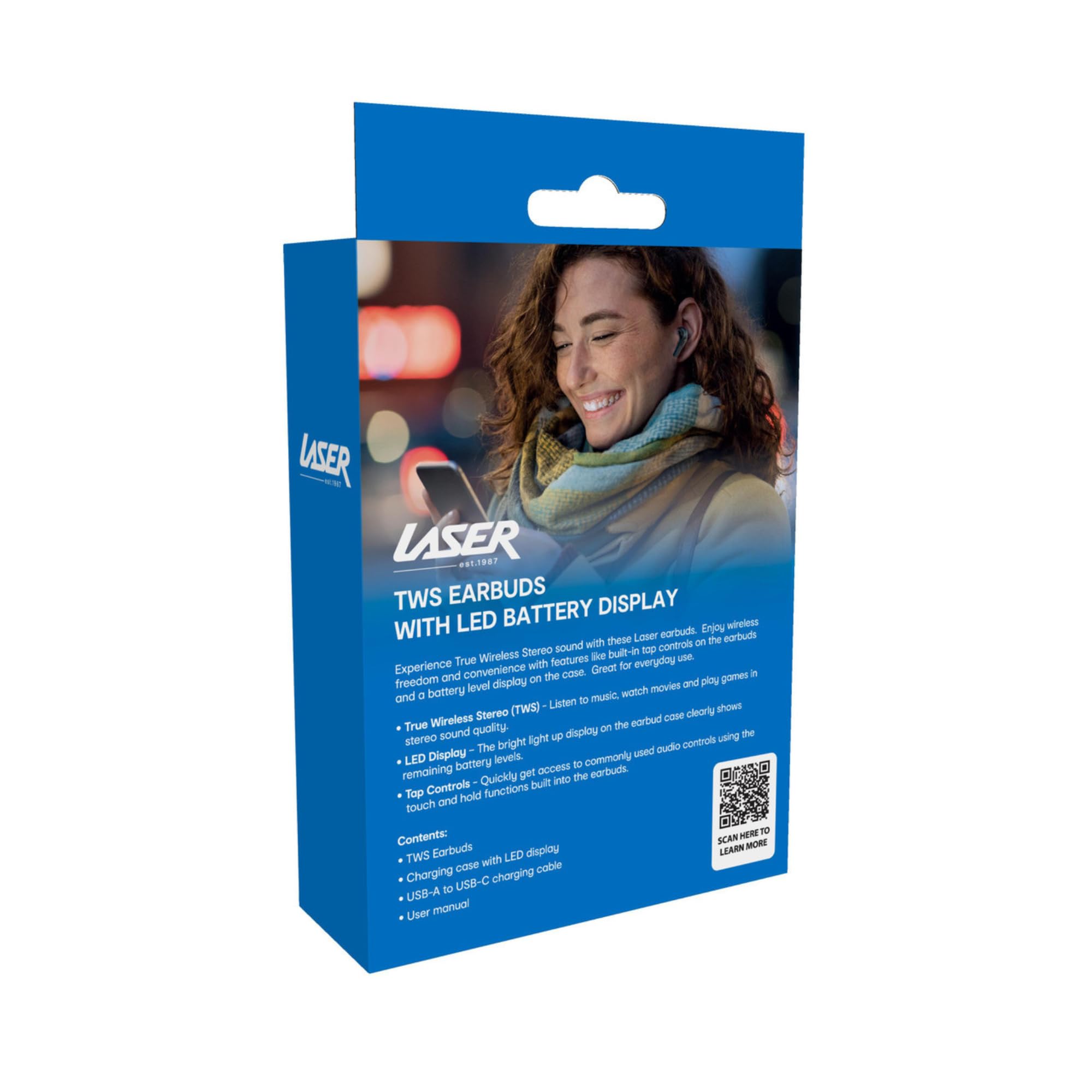
Image: The retail packaging for the Laser TWS Earbuds, indicating contents and features.
Pengaturan
1. Mengisi Daya Earbud dan Casing
Before first use, fully charge the earbuds and the charging case. The LED display on the case indicates the battery level.
- Hubungkan kabel pengisi daya Type-C yang tersedia ke port pengisian daya pada casing dan sumber daya USB.
- The LED display will show the charging progress. A full charge takes approximately 1 hour.
- The earbuds charge automatically when placed inside the charging case. The case can recharge the earbuds up to 3 times on a single charge.

Gambar: Close-up view of the charging case's LED display, showing the battery percentage, indicating the charge level.
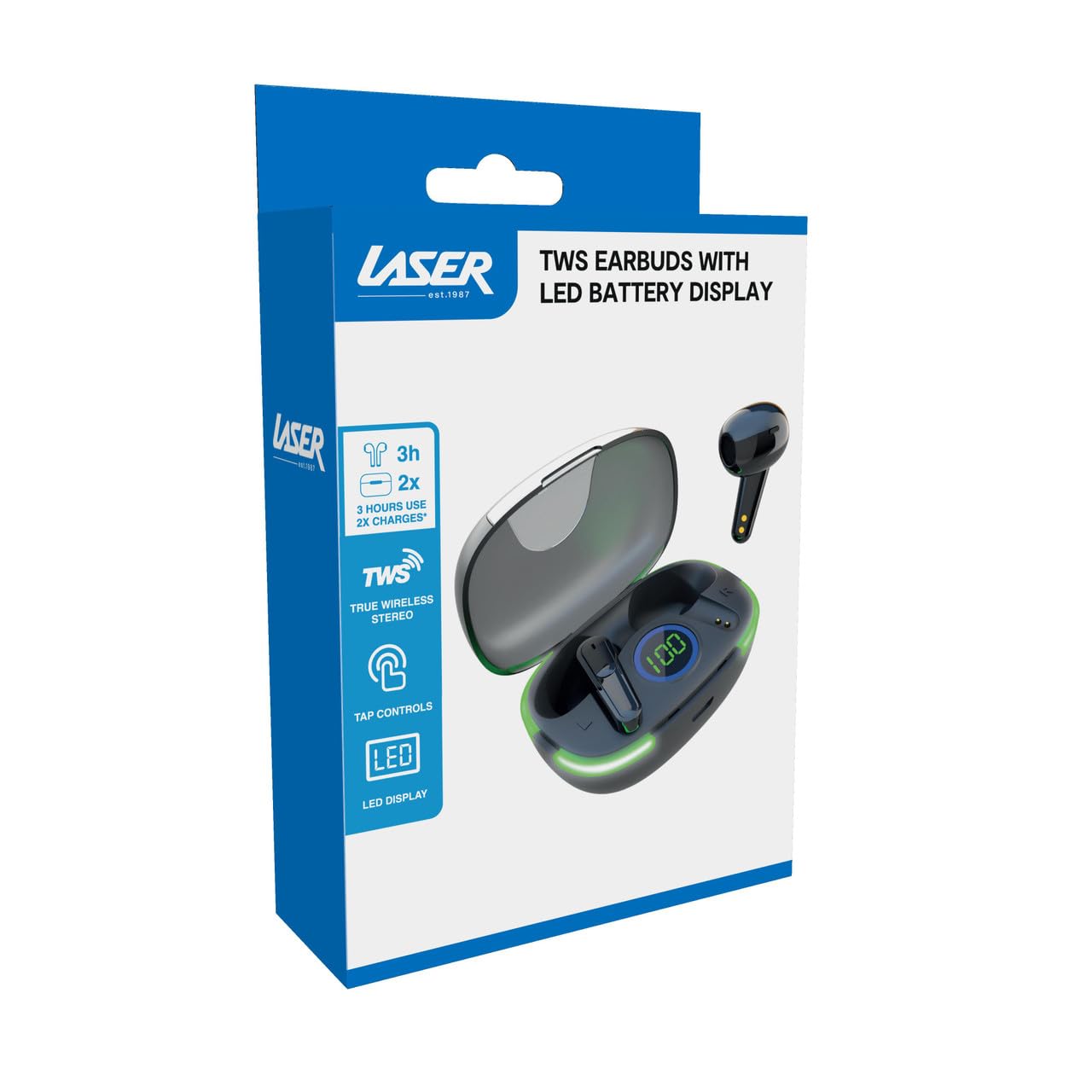
Image: Another close-up of the LED display on the charging case, highlighting the digital battery indicator.
2. Memasangkan dengan Perangkat
The earbuds use Bluetooth for wireless connectivity.
- Buka casing pengisi daya. Earbud akan otomatis masuk ke mode berpasangan.
- Pada perangkat Anda (smartphone, tablet, laptop), aktifkan Bluetooth dan cari perangkat baru.
- Select "Laser TWS Earbuds" or "EPS-LT10B-128" from the list of available devices.
- Setelah terhubung, Anda akan mendengar nada konfirmasi, dan earbud siap digunakan.
- The earbuds support multi-device compatibility, allowing pairing with various devices.
Petunjuk Pengoperasian
Mengenakan Earbud
The earbuds are designed for ergonomic comfort and a secure fit. Gently insert each earbud into your ear canal and twist slightly to ensure a snug and comfortable position. This helps optimize sound quality and stability.
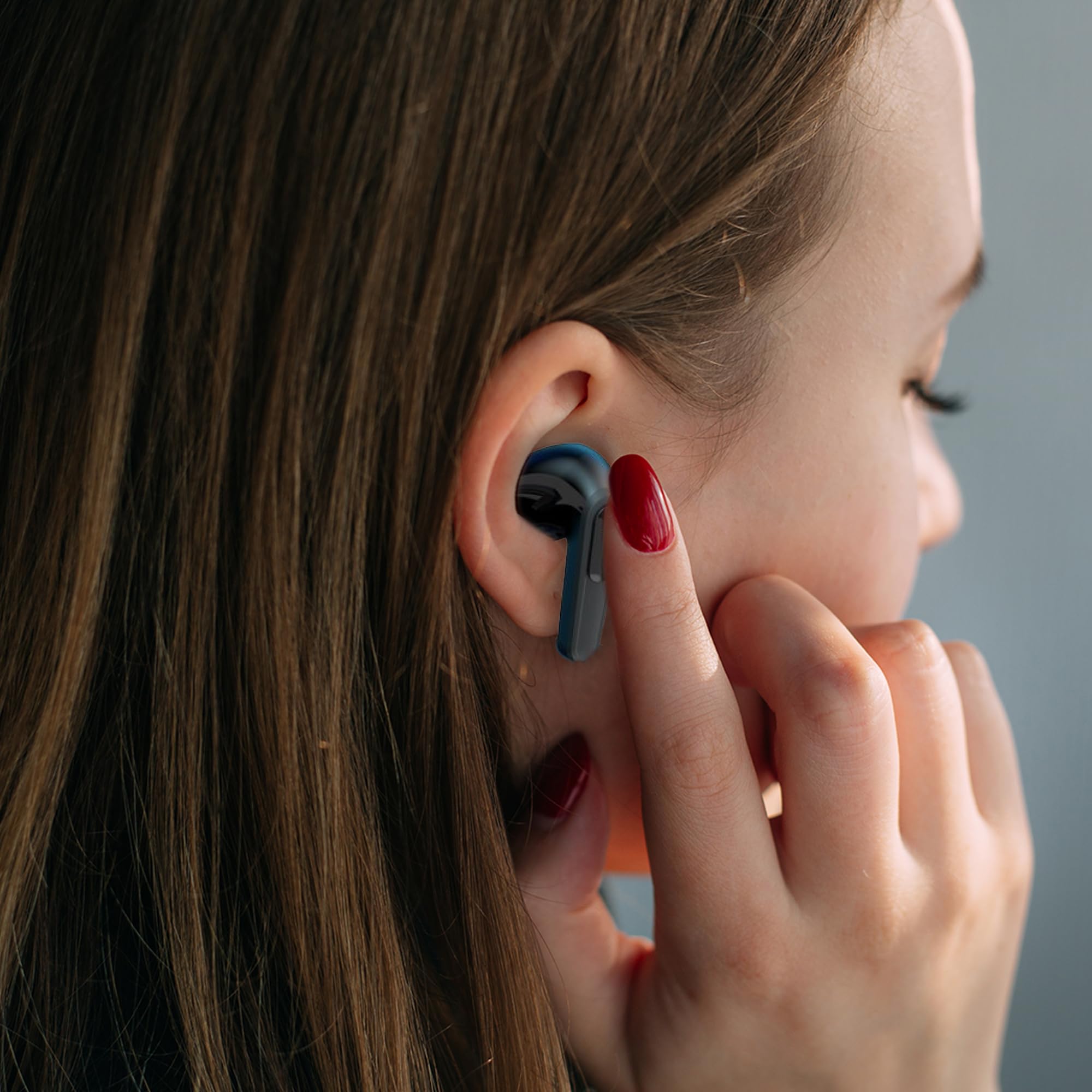
Image: A woman comfortably wearing one of the Laser TWS Earbuds while interacting with her smartphone.
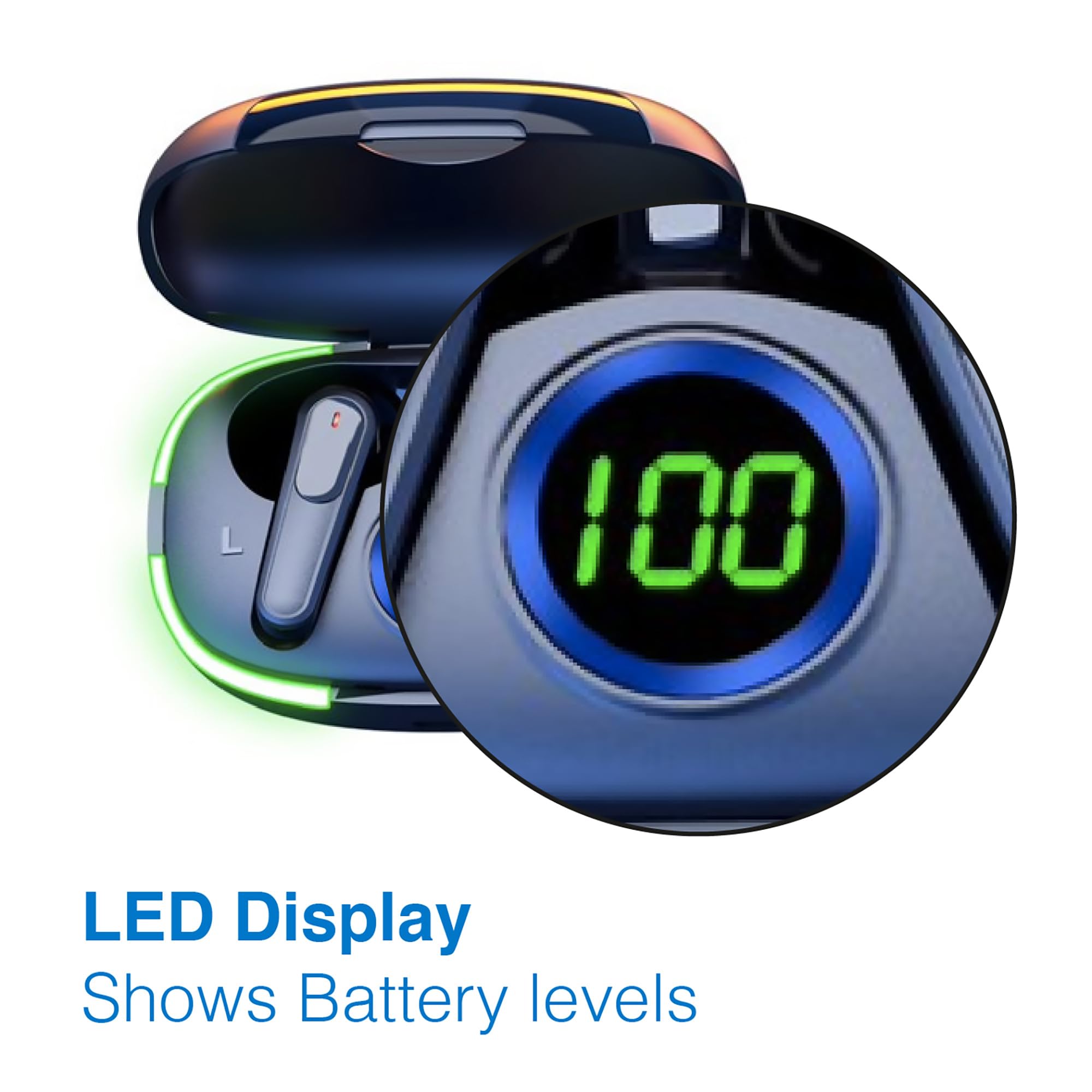
Image: A man walking outdoors, wearing a Laser TWS Earbud, demonstrating the ergonomic design for active use.
True Wireless Stereo Experience
These earbuds provide a true wireless stereo experience, delivering high-fidelity sound with clear channel separation for an immersive audio experience, whether for music, movies, or gaming.
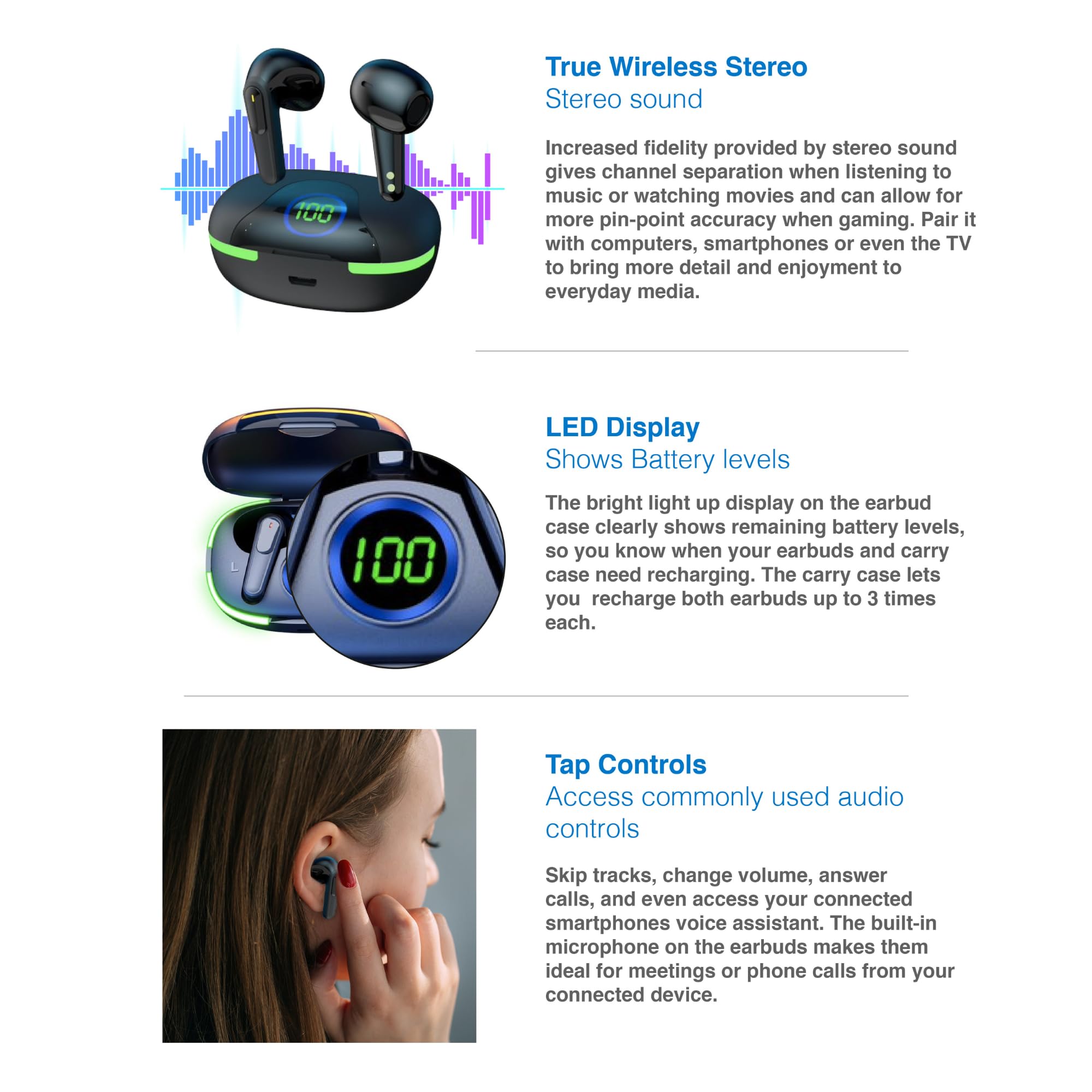
Image: A graphic representation of the True Wireless Stereo feature, showing the earbuds in their case with sound wave visualizations.
Ketuk Kontrol
The earbuds feature intuitive tap controls for easy management of audio playback and calls without needing to access your connected device.
| Tindakan | Kontrol |
|---|---|
| Putar/Jeda Musik | Ketuk satu kali di salah satu earbud |
| Lagu Berikutnya | Ketuk dua kali pada earbud kanan |
| Trek Sebelumnya | Ketuk dua kali pada earbud kiri |
| Menjawab/Mengakhiri Panggilan | Ketuk satu kali di salah satu earbud |
| Tolak Panggilan | Tekan lama pada salah satu earbud |
| Activate Voice Assistant (Siri, Google Assistant, Alexa) | Ketuk tiga kali pada salah satu earbud |

Image: A person's hand touching an earbud, illustrating the tap control functionality.
Mikrofon Terintegrasi
Each earbud includes a built-in microphone, enabling hands-free calls and meetings without needing to switch to your device.
Pemeliharaan
- Pembersihan: Bersihkan earbud dan casing pengisi daya secara teratur dengan kain lembut, kering, dan bebas serat. Hindari penggunaan bahan abrasif atau bahan kimia keras.
- Penyimpanan: Jika tidak digunakan, simpan earbud dalam wadah pengisi dayanya untuk melindunginya dan menjaganya tetap terisi daya.
- Perawatan Baterai: Untuk memperpanjang masa pakai baterai, hindari sering-sering mengosongkan daya earbud dan casing. Isi daya secara teratur, meskipun tidak digunakan terus-menerus.
- Tahan Air: Earbud ini tidak tahan air. Hindari paparan air, keringat, atau kelembapan tinggi.
Penyelesaian Masalah
| Masalah | Larutan |
|---|---|
| Earbud tidak dapat dipasangkan | Ensure earbuds are charged. Turn off and on Bluetooth on your device. Forget the device in Bluetooth settings and re-pair. Place earbuds back in case and take them out again. |
| Tidak ada suara dari satu earbud | Check battery level of both earbuds. Re-pair the earbuds. Try resetting the earbuds (refer to manufacturer's web(Lihat situs web untuk petunjuk pengaturan ulang spesifik jika diperlukan). |
| Casing pengisi daya tidak mengisi daya | Ensure the charging cable is securely connected. Try a different USB power source or cable. |
| Tap controls not responding | Ensure earbuds are properly seated in your ears. Clean the touch sensitive area. Re-pair the earbuds. |
If you encounter persistent issues, please refer to the official Laser support websitus untuk bantuan lebih lanjut.
Spesifikasi
| Fitur | Detil |
|---|---|
| Model | EPS-LT10B-128 |
| Teknologi Konektivitas | Nirkabel Bluetooth |
| Kontrol Kebisingan | Isolasi Suara |
| Daya Tahan Baterai (Earbud) | Sekitar 3 Jam |
| Waktu Pengisian Daya | Sekitar 1 Jam |
| Isi Ulang Casing Pengisi Daya | Hingga 3 kali |
| Jarak Operasi Maksimum | 10 Meter |
| Jenis Kontrol | Kontrol Sentuh, Kontrol Suara |
| Bahan | Plastik |
| Berat Barang | 30 gram |
| Ukuran | 62.2 x 42.5 x 32.6 cm (Produk) |
| Tingkat Tahan Air | Tidak Tahan Air |
Garansi dan Dukungan
The Laser TWS Earbuds come with a Garansi 1 tahun sejak tanggal pembelian. Harap simpan bukti pembelian Anda untuk klaim garansi.
For further support, troubleshooting, or warranty information, please visit the official Laser weblokasi:
You may also contact Laser customer service directly for assistance.


