1. Pendahuluan
This user manual provides comprehensive instructions for the installation, operation, and maintenance of your COCOCAM Solar Camera Outdoor Wireless. This 2K PTZ camera is designed for home security, featuring AI motion detection, color night vision, and two-way audio. Please read this manual thoroughly before using the product to ensure proper functionality and safety.
2. Isi Paket
Harap verifikasi bahwa semua barang yang tercantum di bawah ini ada dalam paket Anda. Jika ada barang yang hilang atau rusak, silakan hubungi layanan pelanggan.
- 1x COCOCAM Solar Security Camera
- 1x Panel Surya
- 1x Braket Panel Surya
- 1x 3.3ft USB Charging Cable
- 1x Panduan Pengguna
- 1x Positioning Sheet
- 2x Screw Packages (for camera and solar panel mounting)
3. Produk Lebihview
The COCOCAM Solar Camera is a versatile outdoor security solution. Below are the key components and features:
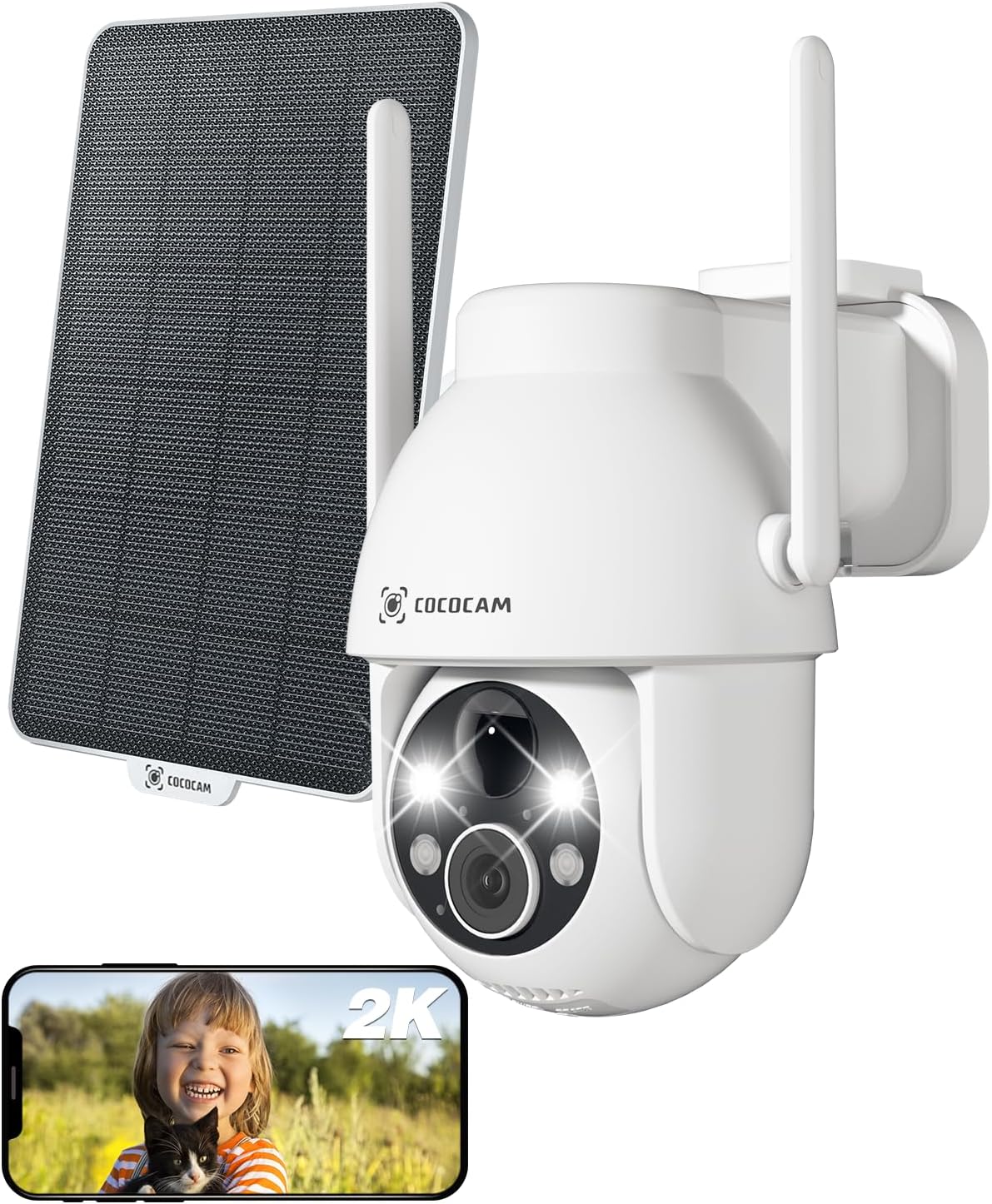
Figure 3.1: Camera and Solar Panel Overview. This image displays the main camera unit alongside its accompanying solar panel, illustrating the complete system for outdoor surveillance.
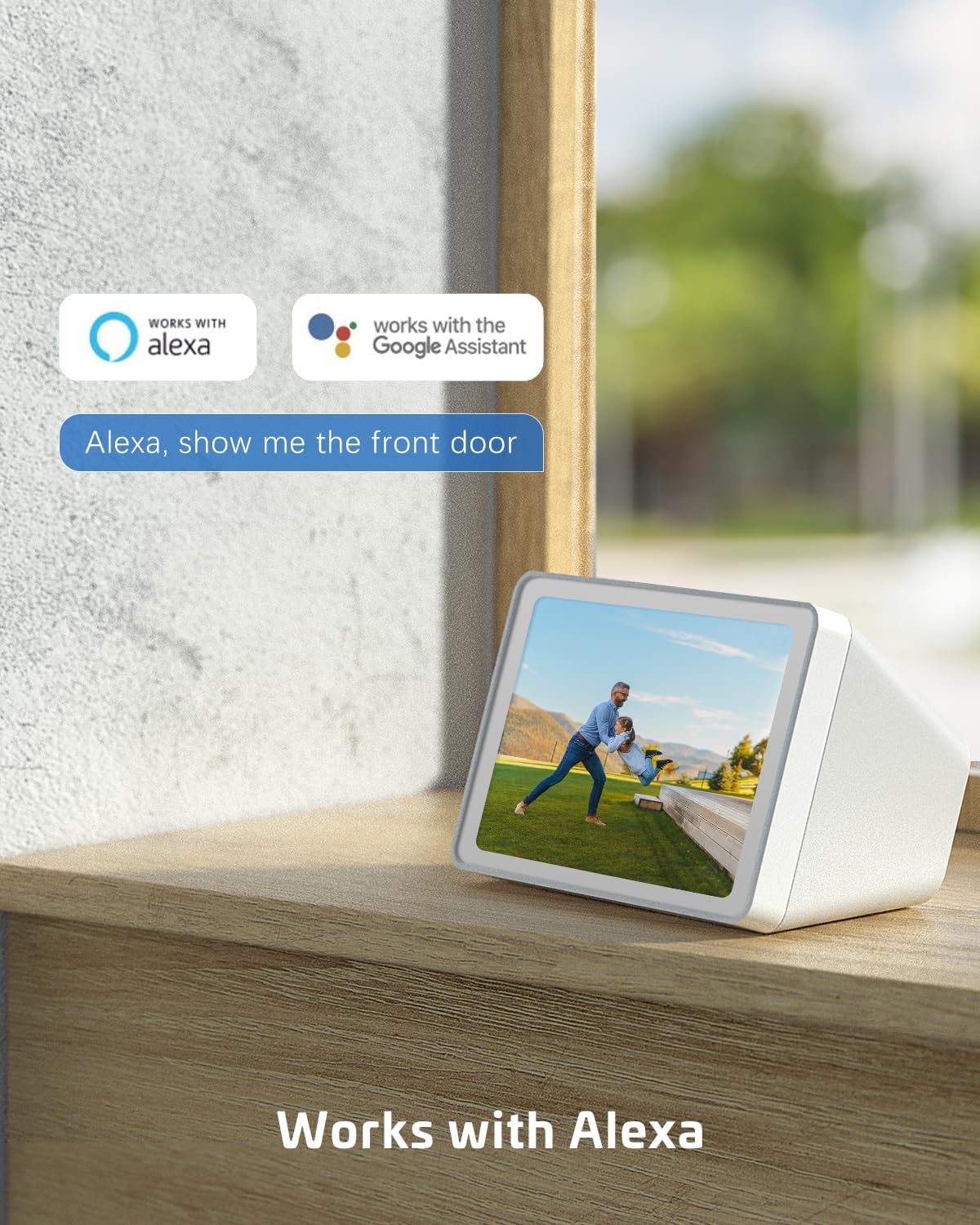
Figure 3.2: Pan and Tilt Functionality. The camera offers 355° pan and 120° tilt rotation, providing extensive coverage without blind spots. This allows for remote adjustment of the viewsudut pandang melalui aplikasi seluler.

Figure 3.3: 2K Super HD Color Night Vision. This image demonstrates the camera's ability to capture clear, high-definition video even in low-light conditions, offering both color and infrared night vision options for enhanced visibility.

Figure 3.4: Two-Way Audio Communication. The camera supports two-way audio, enabling real-time communication through the camera's built-in speaker and microphone. This feature is useful for interacting with visitors or deterring intruders.
Fitur Utama:
- Resolusi 2K QHD: Provides high-resolution 3MP image quality for clear video monitoring.
- Fungsi PTZ: 355° pan and 120° tilt rotation with 4x digital zoom, controllable via the Cloudage or Cococam app.
- Bertenaga Surya & Tanpa Kabel: Equipped with a solar panel and 5200mAh rechargeable batteries for continuous power without wiring.
- Deteksi Gerakan AI: Optimized algorithms for human-like recognition, reducing false alarms. Supports optional recognition of pets, cars, and packages (paid features).
- Penglihatan Malam Warna: Offers clear night vision up to 100ft.
- Audio Dua Arah: Memungkinkan komunikasi secara real-time melalui kamera.
- Tahan Cuaca IP66: Designed to withstand various weather conditions, operating from -25°C to 60°C (-13°F to 140°F).
- Opsi Penyimpanan Ganda: Supports TF card (up to 128GB, not included) and cloud storage service (paid feature).
- Berbagi untuk Banyak Pengguna: Easily share camera access with family and friends via QR scan.
- Integrasi Rumah Pintar: Kompatibel dengan Amazon Alexa.
4. Pengaturan
Follow these steps to set up your COCOCAM Solar Camera:
- Isi daya Kamera: Before initial use, ensure the camera's internal battery is fully charged using the provided USB cable.
- Unduh Aplikasi: Download the "Cloudage" or "Cococam" app from your smartphone's app store (iOS App Store or Google Play Store).
- Buat Akun: Buka aplikasi dan ikuti petunjuk di layar untuk membuat akun pengguna baru.
- Tambahkan Perangkat: Di aplikasi, pilih "Tambahkan Perangkat" atau ikon "+". Pilih model kamera Anda dari daftar.
- Hubungkan ke Wi-Fi: Ikuti petunjuk aplikasi untuk menghubungkan kamera ke jaringan Wi-Fi 2.4GHz Anda. Penting: The camera only supports 2.4GHz Wi-Fi, not 5GHz. Ensure your router is configured for 2.4GHz or that you are connecting to the 2.4GHz band.
- Pasang Kamera dan Panel Surya:
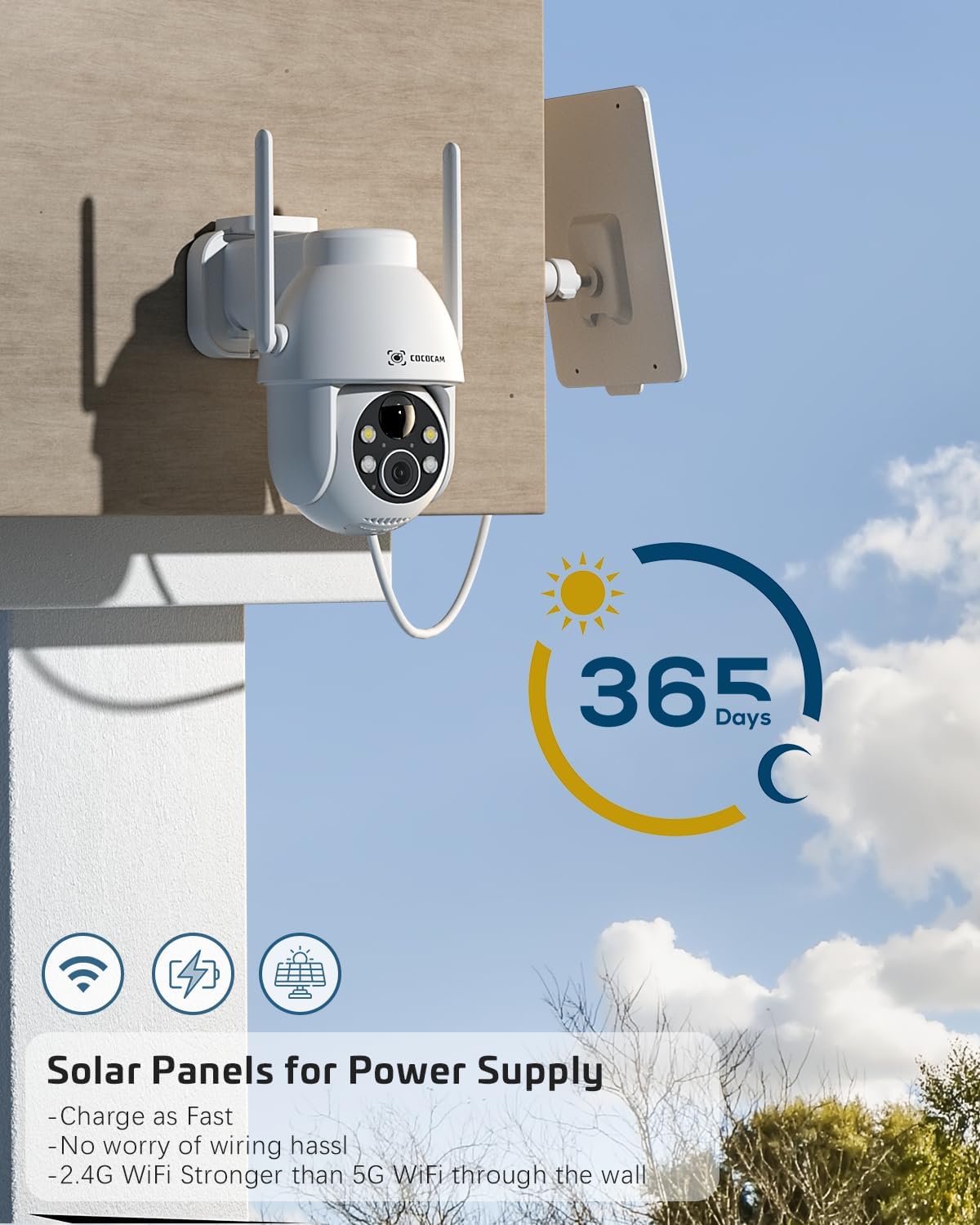
Figure 4.1: Camera and Solar Panel Installation. The camera and solar panel are designed for easy wall mounting. Position the solar panel in an area that receives direct sunlight for optimal charging.
Select a suitable outdoor location for installation. Use the included screws and positioning sheet to securely mount the camera and the solar panel. The solar panel should be positioned to receive maximum direct sunlight throughout the day for continuous power supply. Installation typically takes about 10 minutes.
- Penyesuaian Akhir: Once mounted, use the app to adjust the camera's pan and tilt angles to achieve the desired viewdaerah ing.
5. Mengoperasikan Kamera
Your COCOCAM camera offers a range of features accessible through the mobile application:
5.1 Langsung View dan Kontrol PTZ
Access the live video feed from your camera via the app. Use the on-screen controls to pan (355°), tilt (120°), and digitally zoom (4x) the camera to monitor different areas.
5.2 Deteksi Gerakan dan Peringatan

Figure 5.1: AI Motion Detection. The camera's advanced AI algorithms can differentiate between humans, pets, cars, and packages, reducing false alarms and providing more accurate alerts.
The camera features advanced AI motion detection. When motion is detected, you will receive instant alerts on your smartphone. You can customize detection sensitivity and enable/disable AI human detection in the app settings. Optional paid features include recognition for pets, cars, and packages.
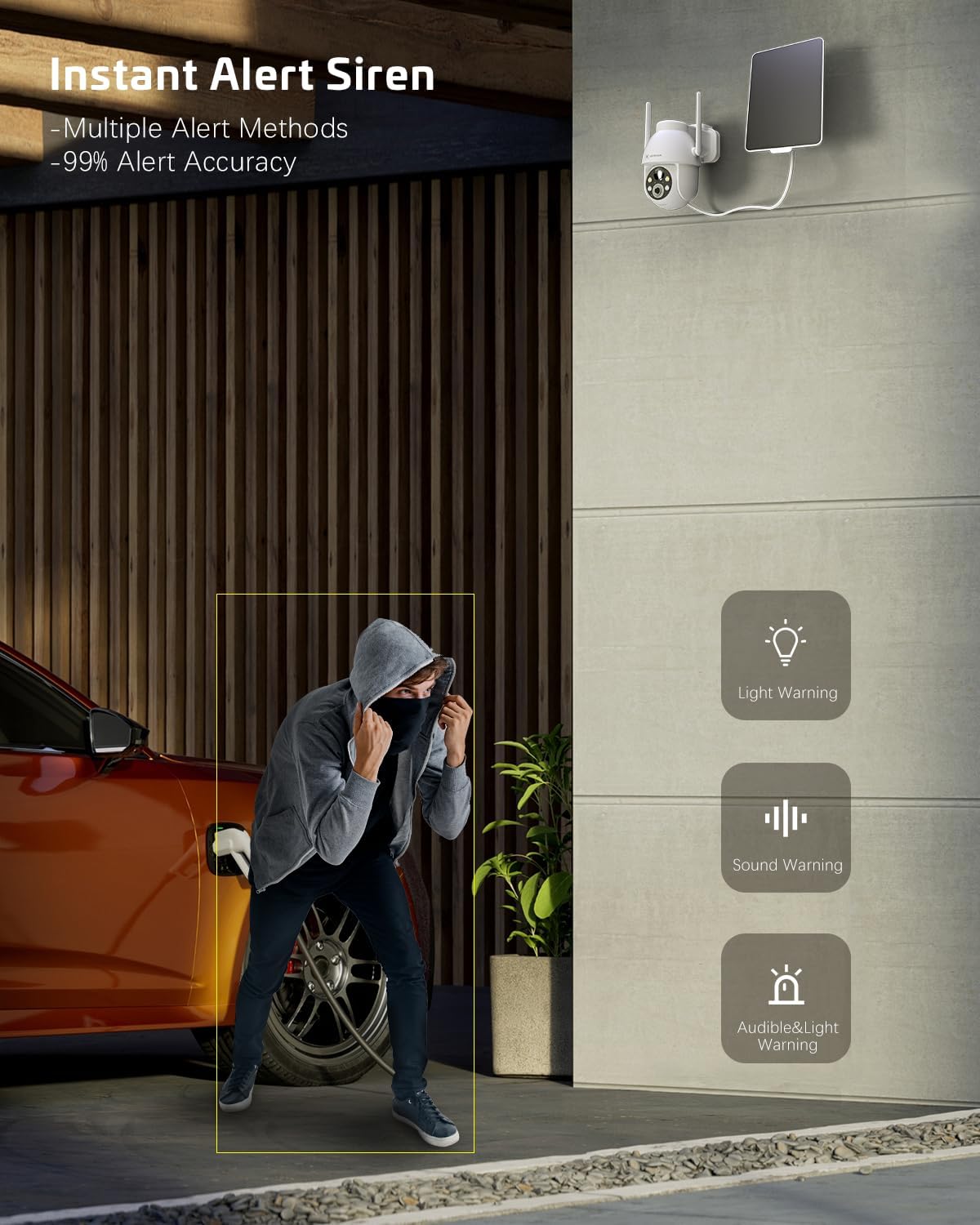
Figure 5.2: Instant Alert Siren. Upon detecting suspicious activity, the camera can activate a siren and flashing lights to deter intruders, providing multiple warning methods.
5.3 Penglihatan Malam
The camera automatically switches to night vision mode in low light. It offers both infrared night vision for clear black-and-white images and a 2K Super HD color night vision mode for enhanced detail in color.
5.4 Audio Dua Arah
Use the two-way audio feature to communicate with individuals near the camera. Simply tap the microphone icon in the app to speak, and listen through the camera's speaker.
5.5 Penyimpanan Video
Rekaman dapat disimpan dengan dua cara:
- Kartu TF: Insert a TF (microSD) card (up to 128GB, not included) into the camera's designated slot for local storage.
- Penyimpanan Awan: Subscribe to the optional cloud storage service (paid feature) for secure, remote storage of your video recordings. All video data is encrypted for privacy.
5.6 Berbagi Multi-Pengguna
Share access to your camera with family members or trusted individuals. This can be done easily by generating a QR code within the app for them to scan.
5.7 Integrasi Rumah Pintar
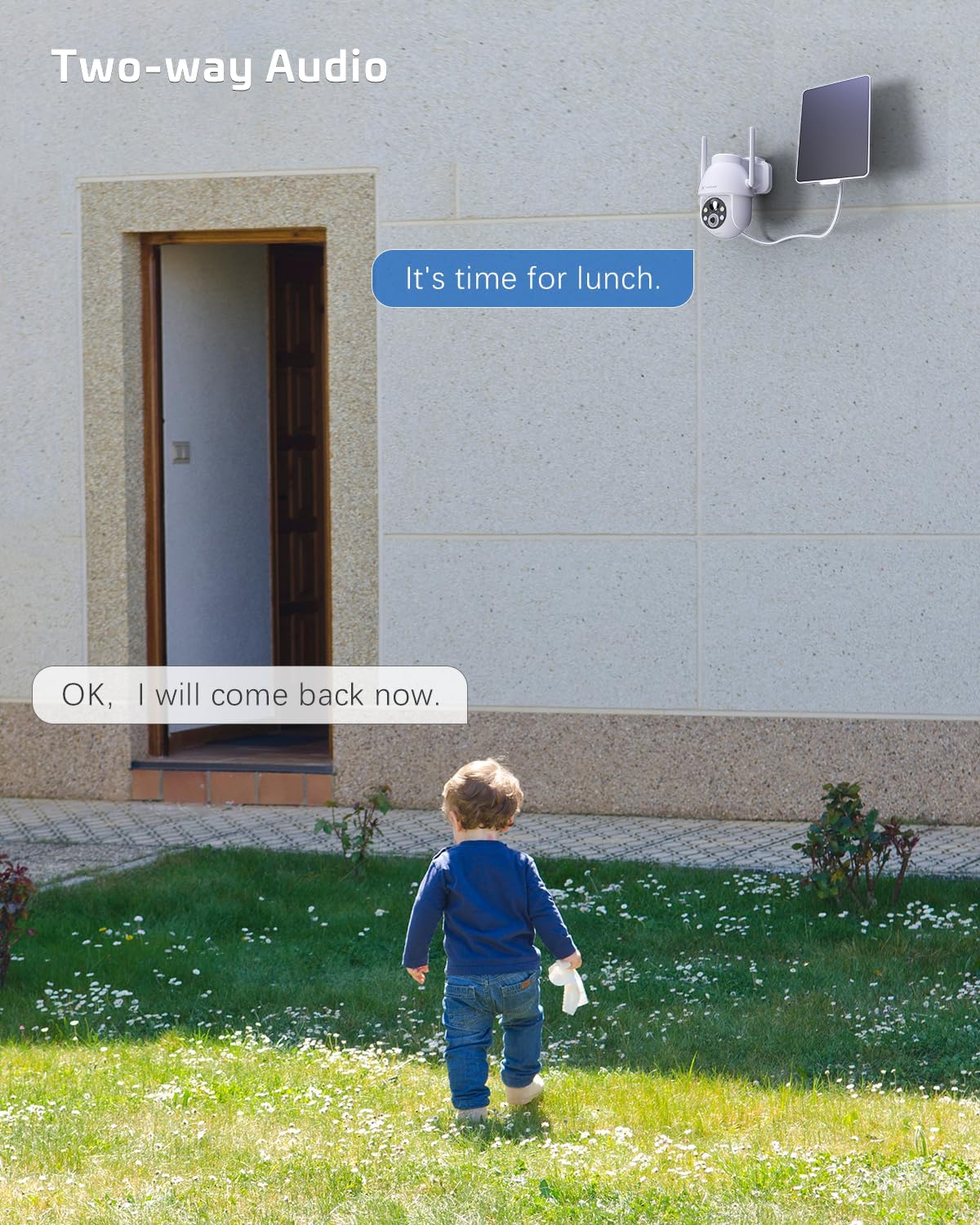
Figure 5.3: Alexa Integration. The camera is compatible with Amazon Alexa, allowing for voice control and viewmenampilkan tayangan kamera pada layar pintar yang kompatibel.
The COCOCAM camera can be integrated with Amazon Alexa. Follow the instructions in the Alexa app to link your COCOCAM account and enable voice commands for viewMenampilkan tayangan kamera Anda di perangkat yang kompatibel.
6. Pemeliharaan
Proper maintenance ensures the longevity and optimal performance of your COCOCAM Solar Camera:
- Pembersihan Panel Surya: Bersihkan permukaan panel surya secara teratur dengan kain lembut.amp cloth to remove dust, dirt, or debris that may hinder its charging efficiency.
- Pembersihan Lensa Kamera: Bersihkan lensa kamera dengan lembut menggunakan kain mikrofiber untuk memastikan kualitas gambar yang jernih. Hindari bahan abrasif yang dapat menggores lensa.
- Perlindungan Cuaca: The camera is IP66 weatherproof, designed to withstand rain and dust. However, avoid submerging the camera in water.

Figure 6.1: IP66 Weatherproof Design. The camera is built to withstand various outdoor elements, ensuring reliable operation in diverse weather conditions.
- Suhu Operasional: Ensure the camera operates within its specified temperature range of -25°C to 60°C (-13°F to 140°F).
- Pembaruan Firmware: Periksa aplikasi secara berkala untuk pembaruan firmware guna memastikan kamera Anda memiliki fitur terbaru dan peningkatan keamanan.
7. Penyelesaian masalah
If you encounter issues with your COCOCAM Solar Camera, refer to the following common problems and solutions:
| Masalah | Kemungkinan Penyebab / Solusi |
|---|---|
| Kamera tidak terhubung ke Wi-Fi |
|
| Battery not charging or low battery |
|
| Alarm palsu yang sering terjadi |
|
| Kualitas video buruk atau gambar buram |
|
| Audio dua arah tidak berfungsi |
|
If the problem persists, please refer to the support section or contact COCOCAM customer service.
8. Spesifikasi
| Fitur | Detil |
|---|---|
| Nomor Model | ZY-C2 |
| Resolusi Pengambilan Video | 2K (1440p), 3MP |
| Jangkauan Pan/Tilt | Panci 355°, Kemiringan 120° |
| Digital Zoom | 4x |
| Sumber Daya | Bertenaga Surya, Baterai Isi Ulang 5200mAh |
| Protokol Konektivitas | Wi-Fi (hanya 2.4GHz) |
| Teknologi Komunikasi Nirkabel | Wifi gratis |
| Peringkat tahan cuaca | Tingkat IP66 |
| Suhu Operasional | -25°C hingga 60°C (-13°F hingga 140°F) |
| Rentang Penglihatan Malam | 20 Meters (approx. 65 feet), up to 100ft mentioned in feature bullets |
| Opsi Penyimpanan | TF Card (up to 128GB), Cloud Storage (paid) |
| Suara | Audio 2 Arah |
| Perangkat yang Kompatibel | Ponsel pintar, Amazon Alexa |
| Jenis Pemasangan | Wall Mount, Screw In |
| Berat Barang | 650 gram |
| Warna | Putih |
| Bahan | Plastik |
9. Garansi dan Dukungan
Jaminan: COCOCAM provides a 2-year warranty for this camera. Please retain your proof of purchase for warranty claims.
Dukungan Pelanggan: If you encounter any problems using your COCOCAM Solar Camera or require technical assistance, please contact COCOCAM customer support. You can typically find contact information on the COCOCAM official website or through the retailer where you purchased the product. For Amazon purchases, you can visit the COCOCAM Store on Amazon untuk pilihan dukungan.


