Perkenalan
The Logitech Signature M550 L Wireless Mouse is designed for enhanced comfort and productivity, especially for users with larger hands. It features an adaptive SmartWheel for precise or hyper-fast scrolling, SilentTouch technology for quiet clicks, and versatile connectivity options. This manual provides detailed instructions for setup, operation, and maintenance of your device.
Isi Paket
- Logitech Signature M550 L Wireless Mouse
- 1 Baterai AA (sudah terpasang atau termasuk)
- Logi Bolt USB Receiver (may be stored inside the mouse battery compartment)
- Dokumentasi Pengguna (manual ini)
Produk Selesaiview
Familiarize yourself with the key components of your Logitech Signature M550 L mouse.

Gambar: Atas dan samping view of the Logitech Signature M550 L mouse, highlighting its features including the SmartWheel, silent clicking buttons, Bluetooth connectivity, ergonomic shape, and 24-month battery life.
- Tombol Klik Kiri/Kanan: Feature SilentTouch technology for reduced clicking noise.
- Roda Pintar: Adaptive scroll wheel for line-by-line precision or super-fast free-spin scrolling.
- Indikator LED: Menampilkan status baterai dan mode koneksi.
- Sakelar Hidup/Mati: Terletak di bagian bawah mouse.
- Kompartemen Baterai: Houses the AA battery and Logi Bolt USB receiver.
- Desain Ergonomis: Contoured shape with soft thumb area and rubber side grips for comfort.
Pengaturan
1. Pasang Baterai
- Buka penutup kompartemen baterai di bagian bawah mouse.
- Masukkan baterai AA yang disertakan, pastikan polaritasnya benar (+/-).
- Close the battery compartment cover. The LED indicator on the mouse may flash briefly.
2. Hubungkan ke Perangkat Anda
The Signature M550 L offers two connection methods: Logi Bolt USB Receiver or Bluetooth Low Energy.
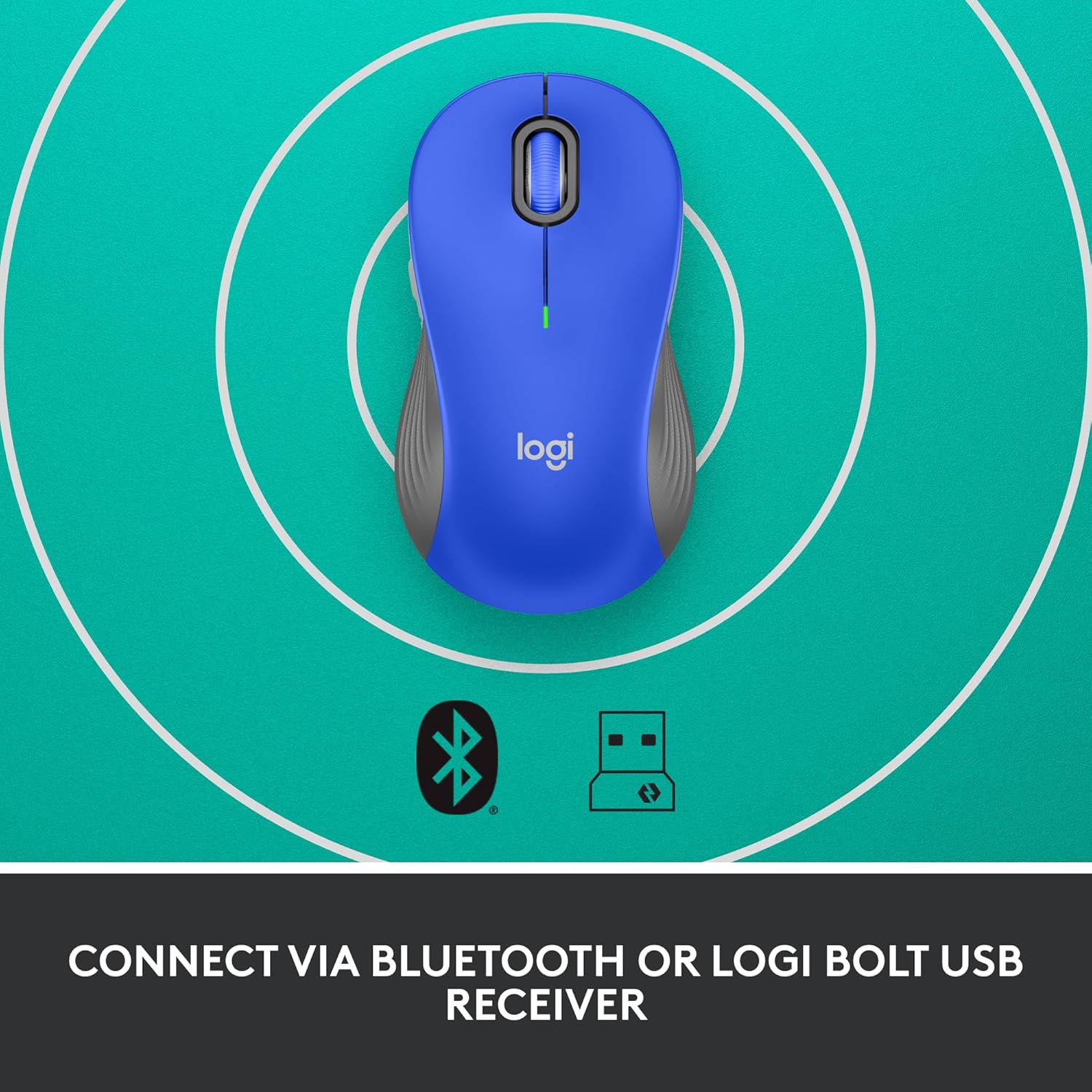
Image: The Logitech Signature M550 L mouse shown with icons representing Bluetooth and Logi Bolt USB receiver connectivity options.
Option A: Logi Bolt USB Receiver
- Locate the Logi Bolt USB receiver, typically stored inside the mouse's battery compartment.
- Hubungkan penerima USB Logi Bolt ke port USB yang tersedia di komputer Anda.
- Turn on the mouse using the On/Off switch on the bottom. Your computer should automatically detect the mouse.
Option B: Bluetooth Low Energy
- Nyalakan mouse menggunakan tombol On/Off di bagian bawah.
- Press and hold the Easy-Switch button (usually on the bottom or side, refer to product diagram if available) for 3 seconds until the LED indicator starts blinking rapidly. This indicates pairing mode.
- Di komputer atau perangkat Anda, buka pengaturan Bluetooth.
- Select "Logitech M550 L" from the list of available devices and follow any on-screen prompts to complete pairing.
Mouse ini kompatibel dengan sistem operasi Windows, macOS, Linux, Chrome OS, iPadOS, dan Android.
Petunjuk Pengoperasian
Pengguliran SmartWheel
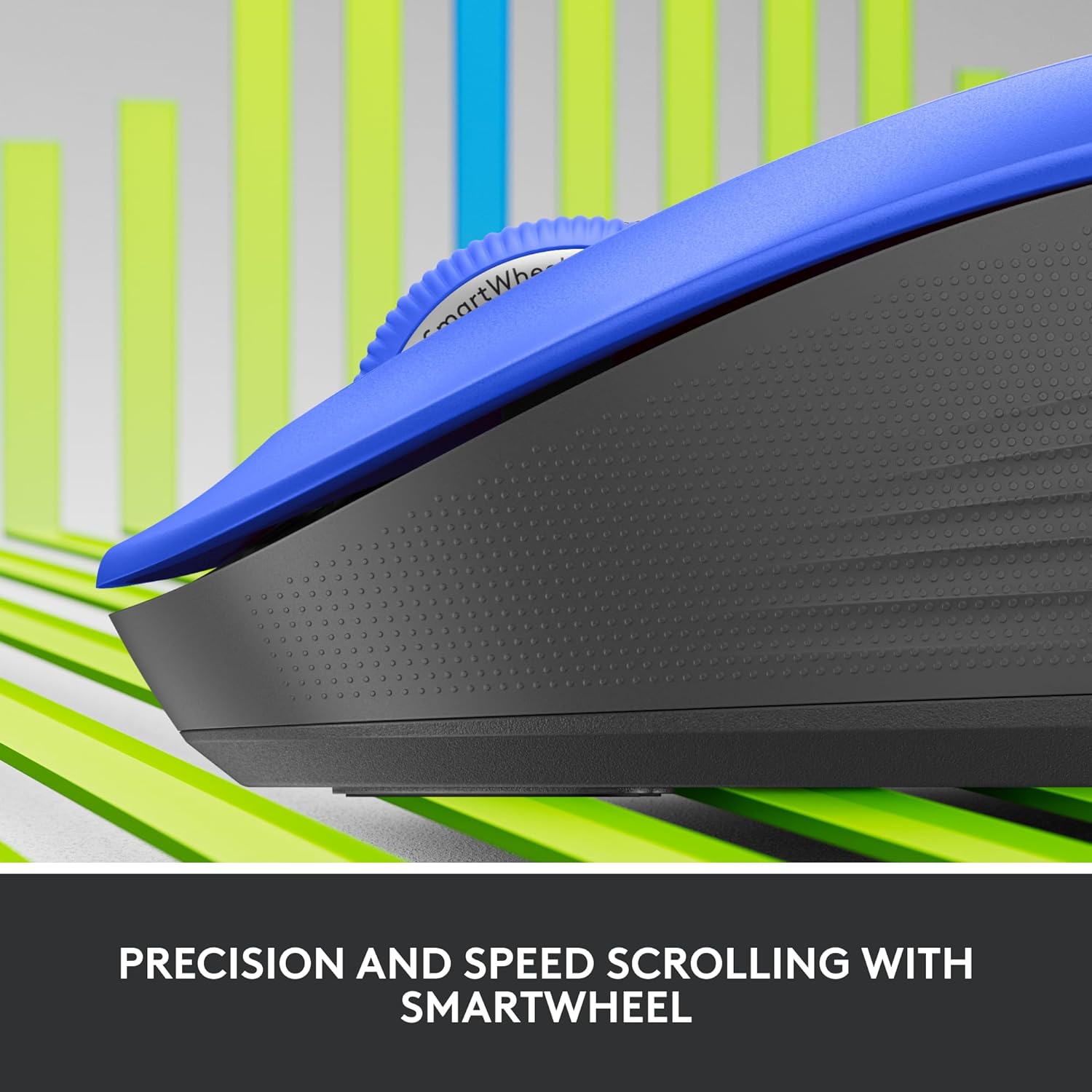
Gambar: Close-up view of the Logitech SmartWheel, demonstrating its precision and speed scrolling capabilities.
The SmartWheel automatically switches between two modes:
- Line-by-Line Precision: Ideal for detailed work and navigating documents. Scroll slowly for precise control.
- Super-Fast Free-Spin: For quickly navigating long web pages or documents. Flick the wheel to activate.
Klik Senyap

Image: A person using the Logitech Signature M550 L mouse at a desk, illustrating the benefit of 90% less clicking noise for a focused work environment.
The mouse features Logitech's SilentTouch technology, reducing click noise by over 90% compared to traditional mice. This allows for a quieter work environment without compromising click feel.
Kompatibilitas Multi-Perangkat
The Signature M550 L can be paired with multiple devices and switched between them using the Easy-Switch button. This feature is ideal for users who work across several computers or tablets.
Pemeliharaan
Penggantian Baterai
The mouse operates on a single AA battery, offering up to 24 months of battery life depending on usage. When the battery is low, the LED indicator will turn red. To replace:
- Matikan tetikus.
- Open the battery compartment cover on the underside.
- Remove the old AA battery and insert a new one, observing correct polarity.
- Close the cover and turn the mouse back on.
Pembersihan
To clean your mouse, use a soft, lint-free cloth lightly dampBersihkan dengan air atau larutan pembersih ringan. Hindari bahan kimia keras atau bahan abrasif. Pastikan tidak ada cairan yang masuk ke lubang tikus.
Penyelesaian Masalah
- Mouse tidak merespons:
- Pastikan mouse dihidupkan.
- Periksa level baterai dan ganti jika perlu.
- If using the Logi Bolt receiver, try plugging it into a different USB port or a different computer to rule out port issues.
- Jika menggunakan Bluetooth, pastikan Bluetooth diaktifkan pada perangkat Anda dan mouse telah dipasangkan dengan benar. Coba pasangkan ulang mouse.
- Move the mouse closer to the receiver or Bluetooth-enabled device to ensure it's within range.
- Pergerakan kursor tidak menentu:
- Bersihkan sensor optik pada bagian bawah mouse.
- Pastikan Anda menggunakan mouse di permukaan yang sesuai. Hindari permukaan yang sangat reflektif atau transparan.
- Connectivity issues after system update:
- Hidupkan ulang komputer Anda.
- Check for updated drivers for your mouse or Bluetooth adapter.
Spesifikasi
| Merek | Logitech |
| Nomor Model | Nomor telepon 910-006794 |
| Teknologi Konektivitas | Penerima USB Logi Bolt, Bluetooth Hemat Energi |
| Deteksi Gerakan | Optik |
| Fitur Khusus | Lightweight, Portable, Silent Clicks (SilentTouch), SmartWheel, Wireless |
| Jenis Baterai | 1 Baterai AA |
| Daya Tahan Baterai | Hingga 24 bulan (dapat bervariasi tergantung penggunaan) |
| Kompatibilitas Sistem Operasi | Windows, macOS, Linux, Chrome OS, iPadOS, Android |
| Berat Barang | 3.92 ons |
| Warna | Biru (untuk varian ini) |
Informasi Garansi
Logitech products are manufactured to high quality standards and are covered by a limited hardware warranty. For specific warranty terms and conditions applicable to your region and product, please refer to the official Logitech websitus web atau kartu garansi yang disertakan dengan pembelian Anda.
Mendukung
For further assistance, technical support, or to download the latest software and drivers for your Logitech Signature M550 L Wireless Mouse, please visit the official Logitech support weblokasi:
Anda juga dapat menemukan Tanya Jawab dan forum komunitas di situs dukungan.


