1. Lebihview
This manual provides essential information for setting up, operating, maintaining, and troubleshooting your HP 14-dq5009nr laptop. Designed for productivity and entertainment, this thin and light laptop offers reliable performance for everyday tasks.

Figure 1: HP 14-dq5009nr Laptop in Natural Silver.
Fitur Utama:
- Micro-Edge HD Display: Enjoy an ultra-wide viewing experience with minimal bezel.
- Intel Core i3-1215U Processor: 12th Generation Intel Core processor with 6 cores for multitasking.
- Grafis Intel UHD: Smooth streaming of 4K content and casual gaming.
- Penyimpanan dan Memori: 256 GB PCIe NVMe M.2 SSD for fast performance and 8 GB DDR4 RAM for enhanced multitasking.
- Windows 11 Home dalam Mode S: Secure operating system with fast boot times and protection against malware.

Gambar 2: Lebihview of the HP 14-dq5009nr Laptop's main features including display, processor, graphics, storage, and memory.
2. Pengaturan
2.1 Penyalaan Awal
- Keluarkan laptop dan semua aksesorinya dari kotak.
- Hubungkan adaptor daya ke port pengisian daya laptop, lalu ke stopkontak.
- Buka penutup laptop. Laptop mungkin akan menyala secara otomatis, atau Anda mungkin perlu menekan tombol daya yang terletak di kanan atas keyboard.
- Follow the on-screen instructions to complete the Windows 11 Home in S Mode setup, including selecting your region, language, and connecting to a Wi-Fi network.

Figure 3: The HP laptop screen showing the Windows 11 Start Menu, indicating successful initial setup.
2.2 Menghubungkan ke Wi-Fi
During the initial setup, you will be prompted to connect to a wireless network. If you need to connect later or change networks:
- Klik tombol Ikon jaringan (usually a Wi-Fi symbol) in the bottom-right corner of the taskbar.
- Pilih jaringan Wi-Fi yang Anda inginkan dari daftar.
- Klik Menghubungkan and enter the network security key (password) if prompted.
3. Mengoperasikan Laptop HP Anda
3.1 Papan Ketik dan Touchpad
The laptop features a full-sized keyboard and an integrated precision touchpad with multi-touch support. The touchpad supports gestures for smooth scrolling, zooming, and navigation.
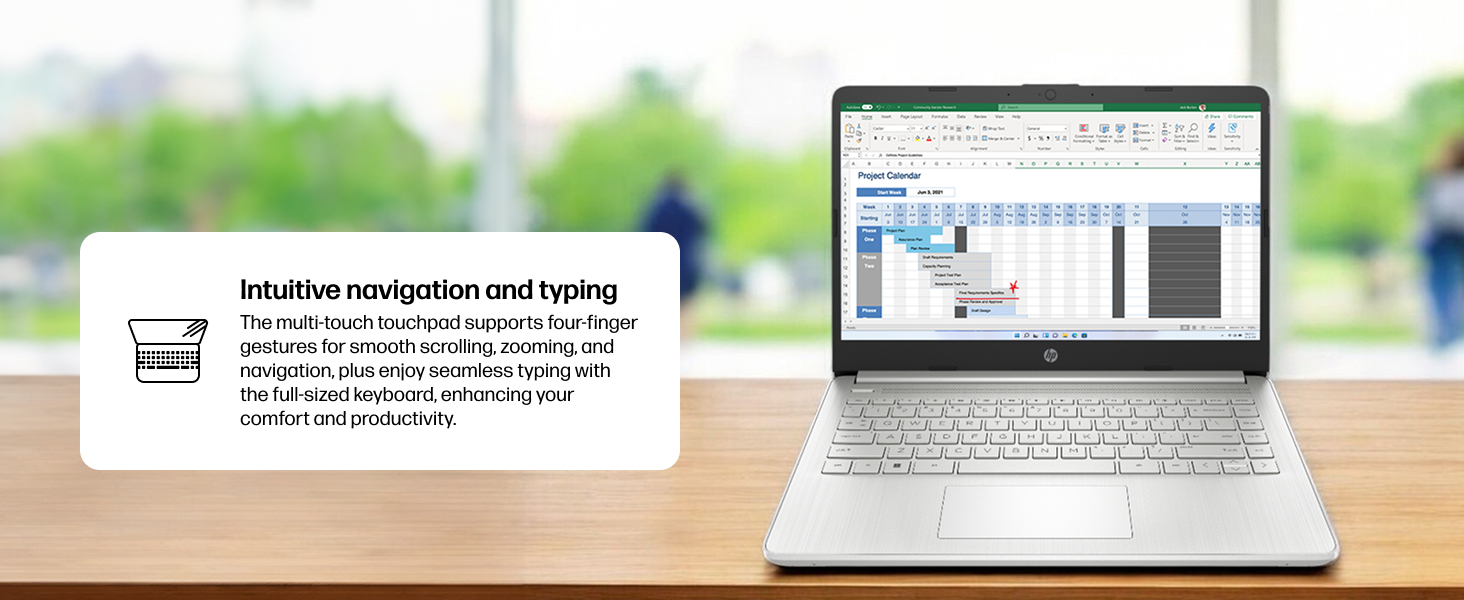
Figure 4: Demonstrating intuitive navigation and typing with the multi-touch touchpad and full-sized keyboard.
3.2 Tampilan dan Grafis
Your HP laptop is equipped with a 14-inch HD micro-edge display and Intel UHD Graphics, providing vibrant visuals for various tasks, from web browsing to multimedia consumption.
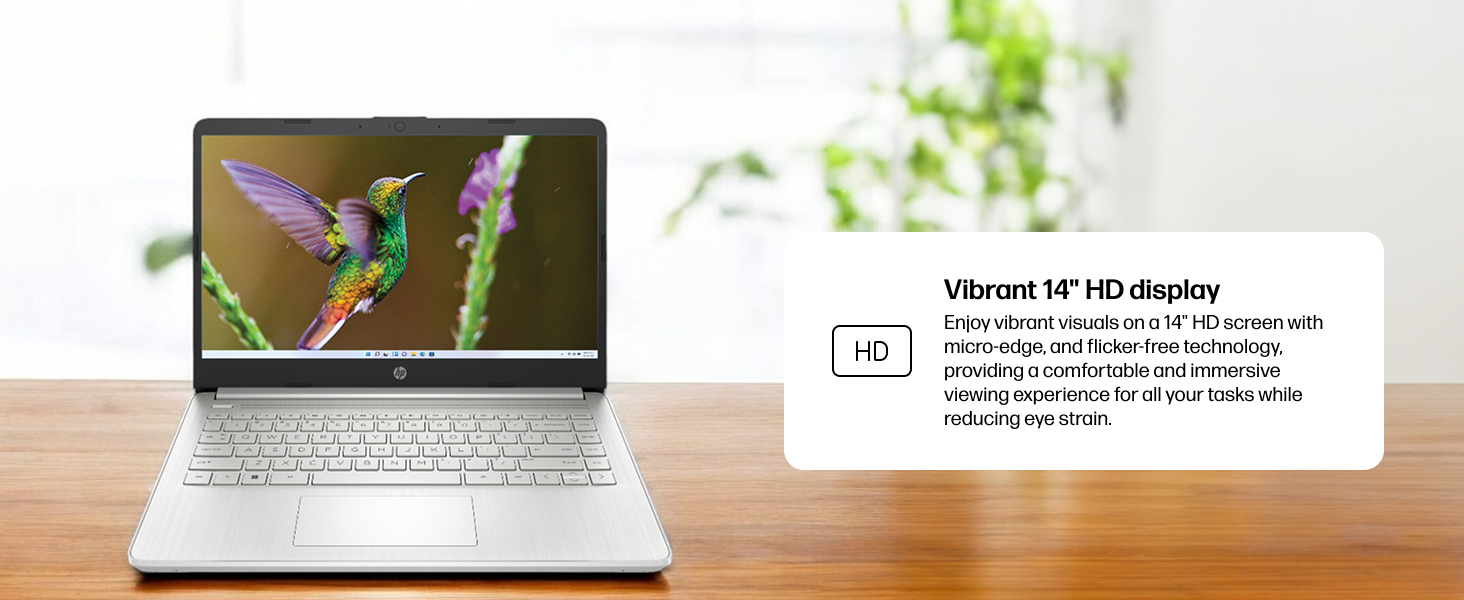
Figure 5: The laptop screen showcasing vivid visuals powered by Intel UHD graphics.
3.3 Port dan Konektivitas
The laptop offers a range of ports for connecting peripherals and external devices:
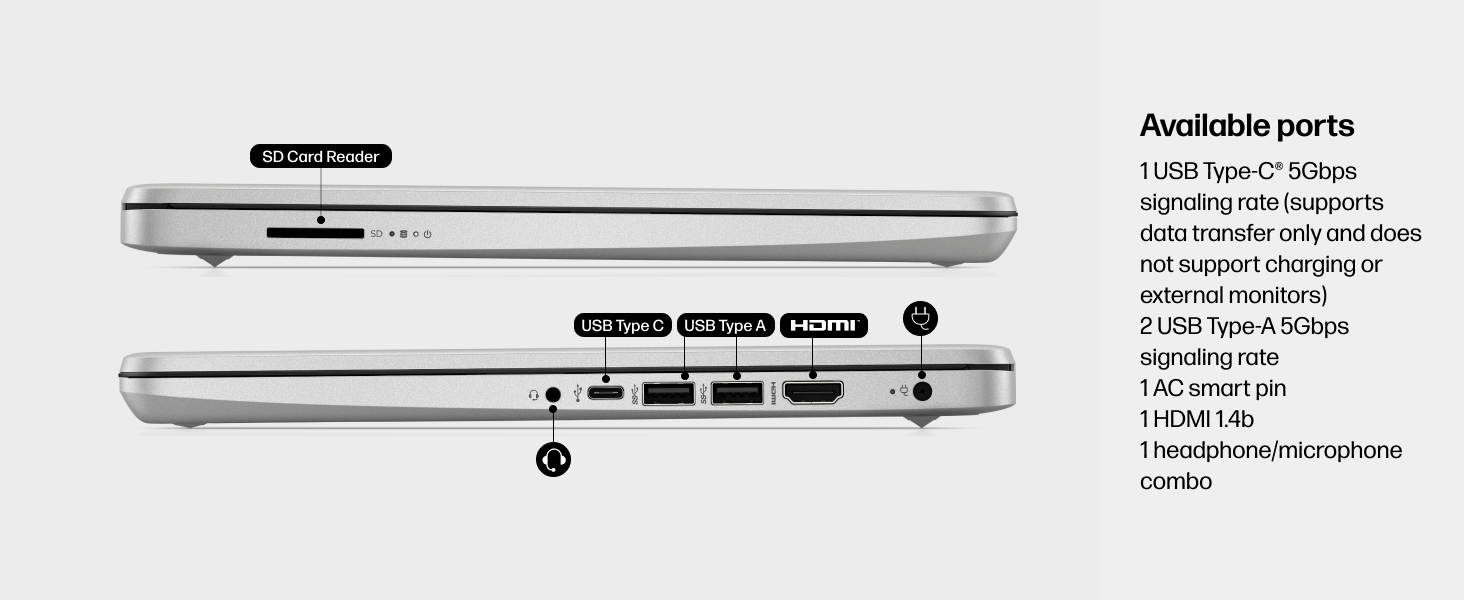
Gambar 6: Rinci view of the available ports on the HP 14-dq5009nr laptop.
- 1 USB Type-C® 5Gbps signaling rate (supports data transfer only, no charging or external monitors)
- 2 Kecepatan sinyal USB Tipe-A 5Gbps
- 1 AC smart pin (for power adapter)
- 1. HDMI 1.4b (versi lama)
- 1 Soket kombo headphone/mikrofon
- 1 Pembaca Kartu SD
4. Pemeliharaan
4.1 Perawatan Baterai
The HP 14-dq5009nr features a long-lasting battery and HP Fast Charge technology, allowing you to charge from 0 to 50% in approximately 45 minutes. To maximize battery lifespan:
- Hindari suhu ekstrem.
- Jangan menguras baterai hingga habis sepenuhnya secara teratur.
- Simpan laptop dengan daya baterai sebagian jika tidak digunakan dalam jangka waktu lama.
4.2 Petunjuk Pembersihan
- Gunakan kain lembut dan bebas serat untuk sedikit membersihkannya.ampDibersihkan dengan air atau cairan pembersih layar untuk membersihkan tampilan.
- Untuk keyboard dan sasis, gunakan kain lembut. Hindari bahan kimia keras.
4.3 Pembaruan Perangkat Lunak
Ensure your Windows 11 operating system and drivers are regularly updated for optimal performance and security. Windows Update typically handles this automatically.
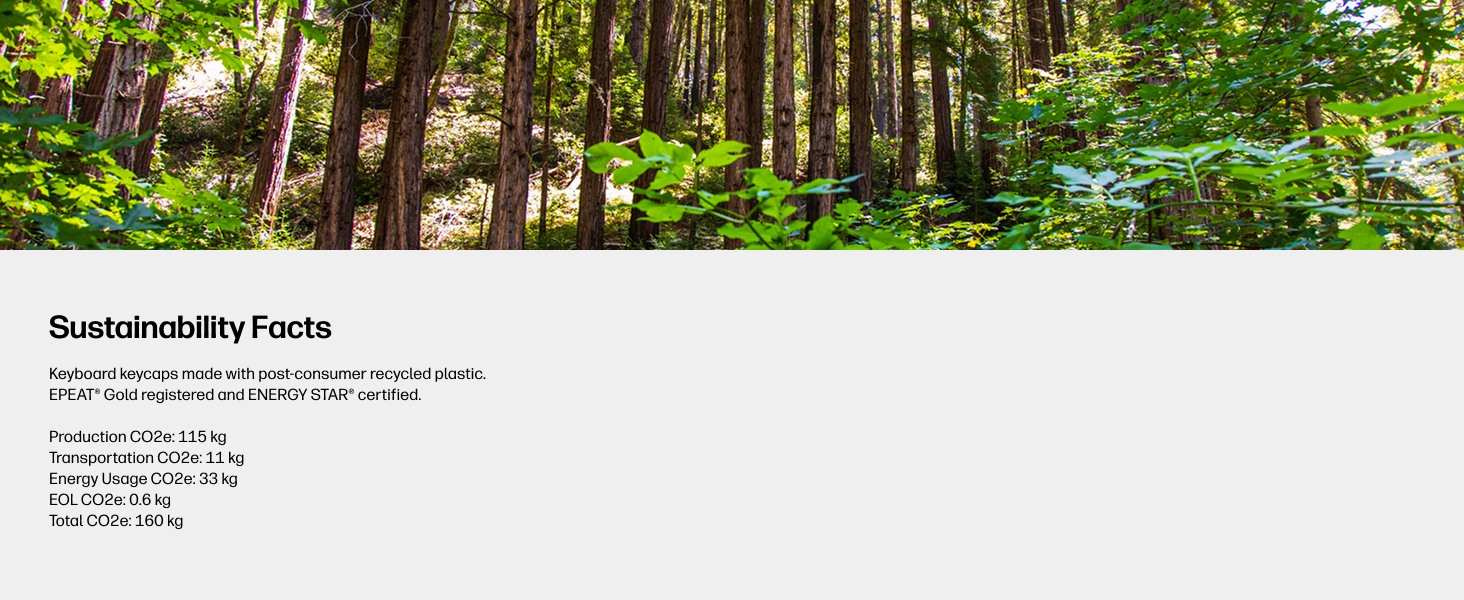
Figure 7: The laptop's keyboard keycaps are made from post-consumer recycled plastic, reflecting HP's commitment to sustainability.
5. Penyelesaian masalah
5.1 Masalah Daya
- Laptop tidak menyala: Ensure the power adapter is securely connected and the battery has sufficient charge. Try pressing and holding the power button for 15 seconds.
- Baterai tidak mengisi daya: Periksa apakah adaptor daya dan kabel tidak rusak. Coba gunakan stopkontak lain.
5.2 Masalah Tampilan
- Layar kosong: Connect an external monitor to check if the display is the issue. Try adjusting screen brightness using the function keys (F2/F3 or similar, look for sun icons).
- Layar berkedip: Perbarui driver grafis Anda.
5.3 Masalah Konektivitas
- Wi-Fi tidak terhubung: Ensure Wi-Fi is enabled in Windows settings. Restart your router and modem.
- Perangkat Bluetooth tidak dapat dipasangkan: Pastikan Bluetooth diaktifkan pada kedua perangkat dan keduanya berada dalam mode pemasangan.
6. Spesifikasi
| Fitur | Spesifikasi |
|---|---|
| Ukuran Tampilan Layar Berdiri | 14 inci |
| Resolusi Layar | 1366 x 768 piksel (HD) |
| Prosesor | Intel Core i3-1215U (4.4 GHz) |
| RAM | 8 GB DDR4 (2400 MHz) |
| Perangkat Keras | SSD 256 GB (PCIe NVMe M.2) |
| Koprosesor Grafis | Grafis Intel UHD |
| Sistem Operasi | Windows 11 Home dalam Mode S |
| Tipe Nirkabel | 802.11a/b/g/n/ac, Bluetooth |
| Berat Barang | 3.24 pon |
| Dimensi Produk | 12.76x0.71x8.86 inci |
| Warna | Perak |
7. Garansi dan Dukungan
7.1 Informasi Garansi
Your HP 14-dq5009nr laptop comes with a Garansi perangkat keras terbatas 1 tahun. Additionally, Dukungan teknis terbatas selama 90 hari for software and initial setup is provided when the product is shipped from and sold by Amazon.
7.2 Dukungan Teknis
For technical assistance, please refer to the official HP support channels. Web support is available 24 hours a day, 7 days a week. You can also visit the Toko HP di Amazon untuk informasi dan sumber daya lebih lanjut.