Perkenalan
This manual provides instructions for the installation, operation, and maintenance of your HyperGear MagSafe Magnetic Phone Holder Car Mount. This device is designed to securely hold your smartphone in your vehicle, offering convenient access for navigation and hands-free communication.
Isi Paket
- HyperGear MagSafe Magnetic Phone Holder Car Mount
- Adhesive-Backed Adapter Ring Plate (for non-MagSafe phones & cases)
Panduan Instalasi
Attaching the Mount to Your Air Vent
Follow these steps to securely attach the car mount to your vehicle's air vent:
- Twist the collar open: Rotate the collar on the vent clip counter-clockwise to open the clip jaws.
- Slide into vent: Carefully slide the vent clip onto one of your car's air vent blades. Ensure it is firmly seated.
- Twist the collar closed: Rotate the collar clockwise to tighten the clip, securing the mount firmly to the vent. The anti-slip silicone padding helps ensure a stable hold.

Image: Quick installation steps for the HyperGear MagSafe Magnetic Phone Holder Car Mount.
Menghubungkan Ponsel Anda
- For MagSafe-compatible phones/cases: Simply place your MagSafe-compatible iPhone or case directly onto the magnetic surface of the mount. The magnets will automatically align and secure your device.
- For non-MagSafe phones/cases: Apply the included adhesive-backed adapter ring plate to the back of your phone or phone case. Ensure it is centered for optimal magnetic connection. Once the adapter ring is attached, you can place your device onto the magnetic mount.

Image: Illustration of universal compatibility for iPhone and Android devices, including the use of an adapter ring for non-MagSafe phones.
Petunjuk Pengoperasian
Securing Your Device
Once the mount is installed, simply bring your phone close to the magnetic surface. The powerful magnets will securely hold your device in place, allowing for one-handed operation. This ensures your phone remains stable even on uneven roads.
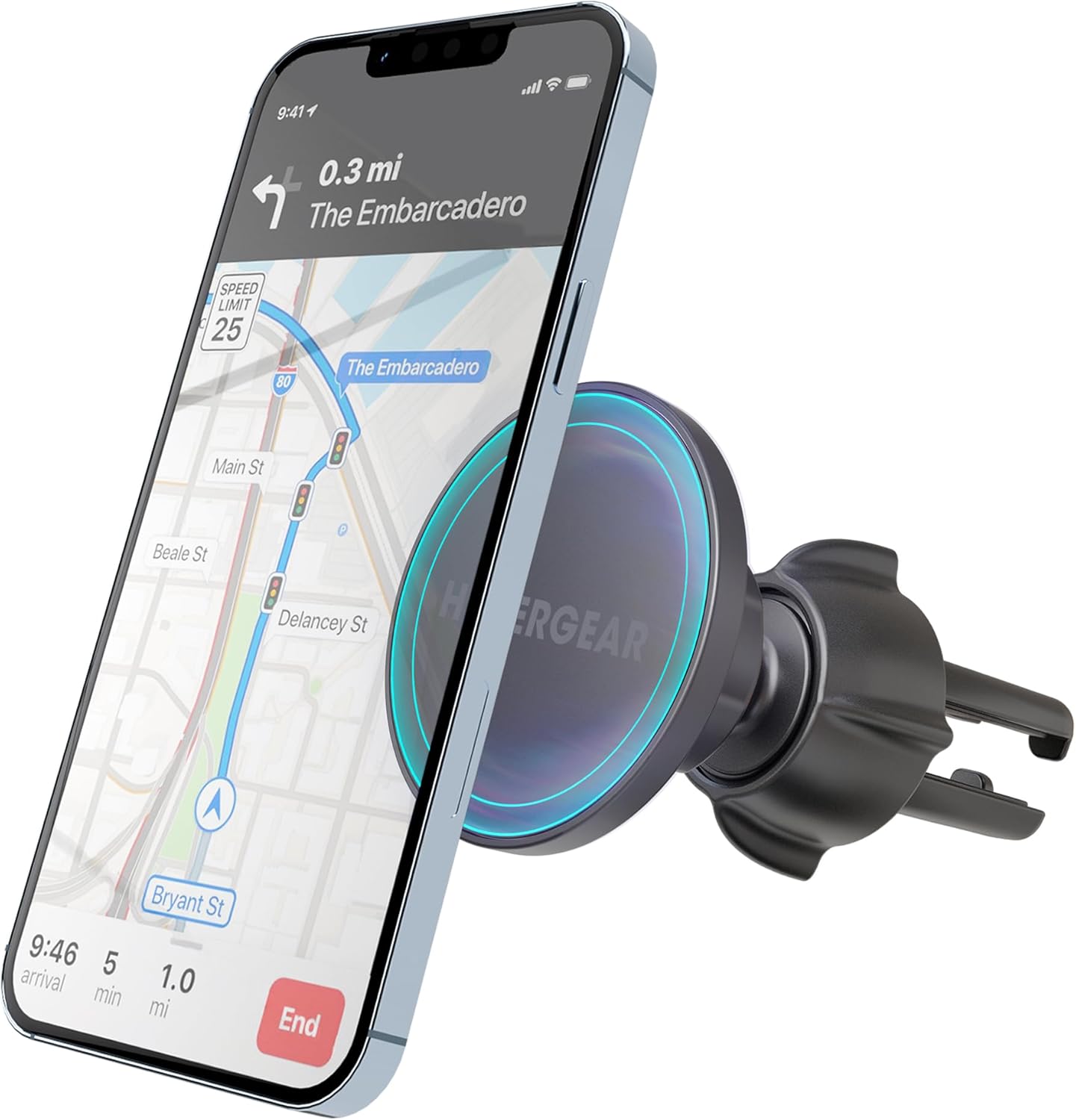
Image: The HyperGear car mount holding a smartphone with navigation displayed.
Menyesuaikan Viewsudut ing
The mount features a 360-degree swivel ball joint, allowing you to adjust your phone to any desired viewing angle. This flexibility supports both portrait and landscape orientations, optimizing visibility for navigation or other applications.
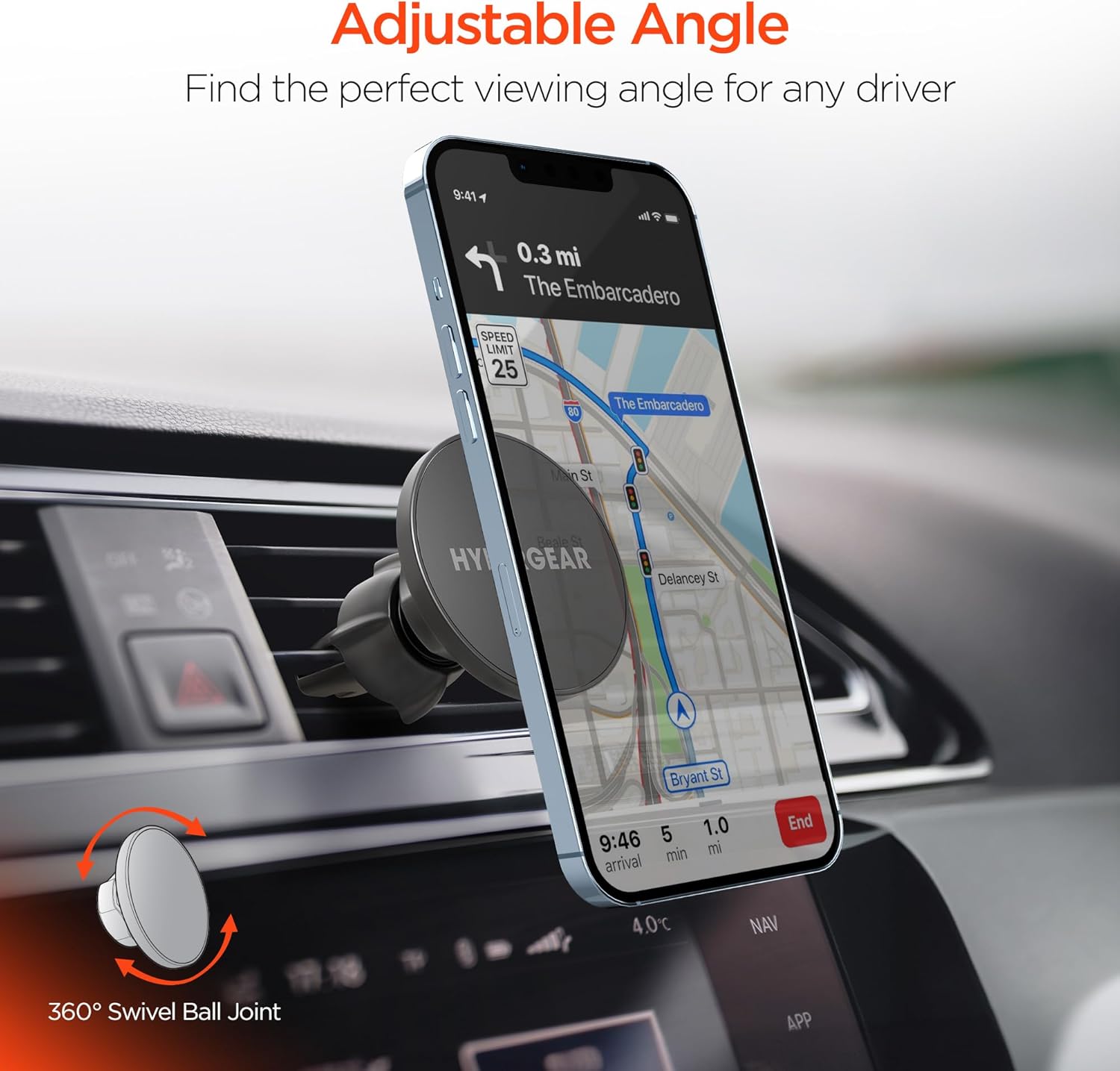
Image: The mount's 360-degree swivel feature for flexible viewsudut ing.
Kompatibilitas Perangkat
This magnetic phone holder is compatible with a wide range of smartphones. It offers direct compatibility with MagSafe-enabled iPhones (e.g., iPhone 16/15/14/13 Pro and similar models). For other devices, including various Android phones (e.g., Samsung S24, S23, S22) and non-MagSafe cases, the included adhesive adapter ring ensures broad compatibility.
Perawatan dan Pemeliharaan
- Pembersihan: Use a soft, dry cloth to wipe the surface of the mount. Avoid using harsh chemicals or abrasive cleaners.
- Penyimpanan: Saat tidak digunakan dalam jangka waktu lama, simpan dudukan di tempat yang sejuk dan kering, jauh dari sinar matahari langsung.
- Klip Ventilasi: Periodically check the vent clip for tightness to ensure continued secure attachment.
Penyelesaian Masalah
| Masalah | Kemungkinan Penyebab | Larutan |
|---|---|---|
| Ponsel tidak terpasang dengan aman. | Not a MagSafe-compatible device or adapter ring is not properly installed. | Ensure your phone is MagSafe-compatible or that the adapter ring is correctly applied and centered on your device/case. |
| Mount feels loose on the air vent. | Vent clip is not tightened sufficiently. | Rotate the collar clockwise to tighten the vent clip firmly onto the air vent blade. |
| Difficulty adjusting the viewsudut. | Ball joint might be stiff or obstructed. | Apply gentle, firm pressure to adjust the ball joint. Ensure no debris is obstructing movement. |
Spesifikasi Produk
| Fitur | Detil |
|---|---|
| Dimensi Produk | 4.7x1.6x4.7 inci |
| Berat Barang | 3.68 ons |
| Nomor Model Barang | f77e1861-dee6-44da-9fa4-1771211b27d1 |
| Fitur Khusus | Extra-Secure Air Vent Clip, MagSafe-Compatible, Secure & Go with Just One Hand |
| Warna | Hitam |
| Jenis Pemasangan | Lubang angin |
| Perangkat yang Kompatibel | All Cell Phones (with or without adapter ring) |
Garansi dan Dukungan
HyperGear products are designed for reliability and performance. For information regarding warranty coverage, technical support, or customer service, please refer to the official HyperGear websitus web atau hubungi dukungan pelanggan mereka secara langsung. Simpan struk pembelian Anda untuk klaim garansi.
Dukungan online: www.hypergear.com/support


