1. Pendahuluan
Thank you for choosing the Vandlion V22-64GB Voice Recorder. This manual provides detailed instructions on how to set up, operate, and maintain your device to ensure optimal performance. Please read this manual thoroughly before using the product.
The Vandlion V22-64GB is a compact and powerful digital voice recorder designed for clear audio capture in various environments. Key features include:
- Kapasitas Penyimpanan: 64GB of internal storage for extended recording sessions.
- Pengurangan Kebisingan 7 Tingkat: Enhances audio clarity by minimizing background noise.
- Voice-Activated Recording (VAR): Automatically starts recording when sound is detected, conserving memory and battery.
- Operasi Satu Tombol: Simple and quick recording activation.
- Waktuamped Recordings: Easy organization and retrieval of audio files.
2. Isi Paket
Silakan periksa paket untuk item berikut:
- Vandlion V22-64GB Voice Recorder
- Kabel data
- Headphone
- OTG adapters
- User Manual (dokumen ini)
3. Produk Lebihview
The Vandlion V22-64GB Voice Recorder is designed for portability and ease of use. Its compact metal casing ensures durability while providing a sleek appearance.

Image 3.1: Vandlion V22-64GB Voice Recorder in use. This image shows the compact size of the recorder, suitable for various recording environments like meetings or lectures.
The device features a simple ON/OFF/SAVE toggle switch for intuitive operation and a built-in microphone for 360-degree panoramic sound capture.

Image 3.2: The ON/REC and OFF/SAVE switch on the Vandlion V22-64GB Voice Recorder. This switch allows for quick initiation and saving of recordings.
4. Pengaturan
4.1 Mengisi Daya Perangkat
Before first use, fully charge the voice recorder. Connect the device to a computer's USB port or a USB wall adapter (not included) using the provided data cable. The indicator light will show charging status and turn off when fully charged.
- Connect the small end of the data cable to the recorder's charging port.
- Connect the standard USB end to a power source.
- Pengisian daya biasanya memakan waktu sekitar 2-3 jam.
4.2 Penyalaan Awal
To power on the device, slide the ON/REC switch to the 'ON' position. The device will vibrate briefly or an indicator light will illuminate, indicating it is ready for operation.
5. Petunjuk Pengoperasian
5.1 Perekaman Dasar
The Vandlion V22-64GB features a simple one-key recording function:
- To start recording, slide the switch to the 'ON/REC' position. The device will begin recording within approximately 5 seconds.
- Untuk menghentikan perekaman dan menyimpan file, slide the switch to the 'OFF/SAVE' position. The recording will be saved automatically.
Setiap audio file is automatically timestamped for easy organization and retrieval when connected to a computer.
5.2 Voice-Activated Recording (VAR)
The voice-activated recording feature helps conserve battery life and memory by only recording when sound is detected. To enable and adjust VAR:
- Hubungkan perekam ke komputer.
- Access the device's settings file (usually a configuration file or through dedicated software, refer to device's internal documentation if available).
- Adjust the sensitivity level for voice activation (typically 7 levels available). A higher sensitivity will trigger recording with softer sounds, while lower sensitivity requires louder sounds.
- Save the settings and disconnect the device. The VAR function will now be active.
5.3 Pengurangan Kebisingan
The recorder features 7-level noise reduction to improve audio clarity. This function is typically automatic, but its effectiveness can be influenced by recording environment and microphone placement.

Image 5.1: Illustration of the noise reduction capability of the Vandlion V22-64GB Voice Recorder. The image depicts how unwanted noise (red waves) is reduced, resulting in clearer audio (blue waves).
5.4 Pemutaran ulang
You can play back recordings directly from the device using the included headphones:
- Pastikan perangkat dihidupkan.
- Connect the included headphones to the recorder's headphone jack.
- Use the controls on the headphone cable (if available) or the device's internal controls (if applicable, refer to specific model's internal documentation) to navigate and play audio files.

Image 5.2: The Vandlion V22-64GB Voice Recorder connected to earphones for direct audio playback. This feature allows listening to recordings without needing a computer.
Alternatively, connect the recorder to a computer to play back filemenggunakan pemutar media komputer Anda.
5.5 File Pengelolaan
To manage your recorded files:
- Connect the voice recorder to your computer using the provided data cable.
- Perangkat tersebut akan muncul sebagai drive disk yang dapat dilepas.
- Buka drive untuk mengakses audio yang telah Anda rekam. files (typically in a folder like 'RECORD' or 'VOICE').
- You can copy, move, delete, or rename files as you would with any other filedi komputer Anda.
- Selalu cabut perangkat dari komputer Anda dengan aman sebelum melepaskannya.
The included OTG adapters allow you to connect the recorder to compatible Android smartphones for file pengelolaan.
6. Pemeliharaan
- Pembersihan: Gunakan kain lembut dan kering untuk membersihkan perangkat. Jangan gunakan cairan pembersih atau pelarut.
- Penyimpanan: Simpan perekam di tempat yang sejuk dan kering, jauh dari sinar matahari langsung, suhu ekstrem, dan kelembapan.
- Perawatan Baterai: Untuk memperpanjang masa pakai baterai, hindari sering-sering mengosongkan baterai sepenuhnya. Isi daya perangkat secara teratur, meskipun tidak digunakan dalam waktu lama.
- Pencadangan Data: Lakukan pencadangan rekaman penting secara berkala ke komputer Anda untuk mencegah kehilangan data.
7. Penyelesaian masalah
| Masalah | Kemungkinan Penyebab | Larutan |
|---|---|---|
| Perangkat tidak menyala. | Baterai lemah atau perangkat mati. | Charge the device fully. Ensure the ON/REC switch is in the 'ON' position. |
| Tidak dapat merekam. | Insufficient storage space or device not in recording mode. | Check available memory and delete unnecessary files. Ensure the switch is in the 'ON/REC' position. |
| Poor sound quality during recording. | Microphone obstructed, noisy environment, or incorrect VAR sensitivity. | Ensure the microphone is clear. Record in a quieter environment. Adjust VAR sensitivity if enabled. |
| Perangkat tidak dikenali oleh komputer. | Faulty USB cable, incorrect port, or driver issue. | Try a different USB cable or port. Restart your computer. Ensure the device is powered on when connecting. |
| Cannot hear playback through headphones. | Headphones not properly connected, volume too low, or corrupted file. | Ensure headphones are fully plugged in. Adjust volume. Try playing the file di komputer. |
8. Spesifikasi
| Merek | perusak |
| Model | V22-64GB |
| Kapasitas Penyimpanan Memori | 64 GB |
| Dimensi Produk | 0.76 x 2.21 x 7.37 cm; 150 g (or 8 x 22 x 74 Millimeters) |
| Antarmuka Perangkat Keras | Kabel USB 2.0 |
| Perangkat yang Kompatibel | Alat pendengar |
| Faktor Bentuk Mikrofon | Terintegrasi |
| Jack Headphone | 3.5 milimeter |
| Baterai Termasuk | Ya (Lithium Polimer) |
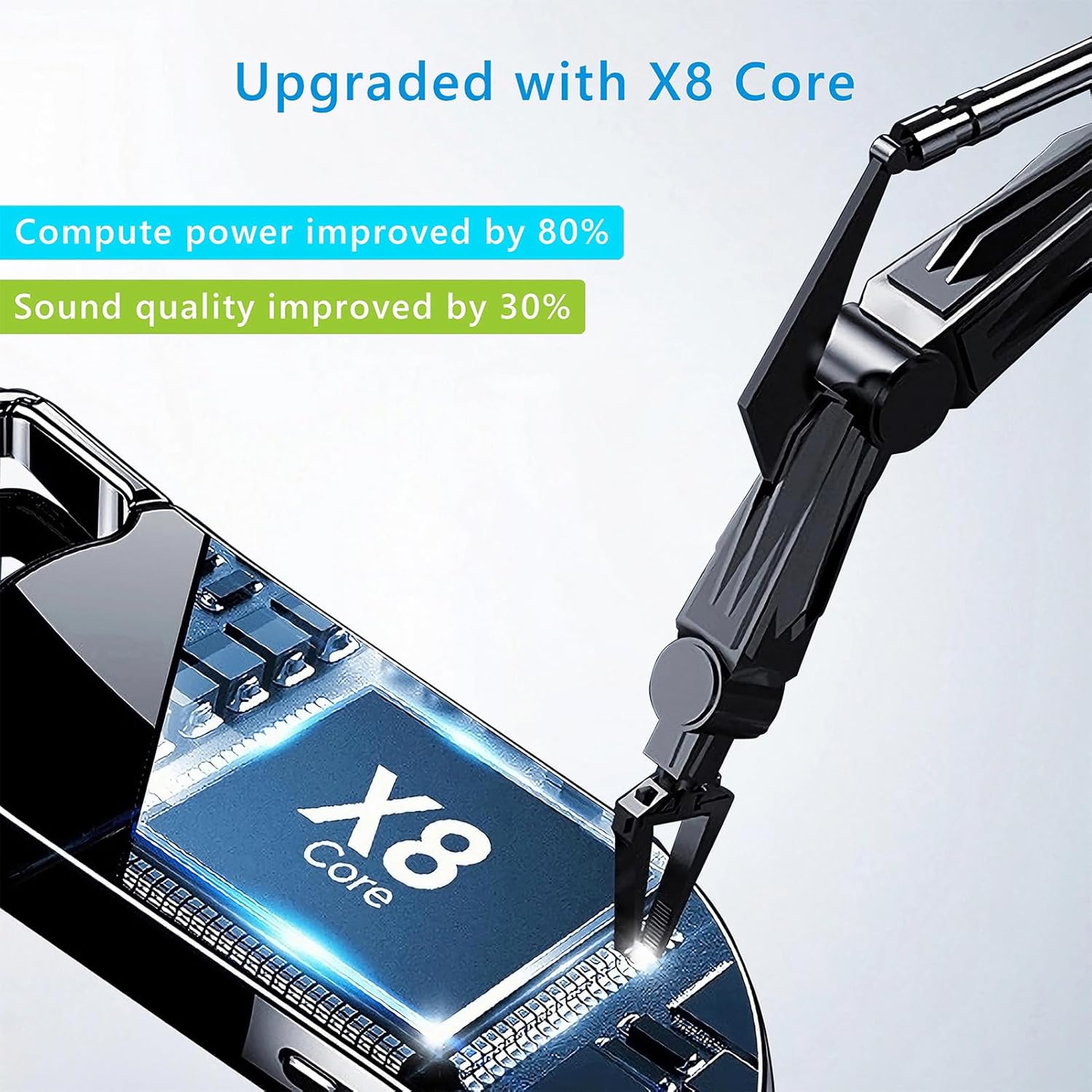
Image 8.1: Internal component view of the Vandlion V22-64GB Voice Recorder, showcasing the X8 Core. This illustrates the advanced processing unit within the device.
9. Garansi dan Dukungan
For warranty information and technical support, please refer to the documentation provided with your purchase or contact Vandlion customer service through their official websitus web atau pengecer tempat Anda membeli produk tersebut.
Simpan struk pembelian Anda sebagai bukti pembelian untuk klaim garansi.


