1. Pendahuluan
This manual provides essential information for the safe and efficient operation of your LG 55-Inch Class QNED80T Series LED Smart TV. Please read this manual thoroughly before using your TV and retain it for future reference. The LG QNED80T combines Quantum Dot and NanoCell color technologies for a vivid and immersive viewing experience. It features Dimming Pro for deep black levels and is powered by the α5 AI Processor Gen7 for enhanced picture detail and improved sound. The webOS 24 platform offers a streamlined streaming experience with Quick Cards and access to LG Channels.
2. Apa yang ada di dalam kotak
Saat membongkar kemasan, pastikan semua barang yang tercantum di bawah ini ada:
- LG 55-Inch Class QNED80T Series LED Smart TV
- Jarak Jauh Ajaib MR24
- Baterai Remote Control (AA x 2 buah)
- Kabel Daya (terlampir)
- Panduan Memulai Cepat
- E-Manual (digital)
- Dudukan TV (jika tidak dipasang di dinding)
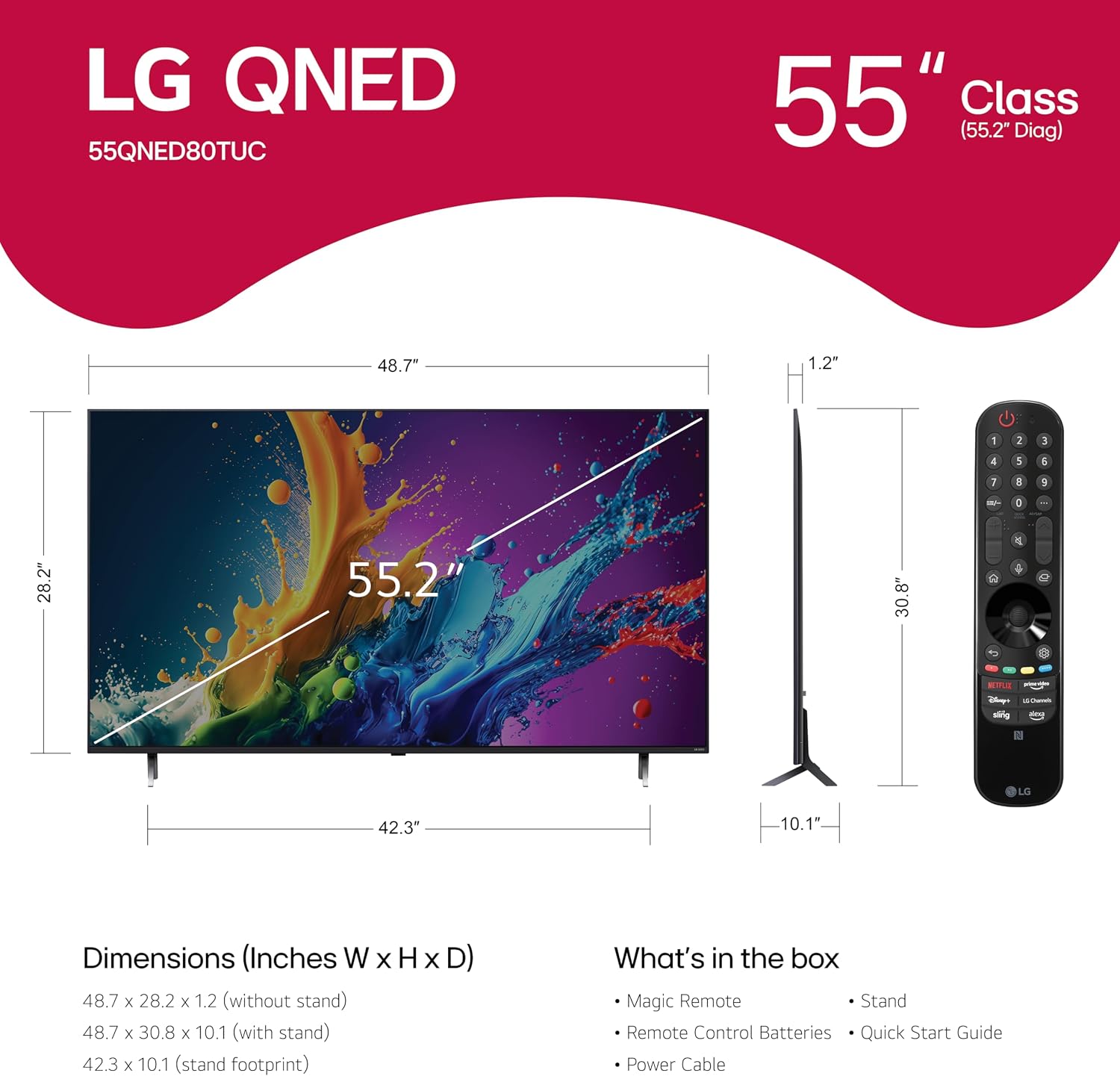
Figure 2.1: TV dimensions, Magic Remote, and contents of the box.
3. Pengaturan
3.1 Memasang Dudukan
If you are not wall-mounting your TV, attach the included stand. Carefully place the TV screen-down on a soft, flat surface to prevent damage. Align the stand feet with the designated slots on the bottom of the TV and secure them using the provided screws. Refer to the Quick Start Guide for detailed illustrations.

Figure 3.1: Attached TV stand.
3.2 Sambungan Daya
Hubungkan kabel daya ke input daya TV, lalu ke stopkontak. Pastikan koneksi aman.
3.3 Penyalaan Awal
Press the power button on the remote control or the TV's control button to turn on the TV. Follow the on-screen instructions for initial setup, including language selection, network connection, and channel scanning.
4. Fitur Utama
4.1 QNED Contrast and Quantum Dot NanoCell Color
The LG QNED80T Series TV utilizes a combination of Quantum Dot and NanoCell color technologies to produce vibrant and immersive images. Dimming Pro technology dynamically adjusts the backlights to achieve deep black levels, enhancing overall contrast.

Figure 4.1: Vibrant colors and picture quality on LG QNED.
Video 4.1: An official LG video explaining the benefits and technology behind LG QNED displays.
4.2 α5 AI Processor Gen7
The TV is powered by the α5 AI Processor Gen7, which enhances brightness, improves sound, and refines picture detail. This AI-powered processor upscales content to 4K resolution and adjusts color and contrast based on room lighting conditions.
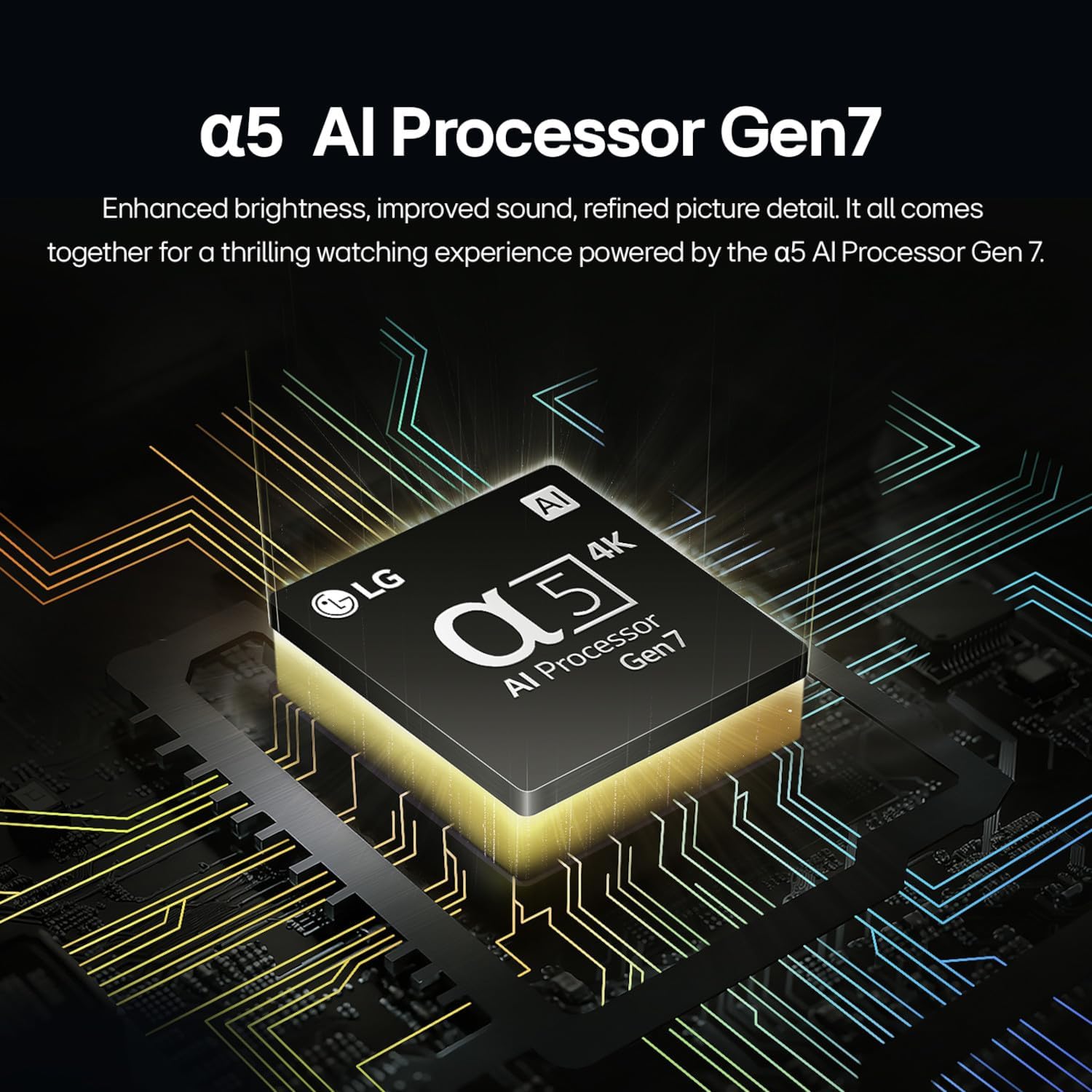
Figure 4.2: The α5 AI Processor Gen7.
4.3 HDR10 Pro and Filmmaker Mode
HDR10 Pro delivers a dramatic visual experience with elevated picture quality by enhancing colors on your screen. Filmmaker Mode allows you to view films as directors intended, preserving original aspect ratios, colors, and frame rates. Virtual 5.1 surround sound further enhances the home theater experience.

Figure 4.3: Home Theater experience with Filmmaker Mode and Dolby Audio.
4.4 webOS Re:Program Baru
Itu webOS Re:New Program ensures your TV stays updated with new software and feature refreshes for up to 5 years, providing long-term performance and peace of mind.

Gambar 4.4: webOS Re:New Program details.
5. Mengoperasikan TV
5.1 webPlatform Cerdas OS 24
The LG QNED80T features the webOS 24 smart platform, offering an intuitive and easy-to-navigate interface. Quick Cards allow you to group your favorite apps into categories for quick access. The Magic Remote provides a convenient way to browse and select content.
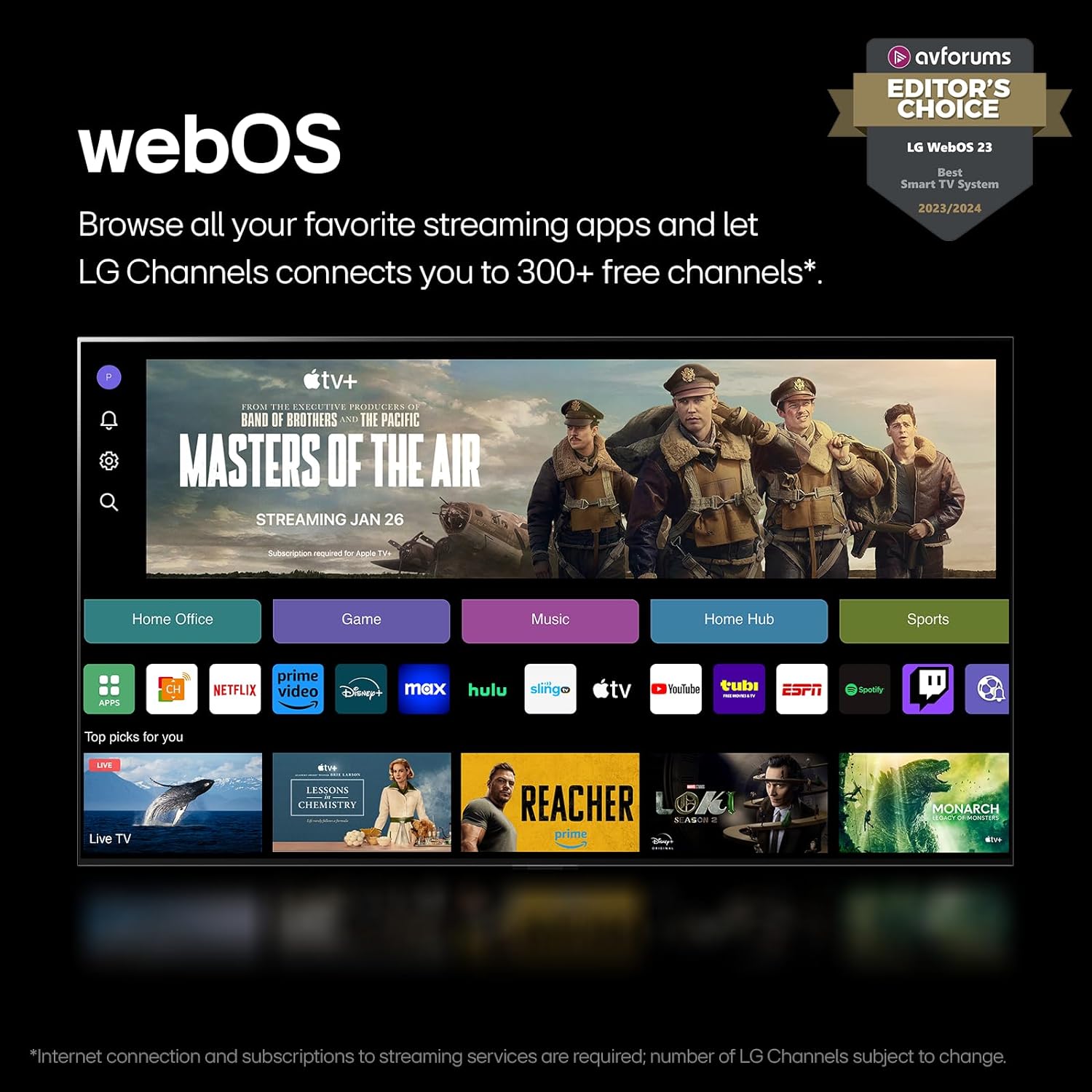
Gambar 5.1: webOS 24 interface with streaming apps.
Video 5.1: An official LG video highlighting the features and benefits of the LG webPlatform OS untuk smart TV.
5.2 Magic Remote and Voice Assistants
The included Magic Remote allows for intuitive control with point-and-click functionality. The TV also supports multiple voice assistants, including Alexa built-in, AirPlay, HomeKit, and Google Assistant, enabling hands-free control and smart home integration.

Figure 5.2: LG Magic Remote.

Figure 5.3: Voice assistant integration.
5.3 LG Channels
Access over 300 free channels with LG Channels, offering a wide variety of content including movies, news, sports, and more. An internet connection is required for streaming services and LG Channels.