Perkenalan
This manual provides detailed instructions for the setup, operation, maintenance, and troubleshooting of your Amazon Basics Pro Series Wireless Noise Cancelling ANC Over Ear Headphones. Please read this manual thoroughly before using the product to ensure proper function and longevity.

Image: The Amazon Basics Pro Series Wireless Noise Cancelling ANC Over Ear Headphone in black, showcasing desainnya yang ramping.
Isi Paket
Verifikasi bahwa semua item ada dalam paket:
- Amazon Basics Pro Series Wireless Noise Cancelling ANC Over Ear Headphone
- Kabel Pengisi Daya USB Type-C
- Kabel AUX 3.5mm
- User Manual (dokumen ini)
Pengaturan
1. Pengisian Awal
Before first use, fully charge the headphones. Connect the supplied USB Type-C charging cable to the headphone's charging port and the other end to a USB power source (e.g., computer USB port or wall adapter). The LED indicator will show charging status and turn off or change color when fully charged.
A full charge provides up to 74 hours of playback at 50% volume with ANC off, or 34 hours with ANC on.
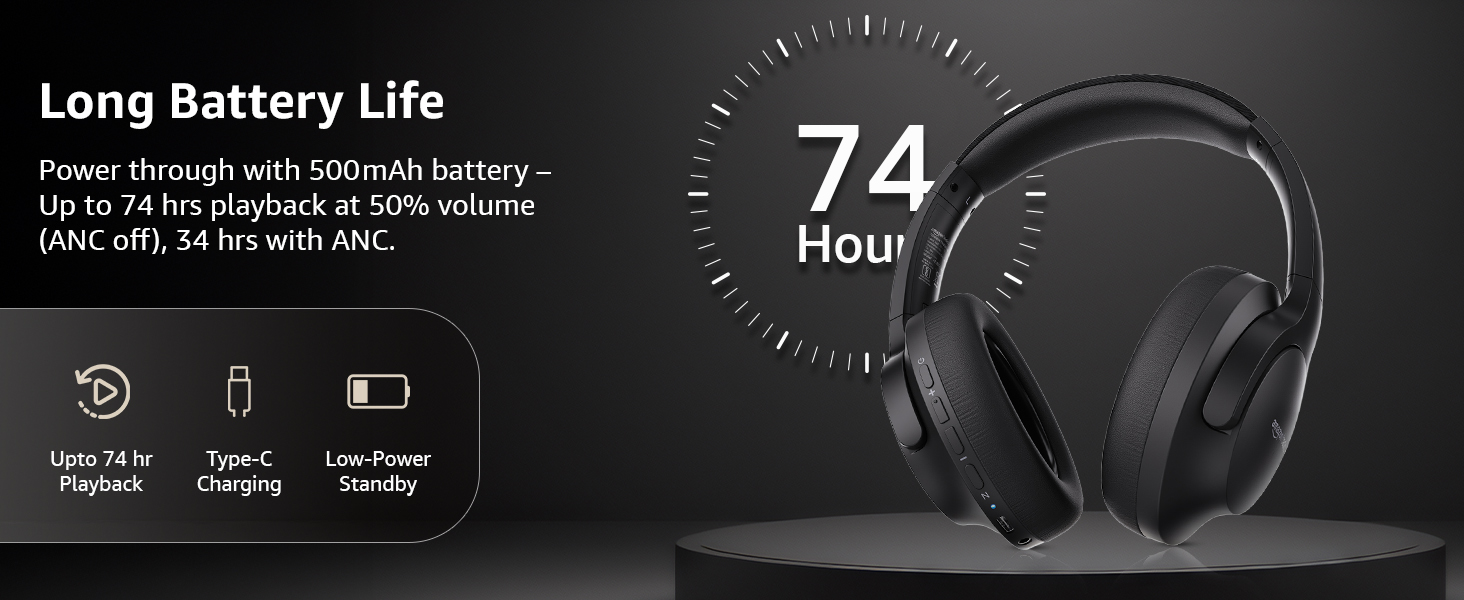
Image: An illustration highlighting the long battery life of the headphones, indicating up to 74 hours of playback.
2. Pemasangan Bluetooth
- Pastikan headphone terisi daya dan dimatikan.
- Tekan dan tahan tombol daya hingga indikator LED berkedip biru dan merah, yang menunjukkan mode pemasangan.
- Pada perangkat Anda (ponsel pintar, tablet, laptop), aktifkan Bluetooth dan cari perangkat yang tersedia.
- Select "AB-IBT-82ANC" from the list of found devices.
- Setelah terhubung, indikator LED akan menyala biru terang atau berkedip perlahan.
The headphones support dual pairing, allowing connection to two devices simultaneously for seamless switching.

Image: The headphones shown connected to both a smartphone and a laptop, illustrating the multi-pairing capability.
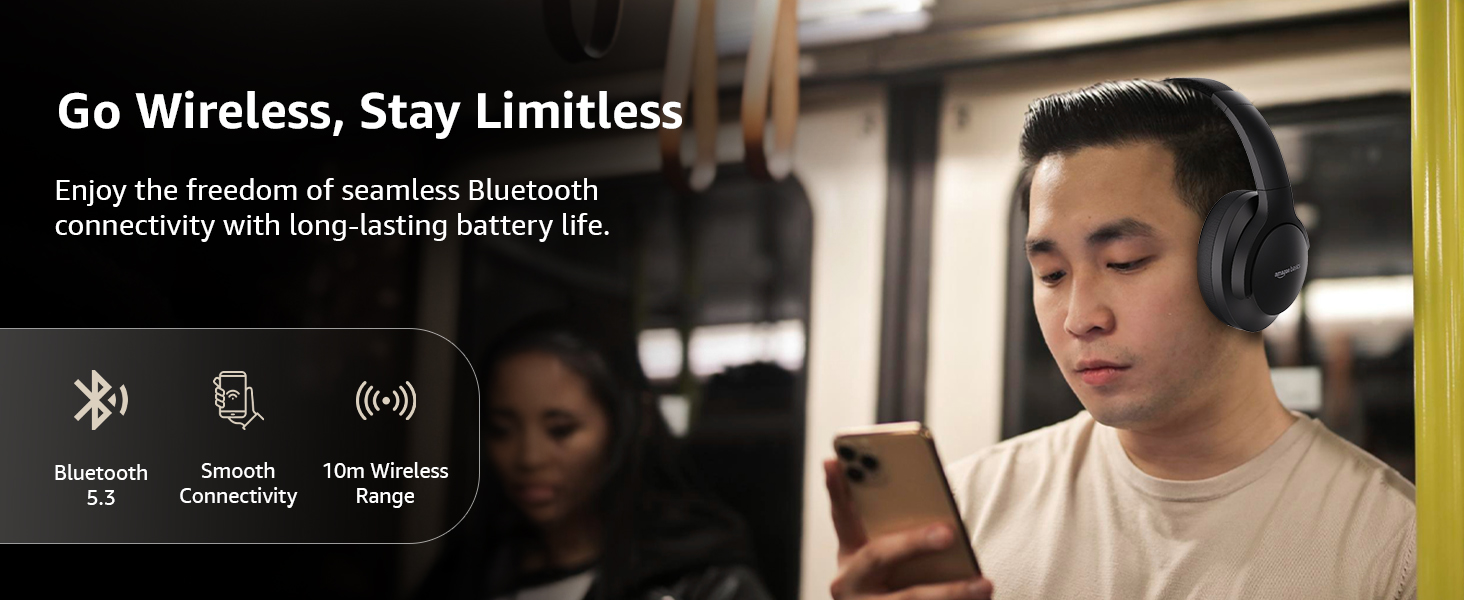
Image: A visual representation of the wireless capabilities, including Bluetooth 5.3 and a 10-meter wireless range.
3. Koneksi Kabel (Mode AUX)
For a wired connection, plug the 3.5mm AUX cable into the headphone's AUX port and the other end into your audio device's 3.5mm jack. This mode does not require battery power.
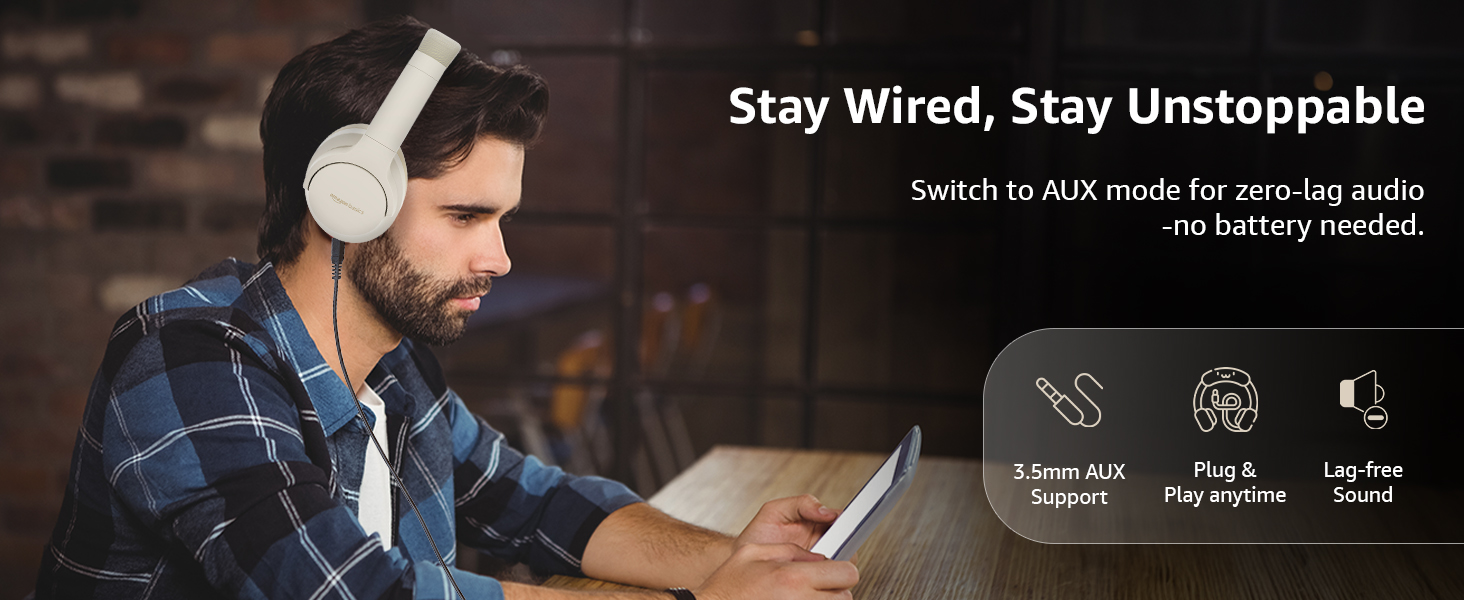
Image: A user demonstrating the wired AUX connection, emphasizing lag-free audio without needing battery power.
Petunjuk Pengoperasian
1. Daya Hidup/Mati
- Nyalakan: Tekan dan tahan tombol daya selama kurang lebih 3 detik.
- Matikan: Tekan dan tahan tombol daya selama kurang lebih 5 detik.
2. Accessible Controls
Headphone ini memiliki kontrol intuitif yang terletak di bagian penutup telinga:
- Volume Naik/Trek Berikutnya: Tekan sebentar untuk menambah volume, tekan lama untuk trek berikutnya.
- Volume Turun/Trek Sebelumnya: Tekan sebentar untuk mengecilkan volume, tekan lama untuk trek sebelumnya.
- Putar/Jeda/Jawab Panggilan: Tekan tombol multifungsi sekali.
- Akhiri Panggilan: Tekan tombol multifungsi sekali selama panggilan berlangsung.
- Tolak Panggilan: Tekan lama tombol multifungsi saat ada panggilan masuk.
- Aktifkan Asisten Suara (Siri/Google Assistant): Tekan tombol multifungsi dua kali.
- ANC Hidup/Mati: Dedicated ANC button to toggle Active Noise Cancellation.
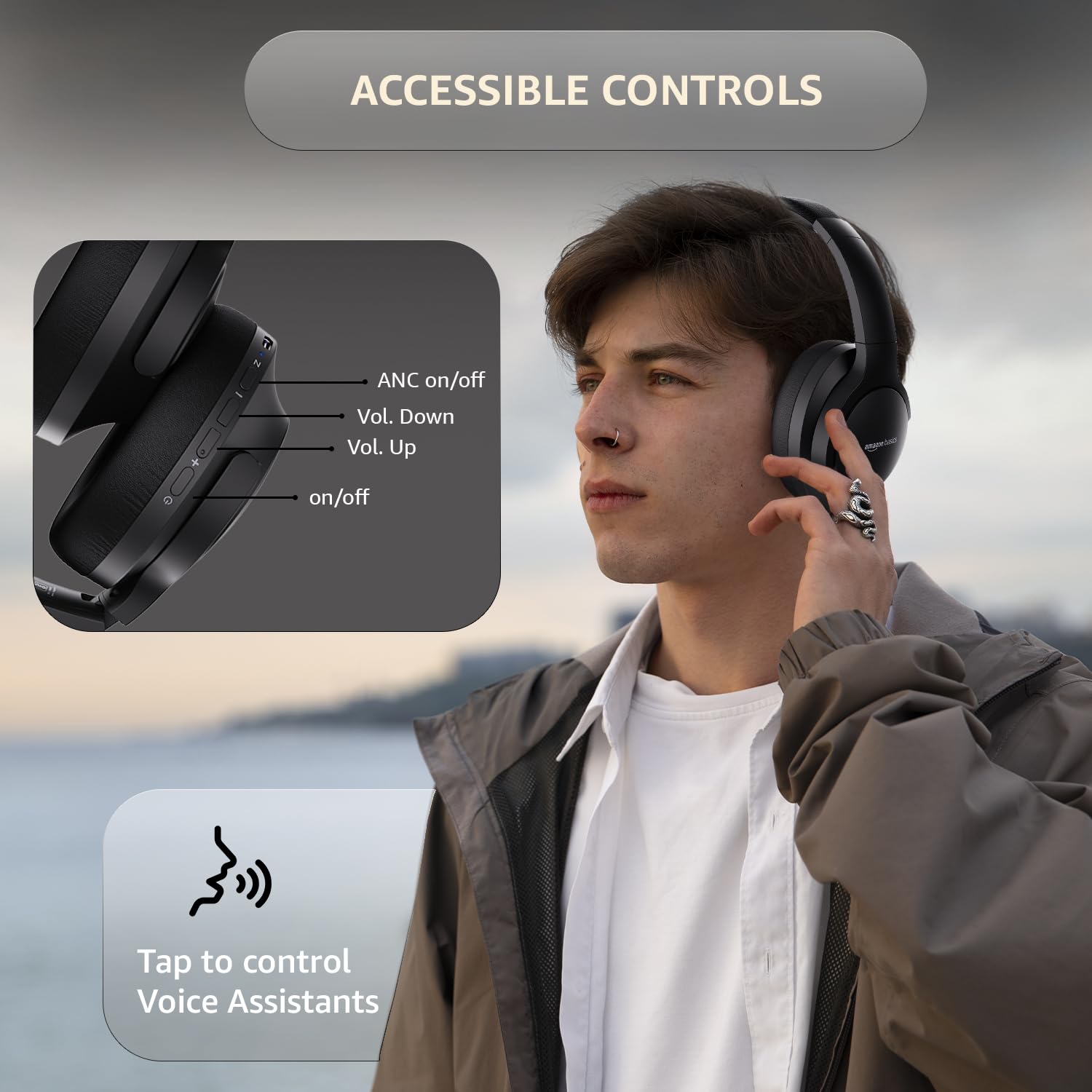
Image: A detailed diagram illustrating the location and function of the accessible controls on the headphone earcup.
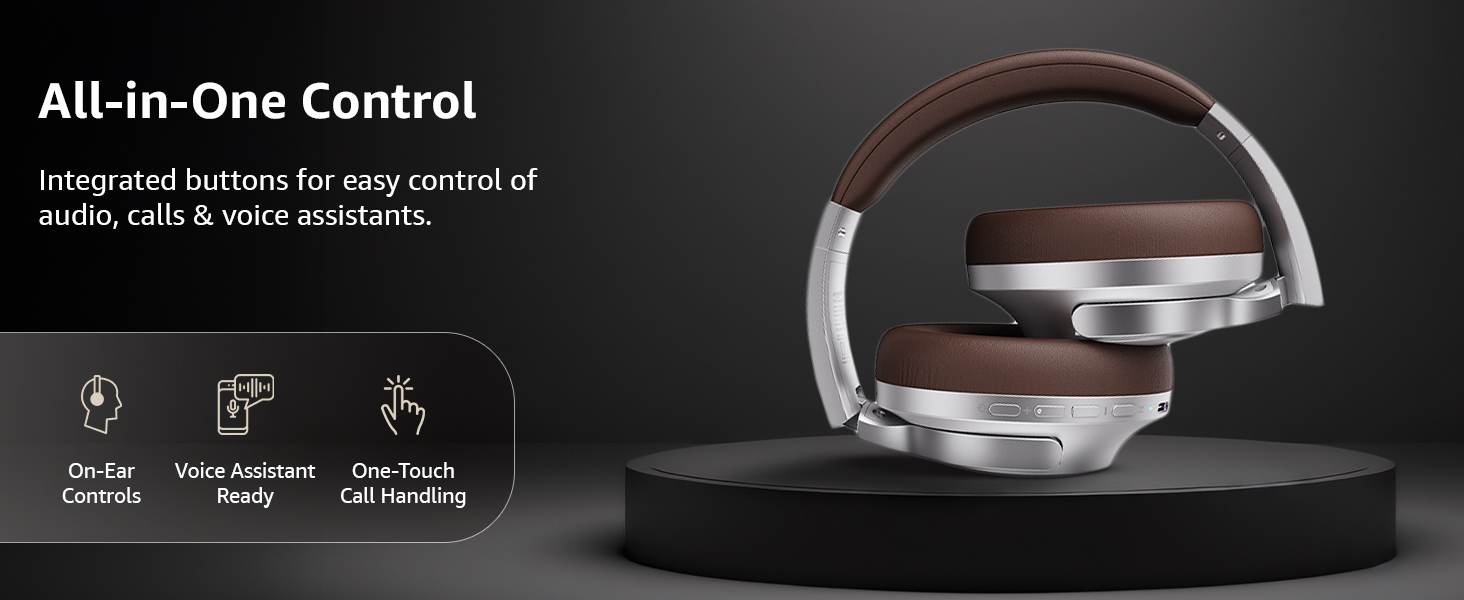
Gambar: Sebuah overview of the integrated controls, highlighting ease of use for audio, calls, and voice assistants.
3. Peredam Kebisingan Aktif (ANC)
The Active Noise Cancellation feature reduces ambient noise, providing a more immersive listening experience. Press the dedicated ANC button to activate or deactivate this feature. Note that ANC functionality may slightly reduce overall battery life.

Image: A person wearing the headphones in a public setting, illustrating the effectiveness of Active Noise Cancellation in reducing distractions.

Image: A graphic emphasizing the benefits of Active Noise Cancellation, including enhanced sound clarity and immersive audio.
4. Audio Quality and Drivers
The headphones are equipped with 40mm drivers, designed to deliver rich bass, clear mids, and precise highs for a balanced audio experience.
Gambar: Sebuah ledakan view diagram illustrating the 40mm drivers, which are responsible for the headphone's sound output.
Pemeliharaan
1. Pembersihan
- Bersihkan headphone dengan kain yang lembut, kering, dan tidak berbulu.
- Do not use abrasive cleaners, solvents, or spray cleaners directly on the headphones.
- Clean the ear cushions gently with a damp Jika perlu, lap dengan kain, dan biarkan hingga benar-benar kering sebelum digunakan.
2. Penyimpanan
When not in use, store the headphones in a cool, dry place, away from direct sunlight and extreme temperatures. The headphones feature a sleek and foldable design for convenient storage and portability.
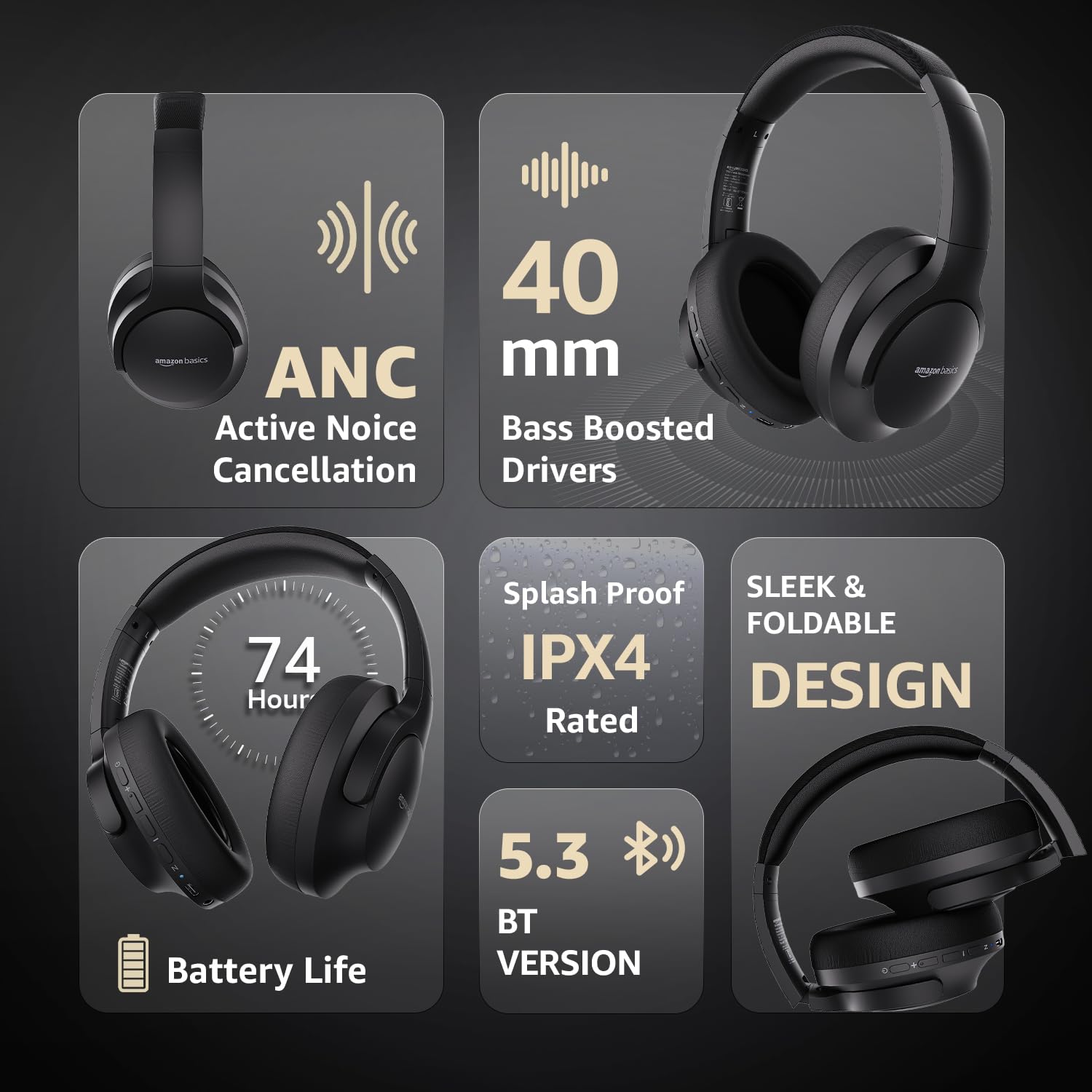
Image: An infographic highlighting key features, including the sleek and foldable design of the headphones for easy storage.
3. Perawatan Baterai
- Hindari mengosongkan baterai sepenuhnya secara sering.
- Isi daya headphone secara teratur, meskipun tidak digunakan dalam waktu lama, untuk menjaga kesehatan baterai.
- Jangan biarkan baterai terkena suhu tinggi.
Penyelesaian Masalah
| Masalah | Kemungkinan Penyebab | Larutan |
|---|---|---|
| Headphone tidak menyala. | Baterai lemah. | Charge the headphones fully using the supplied USB Type-C cable. |
| Tidak dapat dipasangkan melalui Bluetooth. | Headphone tidak dalam mode berpasangan; Bluetooth perangkat mati; terlalu jauh dari perangkat. | Ensure headphones are in pairing mode (flashing blue/red). Turn Bluetooth on your device. Move headphones closer to the device (within 10m). |
| Tidak ada suara. | Volume terlalu rendah; sumber audio tidak tepat; headphone tidak terhubung. | Increase volume on headphones and device. Verify correct audio output on device. Re-pair Bluetooth or check AUX cable connection. |
| ANC tidak berfungsi secara efektif. | ANC tidak diaktifkan; kebisingan lingkungan terlalu tinggi. | Tekan tombol ANC untuk mengaktifkannya. ANC paling efektif melawan kebisingan konstan frekuensi rendah. |
Spesifikasi
| Fitur | Detil |
|---|---|
| Nomor Model | AB-IBT-82ANC |
| Teknologi Konektivitas | Nirkabel (Bluetooth 5.3), Berkabel (AUX 3.5mm) |
| Ukuran Pengemudi | 40 mm |
| Kapasitas Baterai | Polimer Litium 500 mAh |
| Daya Tahan Baterai (ANC Mati) | Hingga 74 jam (pada volume 50%) |
| Daya Tahan Baterai (ANC Aktif) | Up to 34 hours (at 100% volume), 62 hours (at 50% volume) |
| Port Pengisian Daya | USB Tipe-C |
| Range Nirkabel | Hingga 10 meter |
| Peringkat Tahan Air | IPX4 (Bukti Percikan) |
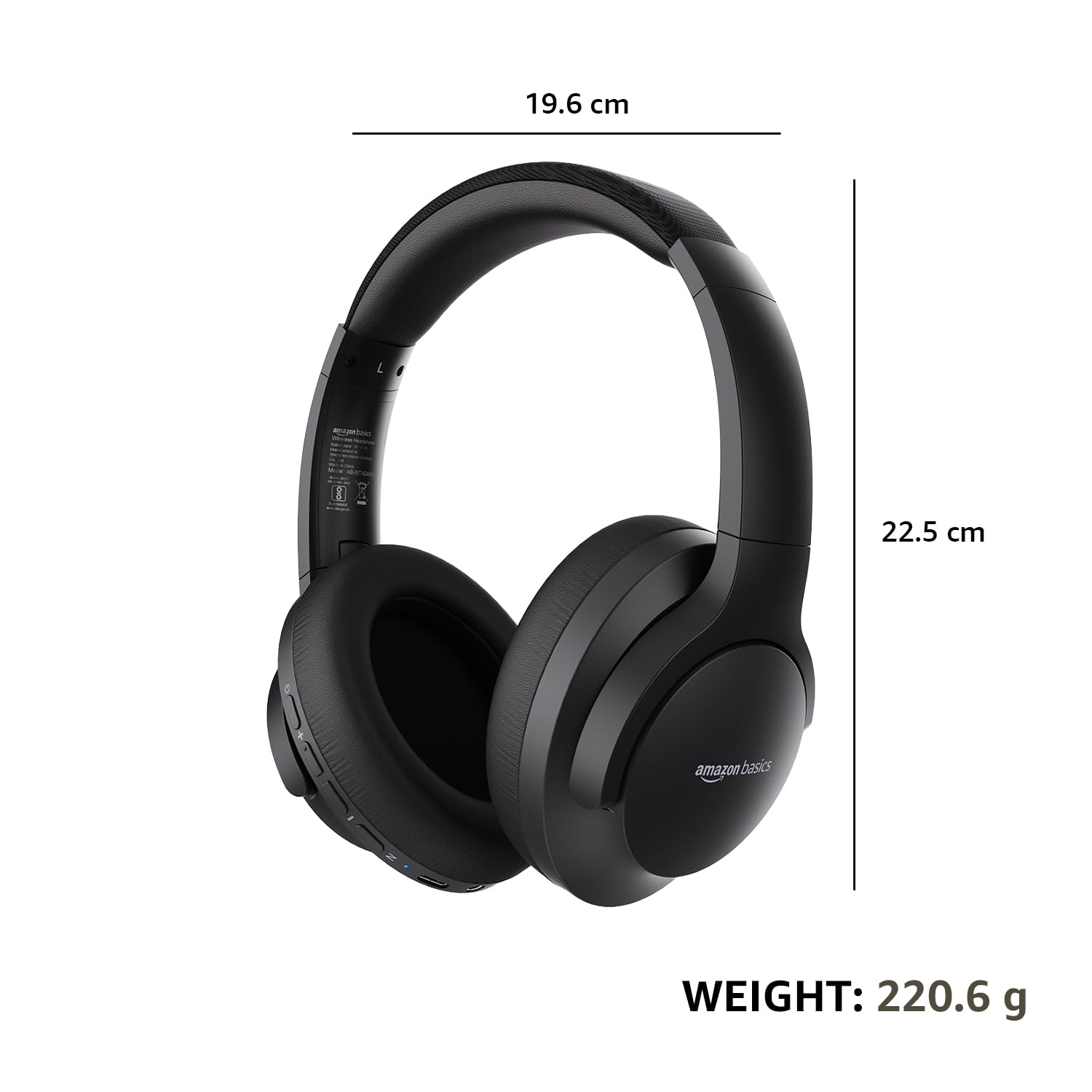
| Dimensions (Headphone) | Ukuran 19.61x22.5x8.72 cm |
| Berat (Headphone) | 220.6 gram |
| Bahan | Plastik, Poliuretan (PU) |
| Perangkat yang Kompatibel | Ponsel, Konsol Game, Laptop, Tablet |

Image: A visual representation of the headphone's dimensions and weight for reference.
Kenyamanan dan Desain
The headphones are designed for extended wear with an over-ear fit, soft ear cushions, and an adjustable headband, ensuring comfort during long listening sessions.

Image: A person wearing the headphones, demonstrating the comfortable over-ear fit.
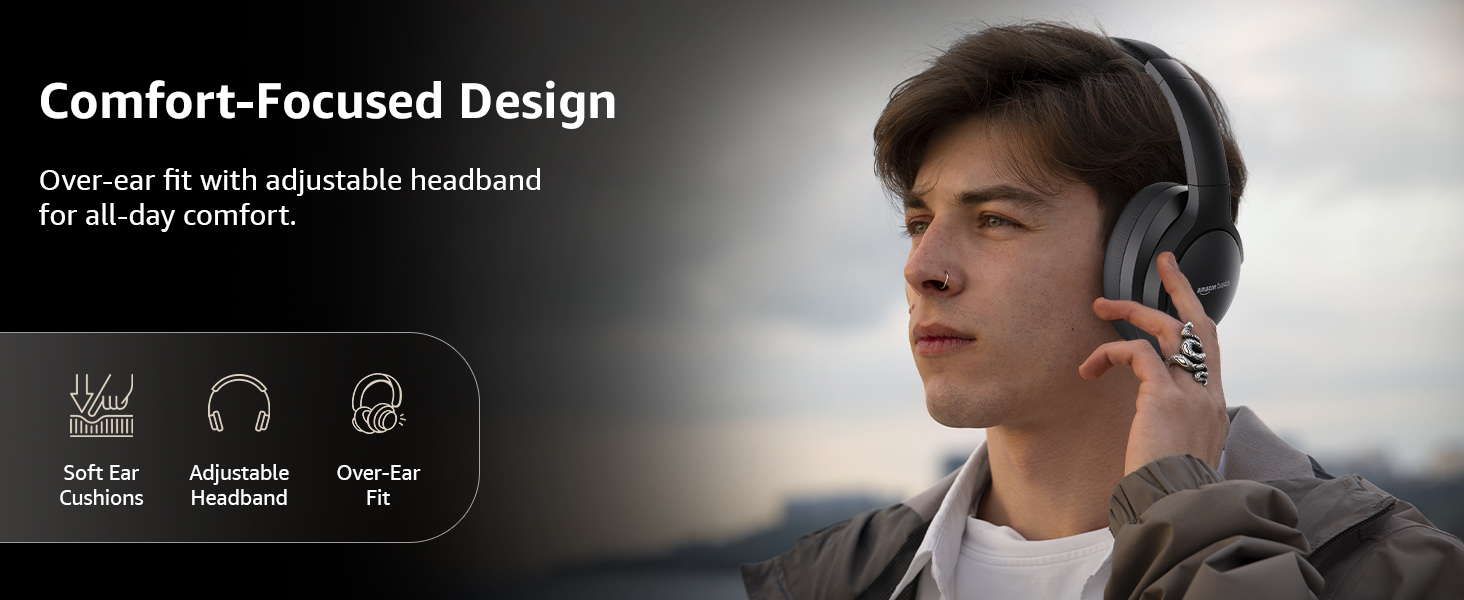
Image: A graphic detailing the comfort-focused design elements, including soft ear cushions and an adjustable headband.
Garansi dan Dukungan
Warranty information for your Amazon Basics Pro Series Wireless Noise Cancelling ANC Over Ear Headphones is typically provided with the product packaging or can be found on the Amazon Basics official website. For technical support or warranty claims, please refer to the contact information provided with your purchase or visit the Amazon Basics support page.
Harap simpan bukti pembelian Anda untuk pertanyaan apa pun terkait garansi.


