1. Informasi Keselamatan Penting
Please read all safety instructions carefully before using your Xiaomi TV S Mini LED 75" 2025. Keep this manual for future reference.
- Sumber Daya: Hubungkan TV hanya ke sumber daya AC seperti yang tertera pada label.
- Ventilasi: Pastikan ventilasi memadai di sekitar TV. Jangan halangi lubang ventilasi.
- Air dan Kelembaban: Jangan biarkan TV terkena hujan atau kelembapan. Jangan letakkan benda berisi cairan di atas TV.
- Pembersihan: Cabut TV sebelum membersihkan. Gunakan kain lembut dan kering. Hindari pembersih cair.
- Pelayanan: Jangan mencoba untuk memperbaiki produk ini sendiri. Rujuk semua servis ke personel servis yang berkualifikasi.
- Penempatan: Place the TV on a stable, level surface or mount it securely to a wall using a compatible VESA mount.
2. Isi Paket
Verifikasi bahwa semua item ada dalam paket:
- Xiaomi TV S Mini LED 75" 2025
- Kontrol Jarak Jauh
- Kabel listrik
- TV Stand Components (if included)
- User Manual (dokumen ini)
3. Panduan Pengaturan
3.1 Membuka kemasan TV
Carefully remove the TV from its packaging. It is recommended to have two people for this process due to the size and weight of the 75-inch model.
3.2 Installing the TV Stand (Optional)
If you are not wall-mounting the TV, attach the included stand components according to the separate stand installation guide. Ensure all screws are tightened securely.
3.3 Pemasangan di Dinding (Opsional)
The Xiaomi TV S Mini LED 75" 2025 supports VESA wall mounts with a pattern of 400 x 300 mm. Use appropriate wall-mounting hardware and consult a professional for installation to prevent injury or damage.
3.4 Menghubungkan Periferal
Connect your devices to the TV's input ports. Refer to the back panel image for port locations.
Gambar: Belakang view of the TV displaying available connection ports.
- Kekuatan: Hubungkan kabel daya ke TV lalu ke stopkontak.
- HDMI: Connect Blu-ray players, game consoles, or other HDMI devices.
- Kabel USB: Hubungkan perangkat penyimpanan USB untuk pemutaran media.
- Eternet: Untuk koneksi internet kabel.
- Antena/Kabel: Hubungkan antena atau input TV kabel Anda.
3.5 Menyalakan Daya Awal dan Pengaturan Pertama Kali
After connecting all cables, plug in the TV and press the power button on the remote control. Follow the on-screen instructions to complete the initial setup, including network connection, Google account login, and channel scanning.

Gambar: Depan view of the Xiaomi TV S Mini LED 75" 2025.
4. Petunjuk Pengoperasian
4.1 Kendali Jarak Jauh Berakhirview
The included remote control provides access to all TV functions. Familiarize yourself with the button layout for easy navigation.
4.2 Fungsi Dasar
- Kekuatan: Tekan untuk menghidupkan atau mematikan TV.
- Volume: Use the +/- buttons to adjust the sound level.
- Saluran: Gunakan tombol CH +/- untuk mengganti saluran.
- Masukan: Select the desired input source (HDMI, AV, etc.).
- Rumah: Access the Google TV home screen.
4.3 Fitur Smart TV (Google TV)
Your Xiaomi TV runs on Google TV, offering a personalized entertainment experience.

Image: Google TV interface with app icons and content suggestions.
- Aplikasi: Unduh dan instal aplikasi dari Google Play Store.
- Asisten Suara: Use the built-in Google Assistant for voice commands.
- Rekomendasi Konten: Google TV provides personalized recommendations based on your viewkebiasaan.

Image: Using the Hey Google voice assistant to search for content.
4.4 Pengaturan Tampilan
Sesuaikan pengaturan gambar untuk mengoptimalkan tampilan Anda. viewpengalaman ing.
Gambar: Lebih dariview of the TV's advanced display technologies.
- Mode Gambar: Select from various preset modes (e.g., Standard, Vivid, Movie, Game) or customize your own.
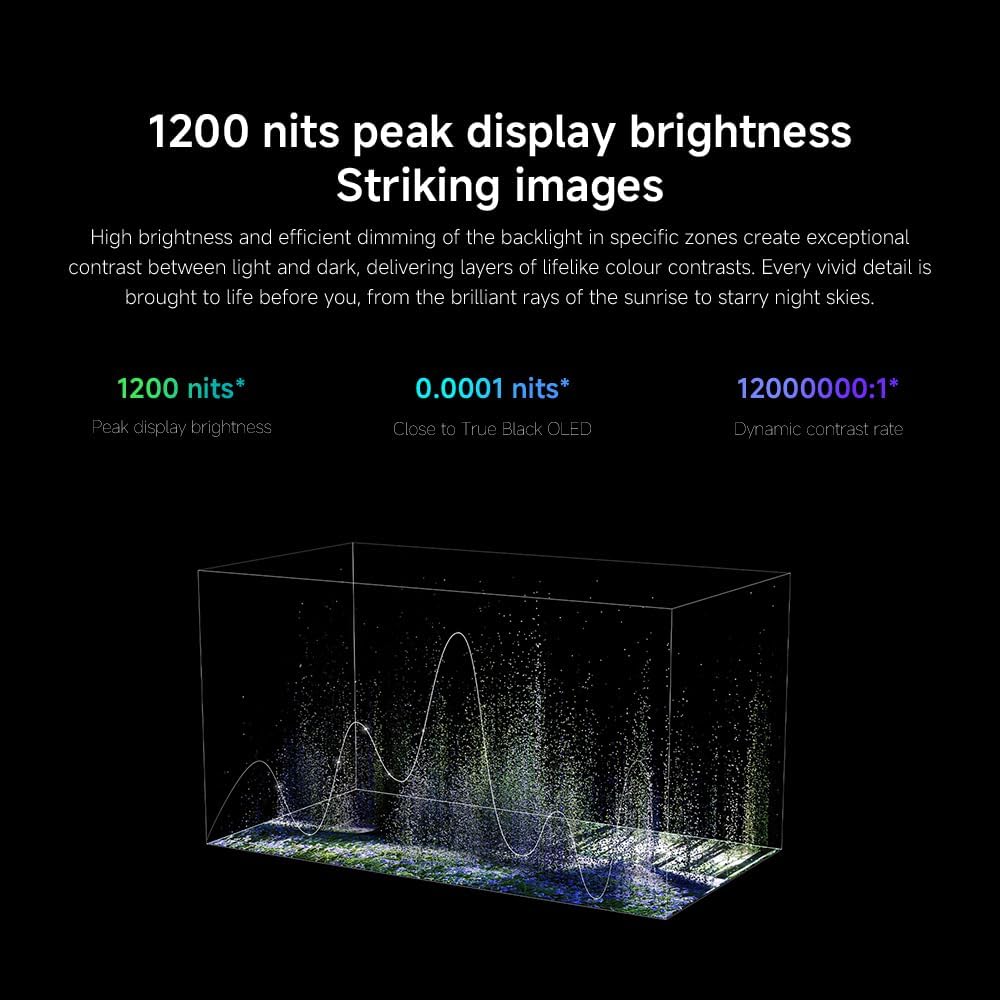
- Kecerahan/Kontras: Fine-tune these settings for optimal visual clarity. The TV features 1200 nits peak brightness for stunning visuals.
- Warna: Adjust color saturation and tint. The QD-MiniLED display offers accurate color reproduction.
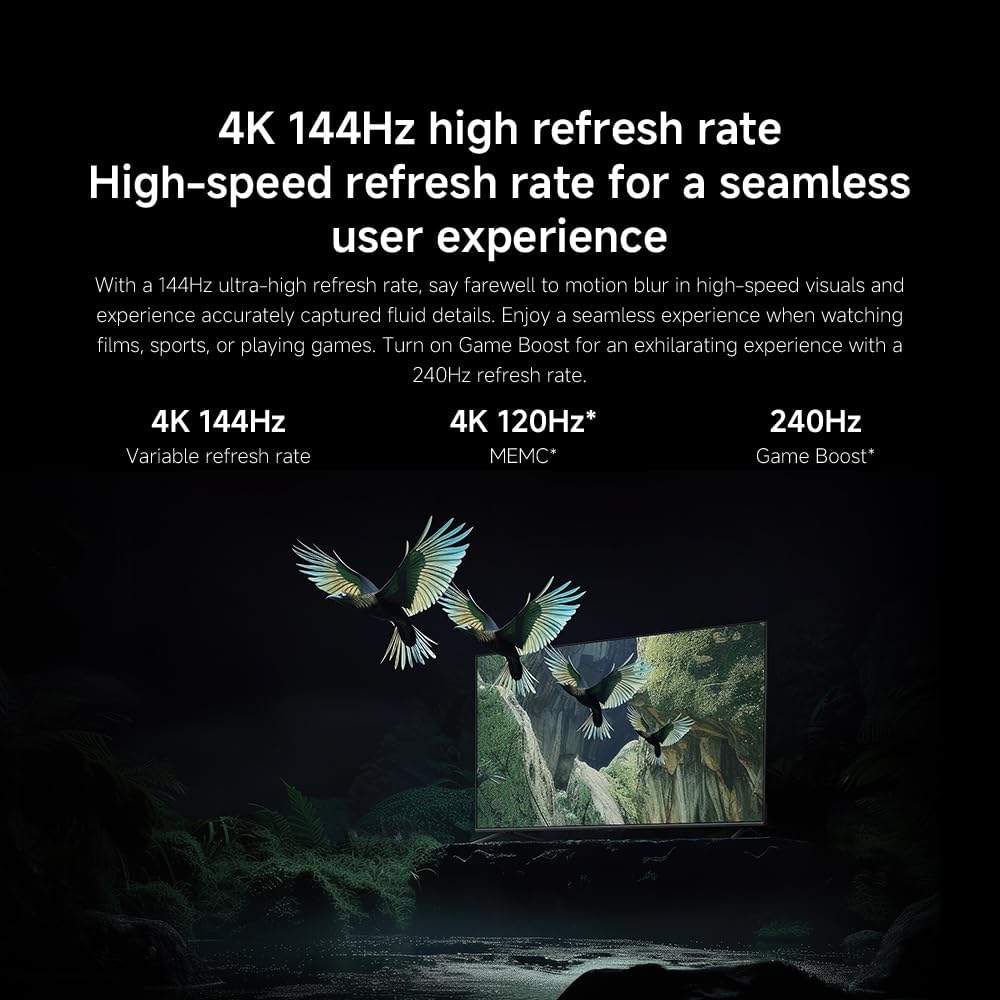
- Kecepatan Penyegaran: The TV supports a 144Hz refresh rate for ultra-smooth motion.
- Mesin AI: The powerful AI engine enhances image quality automatically.

Image: Visual representation of the 144Hz refresh rate for seamless motion.
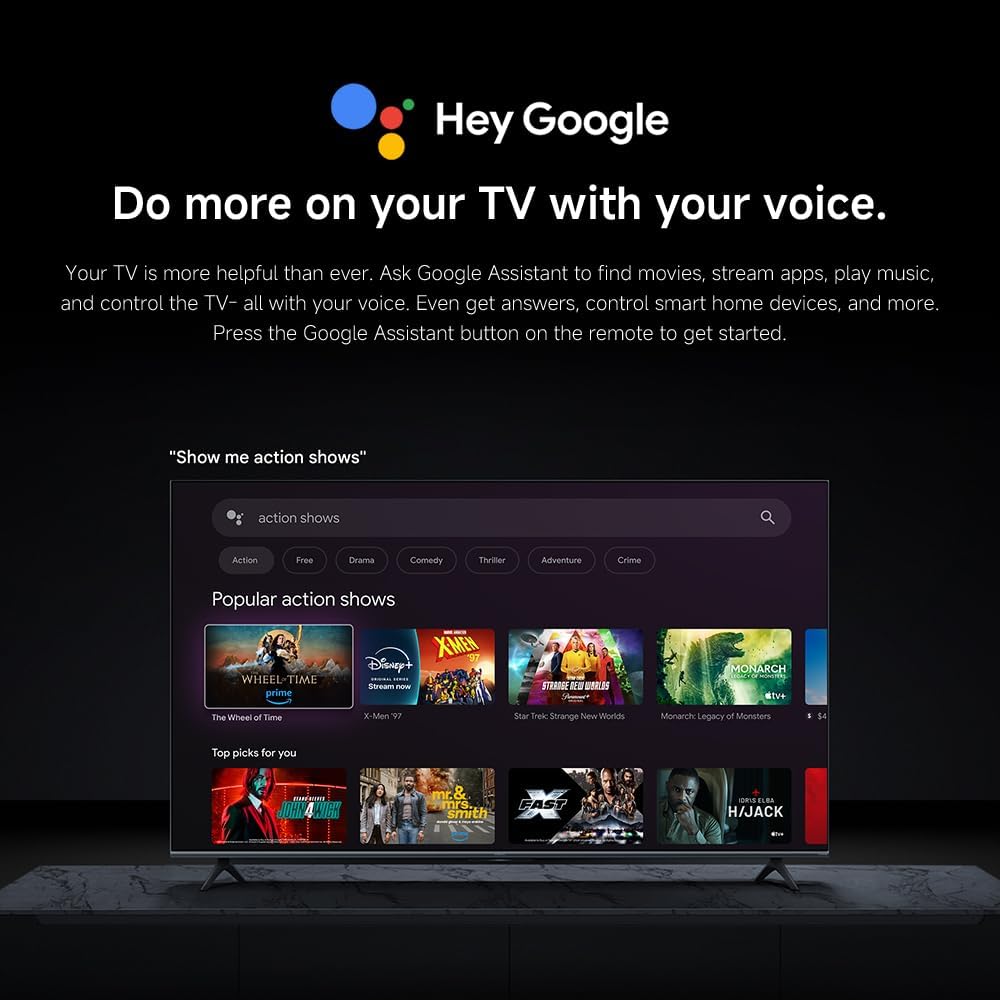
Image: The Quad cortex A73 processor, responsible for AI image enhancement and performance.
4.5 Pengaturan Audio
Configure audio output and sound enhancements.

Image: Depiction of the TV's quality audio-visual experience.
- Mode Suara: Choose from preset sound modes (e.g., Standard, Movie, Music) or customize.
- Dolby Atmos: Enable Dolby Atmos for an immersive audio experience.
4.6 Konektivitas
The TV offers various connectivity options.
- Bluetooth dapat digunakan untuk berbagai keperluan, seperti: Connect Bluetooth-enabled devices such as headphones or speakers.
- Wifinya: Hubungkan ke jaringan nirkabel rumah Anda untuk akses internet.
- Apple AirPlay: Streaming konten langsung dari perangkat Apple Anda.
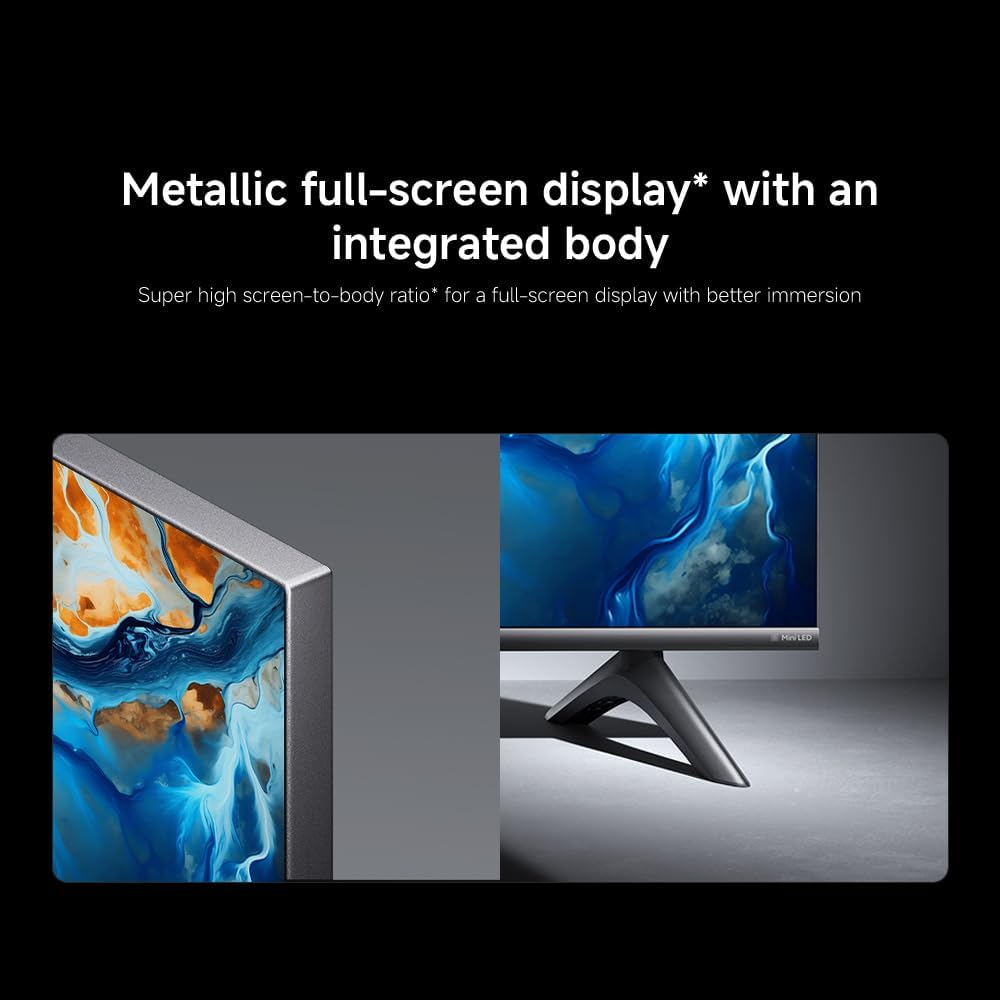
Image: Apple AirPlay functionality for streaming from Apple devices.
5. Pemeliharaan
5.1 Membersihkan Layar
To clean the screen, first unplug the TV. Gently wipe the screen with a soft, lint-free cloth. For stubborn marks, slightly dampen the cloth with water or a specialized screen cleaner, then wipe dry immediately. Do not spray liquid directly onto the screen.
5.2 Pembaruan Perangkat Lunak
The TV may receive software updates periodically to improve performance and add new features. Ensure your TV is connected to the internet to receive these updates. You can check for updates manually in the TV's settings menu.
6. Penyelesaian masalah
Jika Anda mengalami masalah dengan TV Anda, lihat solusi umum berikut:
| Masalah | Solusi yang mungkin |
|---|---|
| Tidak ada daya | Periksa apakah kabel daya tersambung dengan benar ke TV dan stopkontak. Pastikan stopkontak berfungsi. |
| Tidak ada gambar, tetapi ada suara | Pastikan sumber input yang benar telah dipilih. Periksa koneksi kabel ke perangkat eksternal. |
| Tidak ada suara, tetapi gambar ada | Periksa level volume dan status bisu. Pastikan kabel audio terhubung dengan benar. |
| Kontrol jarak jauh tidak berfungsi | Ganti baterai. Pastikan tidak ada penghalang antara remote dan TV. |
| Kualitas gambar buruk | Adjust picture settings (brightness, contrast, sharpness). Check antenna or cable connection. Ensure content source is high quality. |
| Smart TV features unresponsive | Check internet connection. Restart the TV by unplugging it for a few minutes and plugging it back in. |
If the issue persists after trying these steps, contact customer support.
7. Spesifikasi
Key technical specifications for the Xiaomi TV S Mini LED 75" 2025:
| Fitur | Spesifikasi |
|---|---|
| Merek | XIAOMI |
| Nomor Model | 59292 |
| Ukuran Layar | 75 inci |
| Teknologi Tampilan | 4K UHD, LED, QD-MiniLED |
| Resolusi | Resolusi 4K (3840x2160) |
| Tingkat Penyegaran | 144Hz |
| Kecerahan Puncak | 1200 titik |
| Sistem Operasi | Google TV |
| Prosesor | Quad Cortex A73 |
| RAM | 3 GB |
| Penyimpanan | 32 GB |
| Teknologi Audio | Dolby Atmos |
| Konektivitas | Bluetooth, Wi-Fi, Apple AirPlay |
| Dimensi Produk (dengan dudukan) | Ukuran 42.5D x 166.8L x 102.8T cm |
| Berat Produk (dengan dudukan) | 31 kg |
| Dudukan Dinding VESA | Ukuran: 400x300mm |
| Komponen yang Termasuk | TV, remote control, power cable |
8. Garansi dan Dukungan
Your Xiaomi TV S Mini LED 75" 2025 is covered by a manufacturer's warranty. Please refer to the warranty card included in your package for specific terms and conditions. For technical support, service inquiries, or to purchase accessories, please visit the official Xiaomi websitus atau hubungi pusat layanan resmi mereka.
Sumber Daya Daring: For additional information, FAQs, and software downloads, visit the official Xiaomi support page.