1. Pendahuluan
The UGREEN USB C SD 4.0 Card Reader (Model 65024) is a versatile 2-in-1 device designed for high-speed data transfer between various memory cards and your computer or mobile devices. It features both USB-A and USB-C connectors, offering broad compatibility and ease of use. This manual provides essential information for setting up, operating, maintaining, and troubleshooting your card reader.
2. Produk Lebihview
The UGREEN USB C SD 4.0 Card Reader is engineered for efficiency and portability. It supports a wide range of SD and MicroSD card formats and offers fast data transfer speeds.
2.1 Fitur Utama
- Desain 2-dalam-1: Equipped with both USB-A and USB-C connectors for universal compatibility.
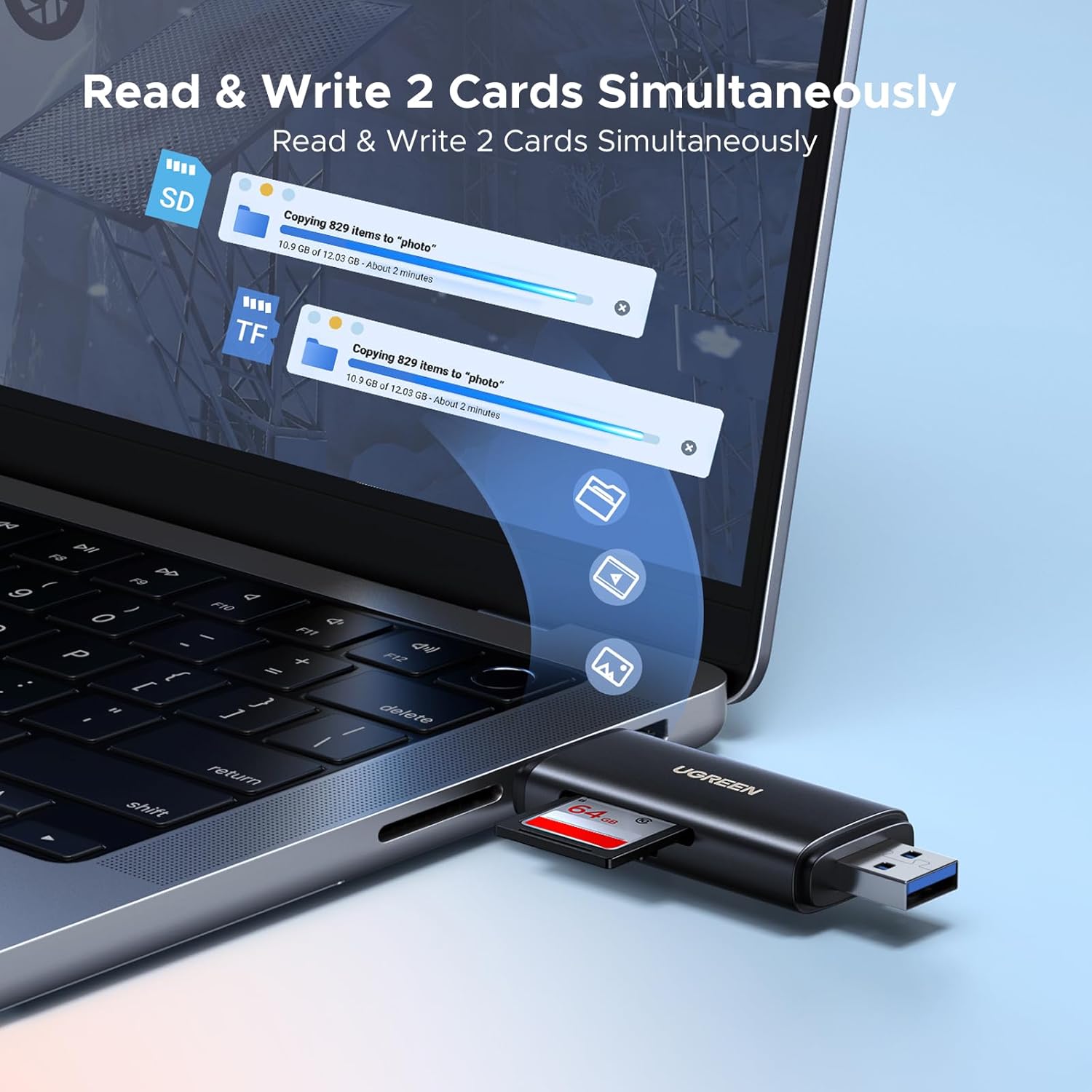
- Slot Kartu Ganda: Supports simultaneous reading and writing for SD and MicroSD cards.
- Transfer Data Berkecepatan Tinggi: Achieves speeds up to 312 MB/s with UHS-II cards and up to 5 Gbps (USB 3.0/3.1 Gen 1) via its powerful chipset.
- Wide Card Compatibility: Supports SDXC, SDHC, MicroSD, MMC, RS-MMC, Micro SDXC, Micro SDHC, UHS-II, and UHS-I cards up to 2TB.
- Pasang dan Mainkan: Sebagian besar sistem operasi tidak memerlukan driver.
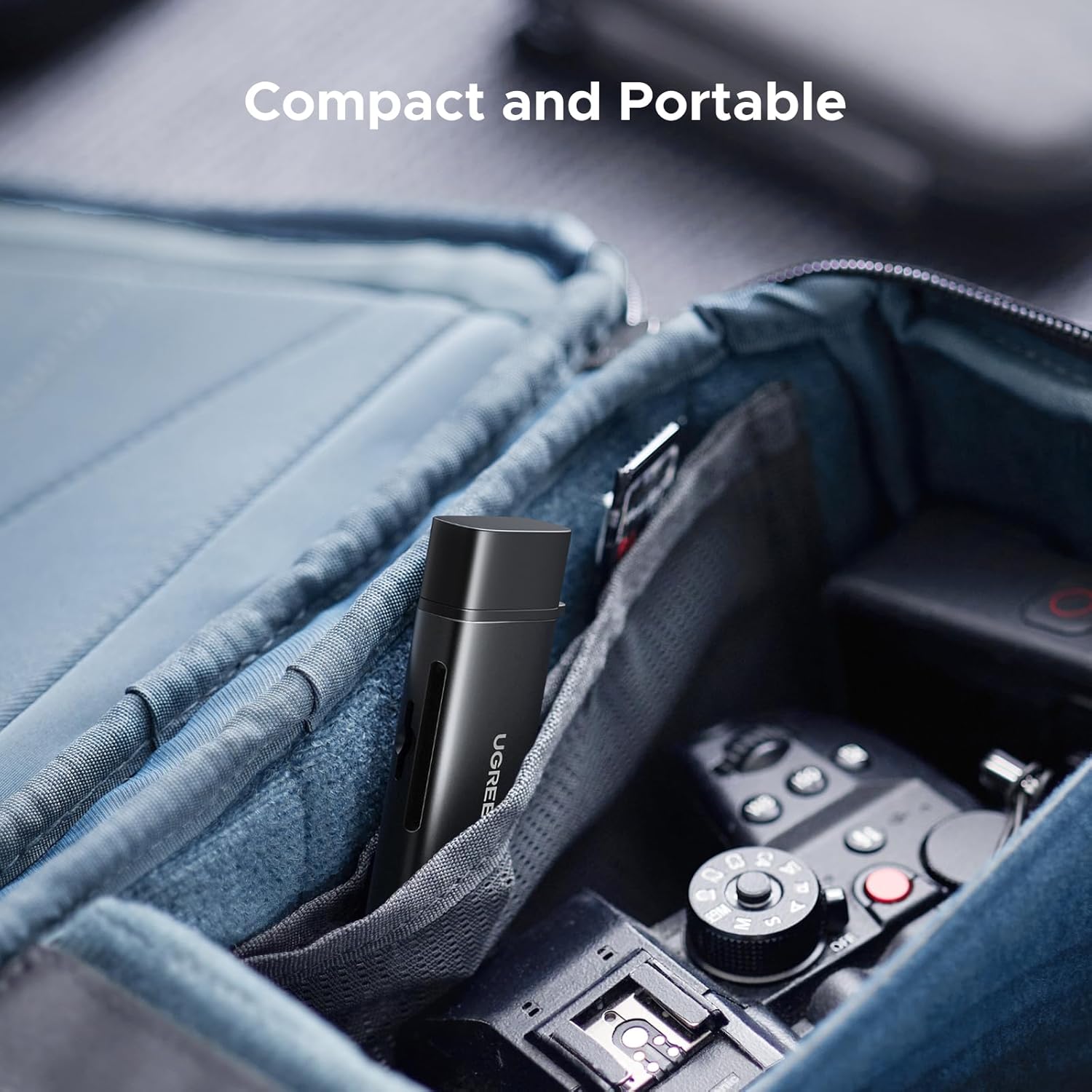
- Kompak dan Portabel: Desain ringan untuk memudahkan pengangkutan.
2.2 Komponen
The card reader consists of a main body with two integrated connectors (USB-A and USB-C) and two card slots. Protective caps are included for both connectors.


3. Pengaturan
The UGREEN USB C SD 4.0 Card Reader is designed for simple plug-and-play operation.
3.1 Memasukkan Kartu Memori
- Identify the correct slot for your memory card: the larger slot for standard SD cards (SD, SDHC, SDXC) and the smaller slot for MicroSD cards (MicroSD, Micro SDHC, Micro SDXC).
- Gently insert the memory card into the appropriate slot until it clicks into place. Ensure the card is oriented correctly to avoid damage. The eject mechanism design secures the card firmly.
3.2 Menghubungkan ke Perangkat
- Remove the protective cap from the desired connector (USB-A or USB-C).
- Plug the card reader into an available USB-A or USB-C port on your computer, laptop, tablet, or smartphone.
- Your device's operating system should automatically detect the card reader and the inserted memory card. A new drive letter or icon will appear, indicating successful connection.
4. Petunjuk Pengoperasian
Once connected, the card reader functions like any external storage device.
4.1 Transfer Data
- Open the detected drive on your computer or device.
- Seret dan jatuhkan files to and from the memory card, or use copy/paste functions.
- The card reader supports simultaneous reading and writing from both SD and MicroSD slots, allowing for efficient multi-card operations.
4.2 OTG Functionality (for Mobile Devices)
For compatible smartphones and tablets with OTG (On-The-Go) functionality, the card reader allows direct access to memory card content without a computer.
- Ensure your mobile device supports OTG.
- Connect the card reader (with an inserted memory card) to your mobile device's USB-C port.
- Mengakses files through your device's file aplikasi manajer.

4.3 Penghapusan Aman
Always safely eject the card reader from your operating system before physically disconnecting it to prevent data corruption.
- Jendela: Right-click the drive icon in 'This PC' or the taskbar icon, then select 'Eject'.
- macOS: Drag the drive icon to the Trash, or click the Eject button next to the drive in Finder.
- Bahasa Indonesia: Android dan iOS: Use the 'Eject' or 'Unmount' option in your device's file manager or settings, if available.
5. Pemeliharaan
Proper care ensures the longevity and optimal performance of your UGREEN USB C SD 4.0 Card Reader.
- Jaga kebersihan: Use a soft, dry cloth to clean the exterior of the card reader. Avoid liquid cleaners.
- Lindungi Konektor: Always use the provided protective caps when the card reader is not in use to prevent dust and debris from entering the USB-A and USB-C ports.
- Tangani dengan hati-hati: Hindari menjatuhkan perangkat atau membenturkannya dengan kuat.
- Penyimpanan: Store the card reader in a cool, dry place away from direct sunlight and extreme temperatures. Its compact size makes it easy to store in a bag or pocket.

6. Penyelesaian masalah
If you encounter issues with your card reader, refer to the following common solutions:
- Perangkat tidak dikenali:
- Ensure the card reader is fully inserted into the USB port.
- Cobalah port USB lain pada perangkat Anda.
- Test the card reader on another computer or compatible device to rule out a port issue.
- Mulai ulang komputer atau perangkat seluler Anda.
- Kartu Memori Tidak Terdeteksi:
- Ensure the memory card is correctly and fully inserted into its slot.
- Try a different memory card to check if the issue is with the card itself.
- Verify the memory card is not damaged or corrupted.
- Kecepatan Transfer Data Lambat:
- Ensure your computer's USB port supports USB 3.0/3.1 Gen 1 (often indicated by a blue port or SS symbol). Connecting to a USB 2.0 port will result in slower speeds.
- Confirm your memory card is a high-speed card (e.g., UHS-II for 312 MB/s). Lower class cards will have slower transfer rates.
- Hindari menjalankan banyak aplikasi berat secara bersamaan saat beban kerja tinggi. file transfer.
- Koneksi Intermiten:
- Ensure the connection is stable and the card reader is not being jostled.
- Check for any physical damage to the connectors or the card reader itself.
7. Spesifikasi
| Fitur | Detil |
|---|---|
| Merek | hijau tua |
| Nomor Model | 65024 |
| Teknologi Konektivitas | USB Tipe A, USB Tipe C |
| Jenis Media yang Didukung | SD Card, SDHC, SDXC, MicroSD, MicroSDHC, MicroSDXC, MMC, RS-MMC, UHS-I, UHS-II |
| Kapasitas Maksimum yang Didukung | Hingga 2TB |
| Kecepatan Transfer Data Maksimum | Up to 312 MB/s (with UHS-II cards), Up to 5 Gbps (USB 3.0/3.1 Gen 1) |
| Kompatibilitas Sistem Operasi | iOS, Android, Windows, macOS |
| Dimensi Produk (P x L x T) | 3.23x1.06x0.47 inci |
| Berat Barang | 2.16 ons |
| Warna | Hitam |

8. Garansi dan Dukungan
Untuk informasi garansi dan dukungan teknis, silakan merujuk ke situs resmi UGREEN. webKunjungi situs web atau hubungi layanan pelanggan UGREEN secara langsung. Simpan bukti pembelian Anda untuk klaim garansi.
UGREEN Resmi Weblokasi: www.ugreen.com