1. Pendahuluan
The Shimbol CP5 Lite is a 5-inch 1080P wireless selfie monitor designed to enhance mobile content creation. It allows users to utilize their phone's rear camera for high-quality video recording and photography while providing a real-time view of the footage. This device features a magnetic attachment system, screen rotation capabilities, and wireless transmission for seamless operation.
Fitur utama meliputi:
- Real-time rear camera transformation into a selfie monitor for 4K/1080p lag-free shooting.
- Magnetic attachment system for stable fixation (compatible with phones supporting magnetic charging).
- One-touch switching between wide-screen mode and 180° rotation.
- Type-C charging port (5V/1A compatible).
- Dual-band Wi-Fi transmission (2.4G+5G) with up to 50 meters range and low-latency (0.04s).
- Button-operated interface (no touchscreen functionality).
- Stylish and lightweight design for portability.
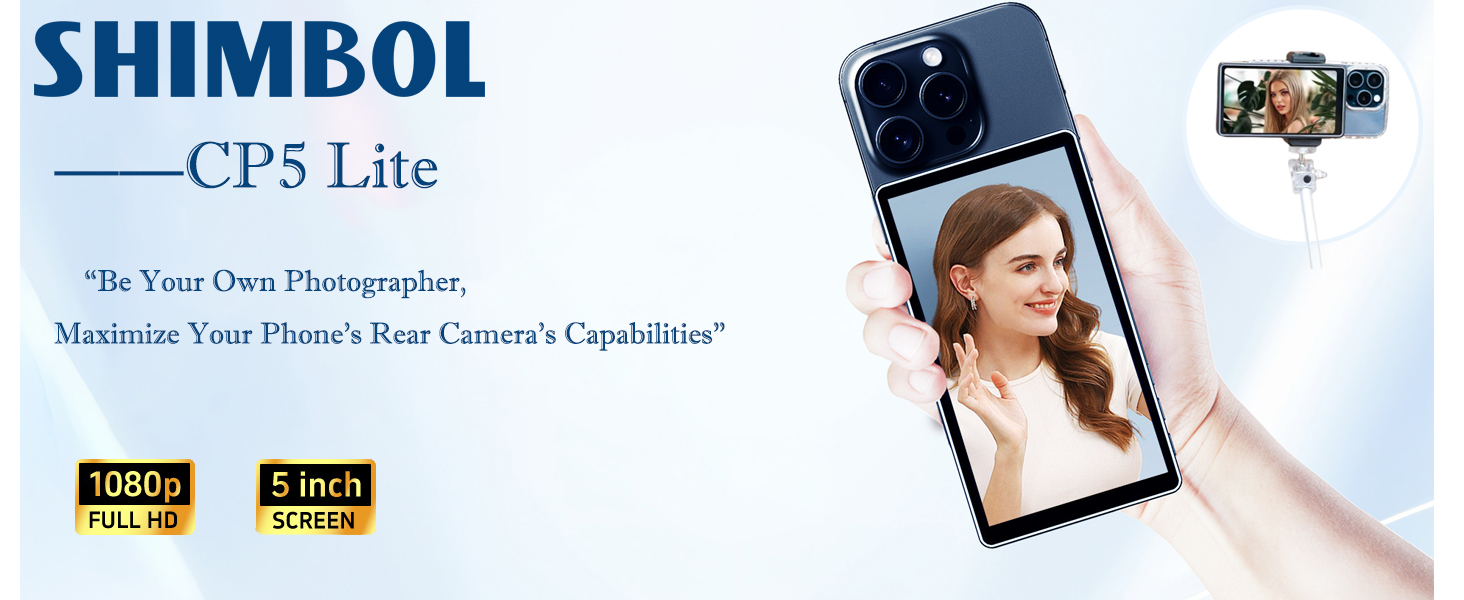
Figure 1: Shimbol CP5 Lite in use, mirroring a smartphone's rear camera view.
2. Isi Paket
Verifikasi bahwa semua item ada dalam paket:
- CP5 Lite Monitor
- Kasing Magnetik
- Kabel USB-A
- Kabel USB-C
- Panduan Pengguna
- Kartu Layanan Purna Jual

Figure 2: All items included in the Shimbol CP5 Lite product package.
3. Pengaturan
3.1. Mengisi Daya Perangkat
The CP5 Lite has a built-in 2000mAh rechargeable battery. To charge, connect the device to a 5V/1A charger, power bank, laptop, or car charger using the provided Type-C cable.
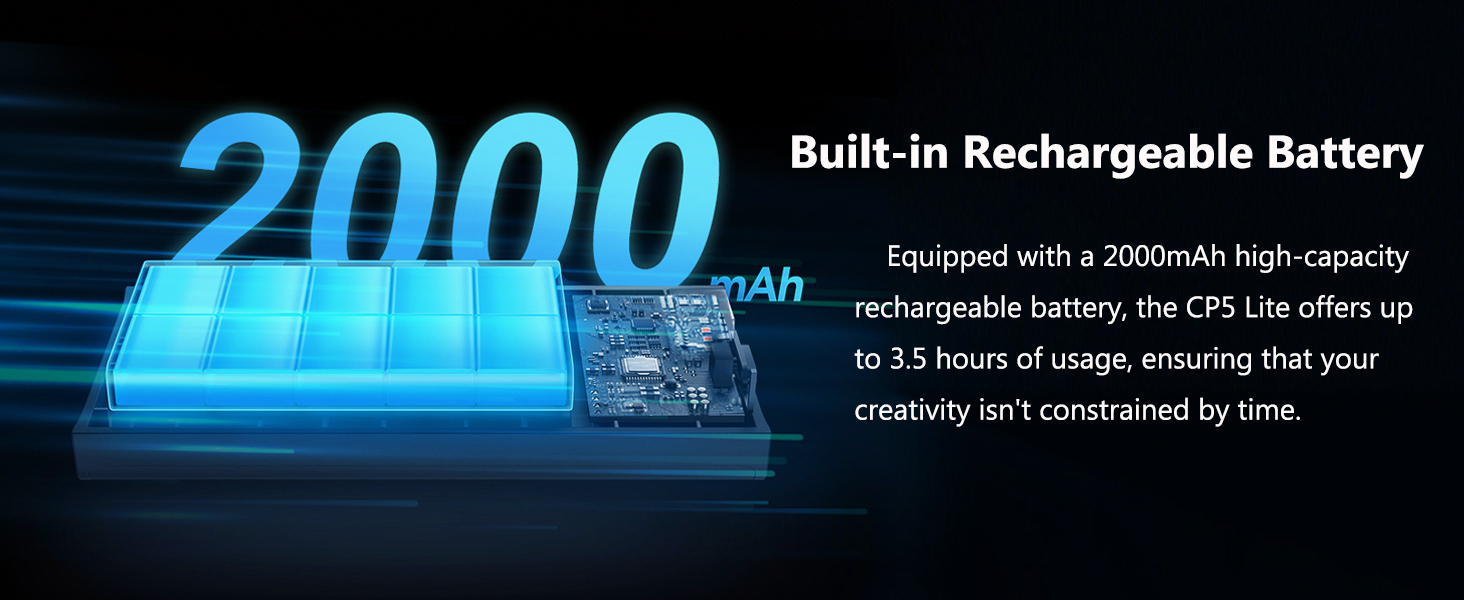
Figure 3: The CP5 Lite is equipped with a 2000mAh high-capacity rechargeable battery, offering up to 3.5 hours of usage.
3.2. Attaching the Magnetic Case
The CP5 Lite comes with a magnetic silicone case. This case is designed for easy mounting and secure protection. Simply place the CP5 Lite into the magnetic case. The magnetic functionality is primarily compatible with phones that support magnetic charging.

Figure 4: The magnetic case provides secure attachment for the CP5 Lite.
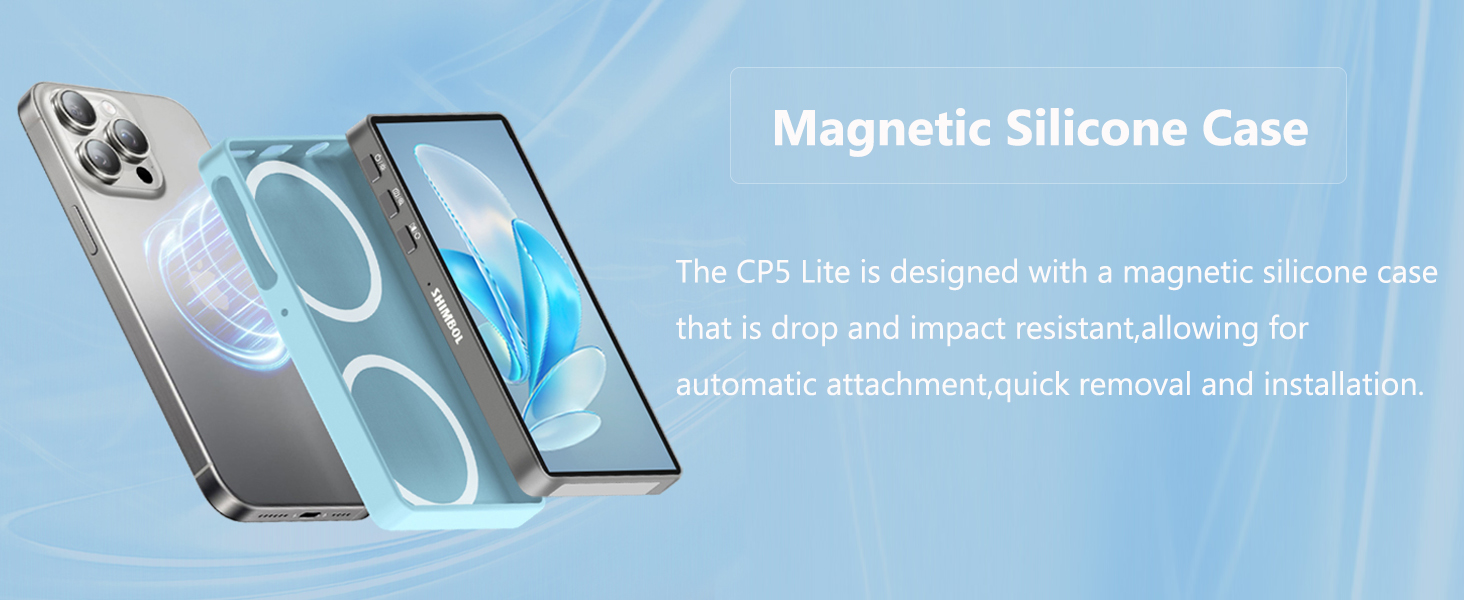
Figure 5: The magnetic silicone case allows for automatic attachment and quick removal.
3.3. Connecting to Your Smartphone (Screen Mirroring)
The CP5 Lite connects to your smartphone via dual-band Wi-Fi for screen mirroring. Follow these general steps:
- Power on the CP5 Lite monitor. It will display instructions for connection.
- On your smartphone, access the control center (iOS) or quick settings (Android).
- Locate and select the "Screen Mirroring" or "Wireless Projection/Smart View" option.
- Select the CP5 Lite device from the list (e.g., "CP5_Lite_XXXXXX").
- Enter the PIN displayed on the CP5 Lite screen if prompted.

Figure 6: Effortless one-click connection to your smartphone for screen mirroring.
Video 1: A detailed guide on how to connect the Shimbol CP5 Lite to your smartphone for screen mirroring.
Video 2: Unboxing and initial setup of the Shimbol CP5 Lite, demonstrating its components and first power-on.
Video 3: Demonstrates the basic usage and connection process of the CP5 Lite with a smartphone.
3.4. Model yang Kompatibel
The Shimbol CP5 Lite is compatible with a wide range of iOS and Android devices. For 4K shooting on iOS, it is recommended to download the "Blackmagic Camera" app. Android devices generally support 4K format shooting with their original camera app.

Figure 7: List of officially tested compatible smartphone models for the CP5 Lite.
4. Petunjuk Pengoperasian
4.1. Kontrol Dasar
The CP5 Lite is operated via physical buttons located on its side. It does not support touchscreen functionality.
- Tombol Daya: Menghidupkan/mematikan perangkat.
- Tombol Penyesuaian Kecerahan: Menyesuaikan kecerahan layar.
- Tombol Rana: Triggers photo capture or video recording on the connected smartphone (requires Bluetooth pairing).
- Screen Rotation Button: Flips the image 180° for easy switching between portrait and landscape modes without physically re-orienting the monitor.
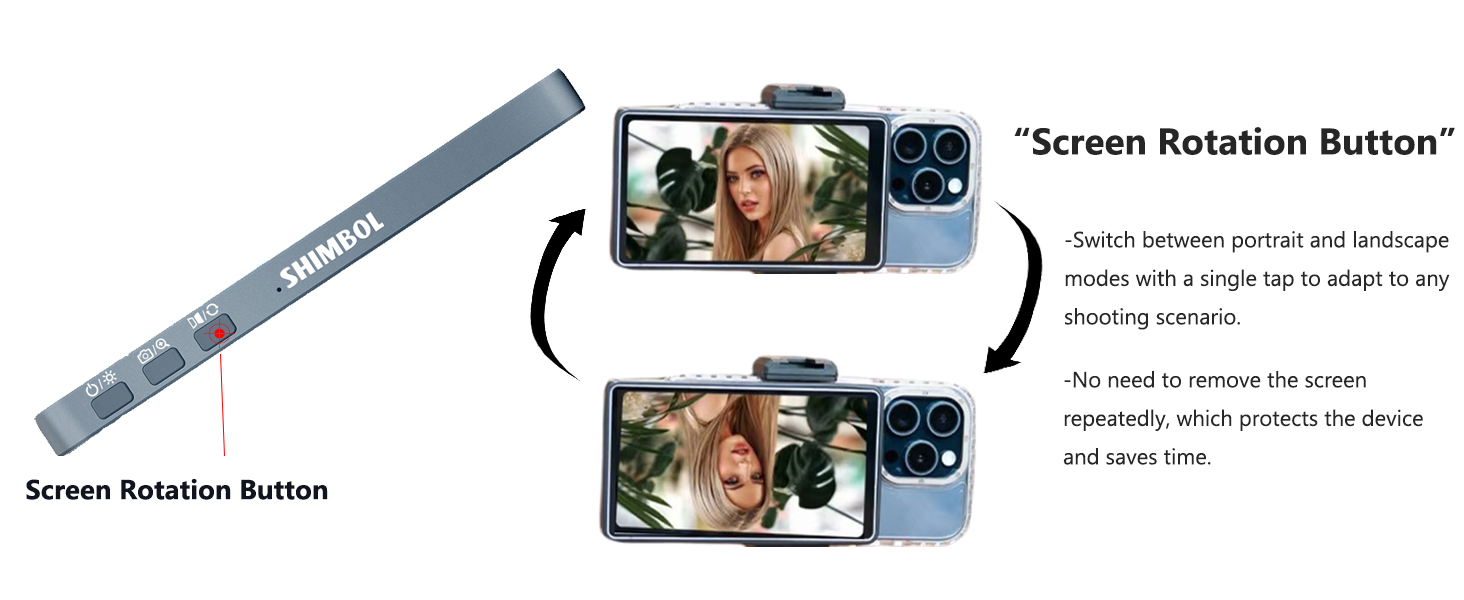
Figure 8: The screen rotation button allows for quick orientation changes.
4.2. Bluetooth Shutter Control
To use the shutter control feature, you must pair the CP5 Lite with your smartphone via Bluetooth. This enables remote photo capture and video recording, providing flexibility during shooting.
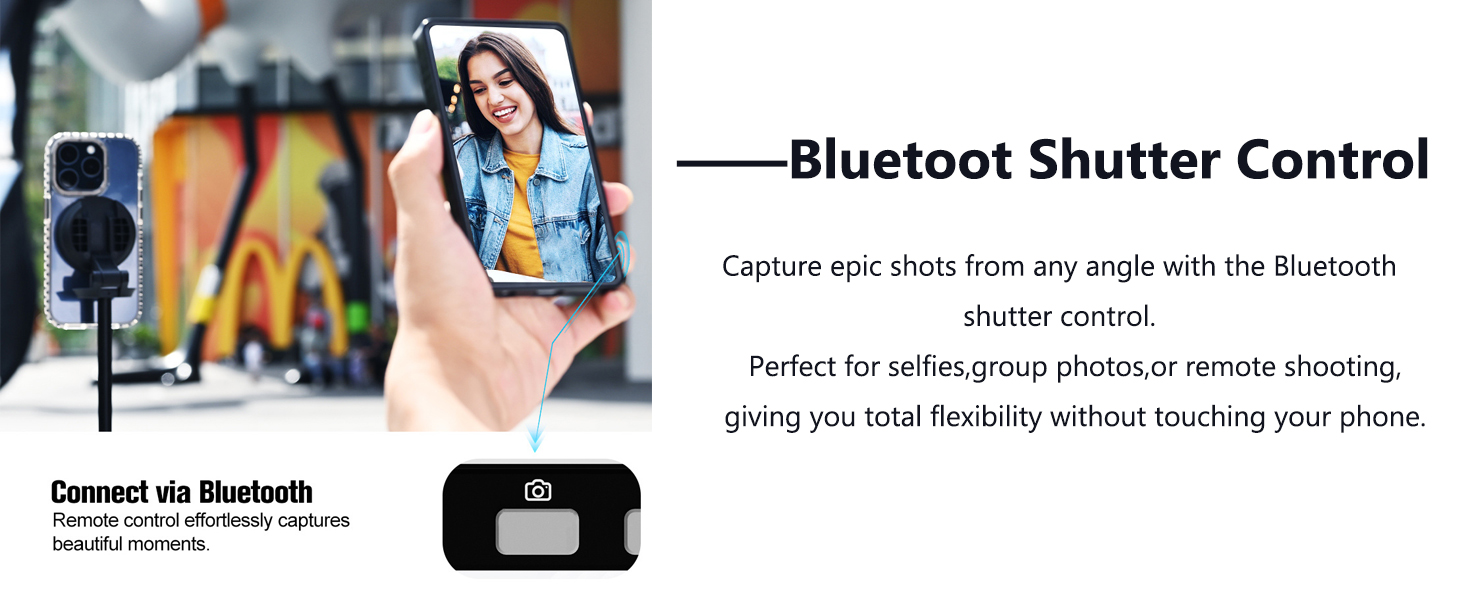
Figure 9: Connect via Bluetooth for remote shutter control.
4.3. Enlarged Display Mode
To enlarge the screen display and eliminate black borders, simply press and hold the shutter button. This enhances your monitoring experience.
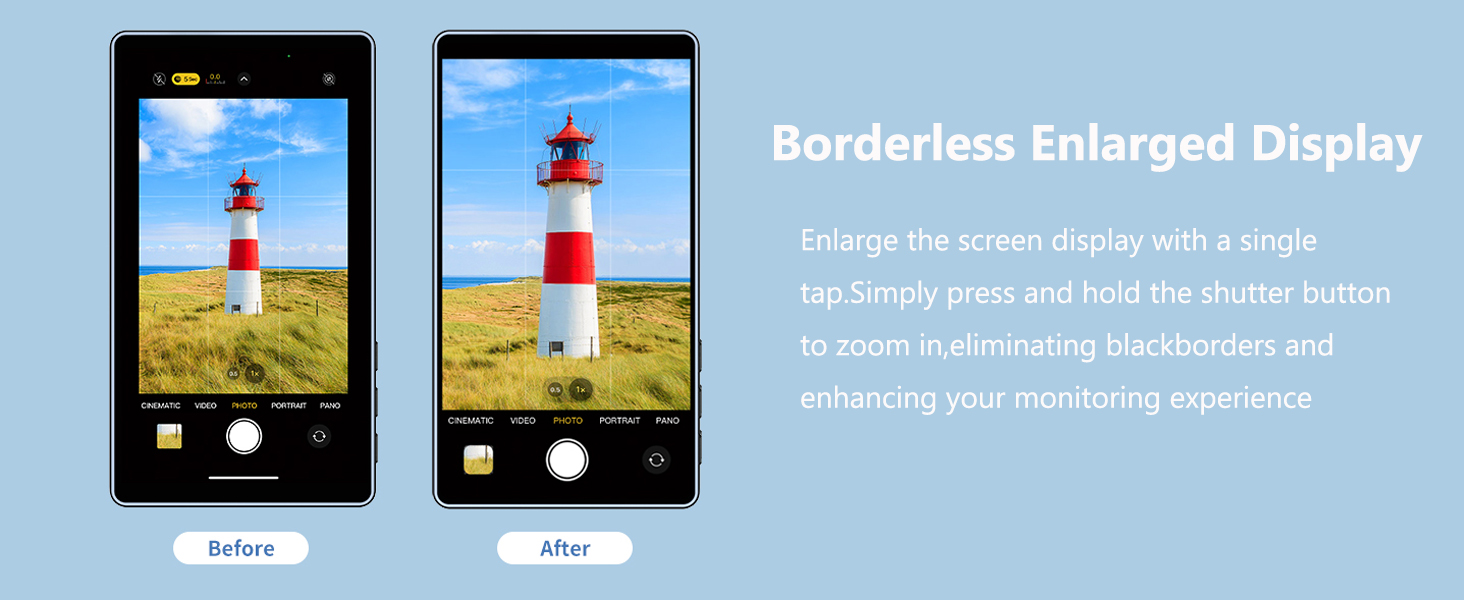
Figure 10: Borderless enlarged display for an enhanced viewpengalaman ing.
4.4. Transmisi Nirkabel
The CP5 Lite utilizes 2.4G+5G dual-band transmission technology, offering a stable connection up to 50 meters with a low latency of 0.04 seconds. This ensures smooth real-time image transmission for various applications.
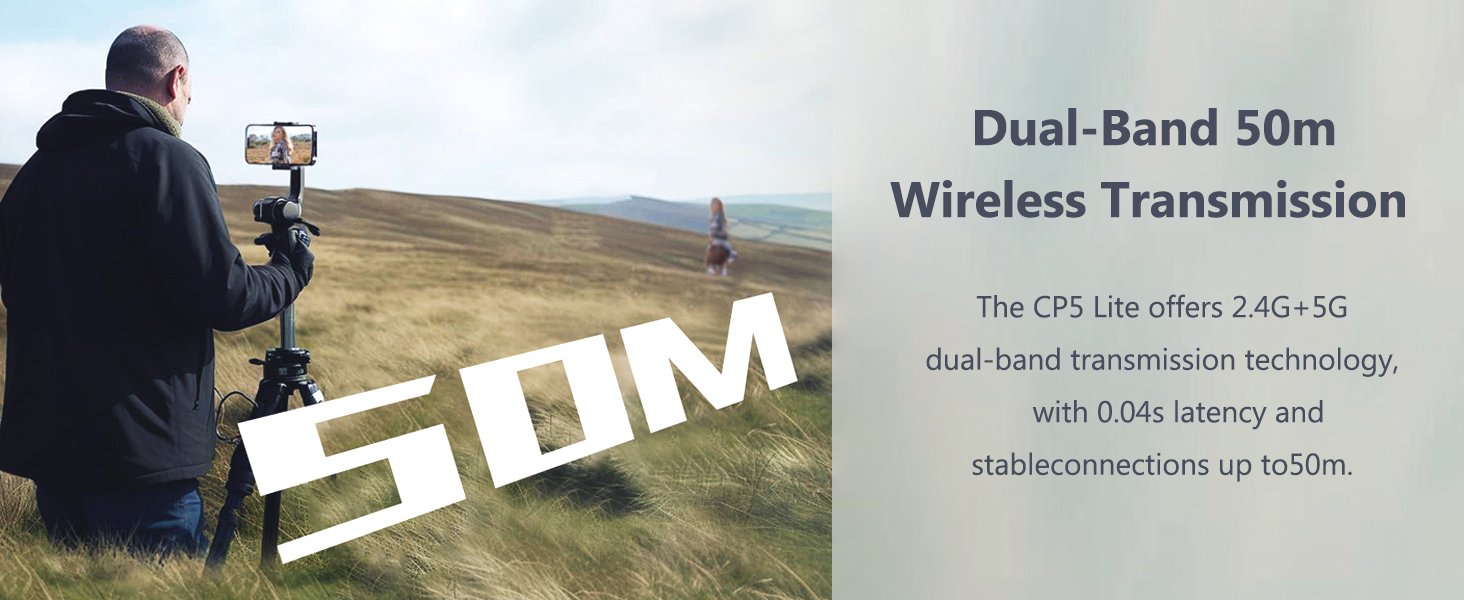
Figure 11: Dual-band 50m wireless transmission for stable, low-latency monitoring.
4.5. Skenario Penggunaan
The CP5 Lite is ideal for various content creation scenarios, including:
- Vlogging and live streaming
- Selfie photography and group photos
- Remote shooting with precise framing
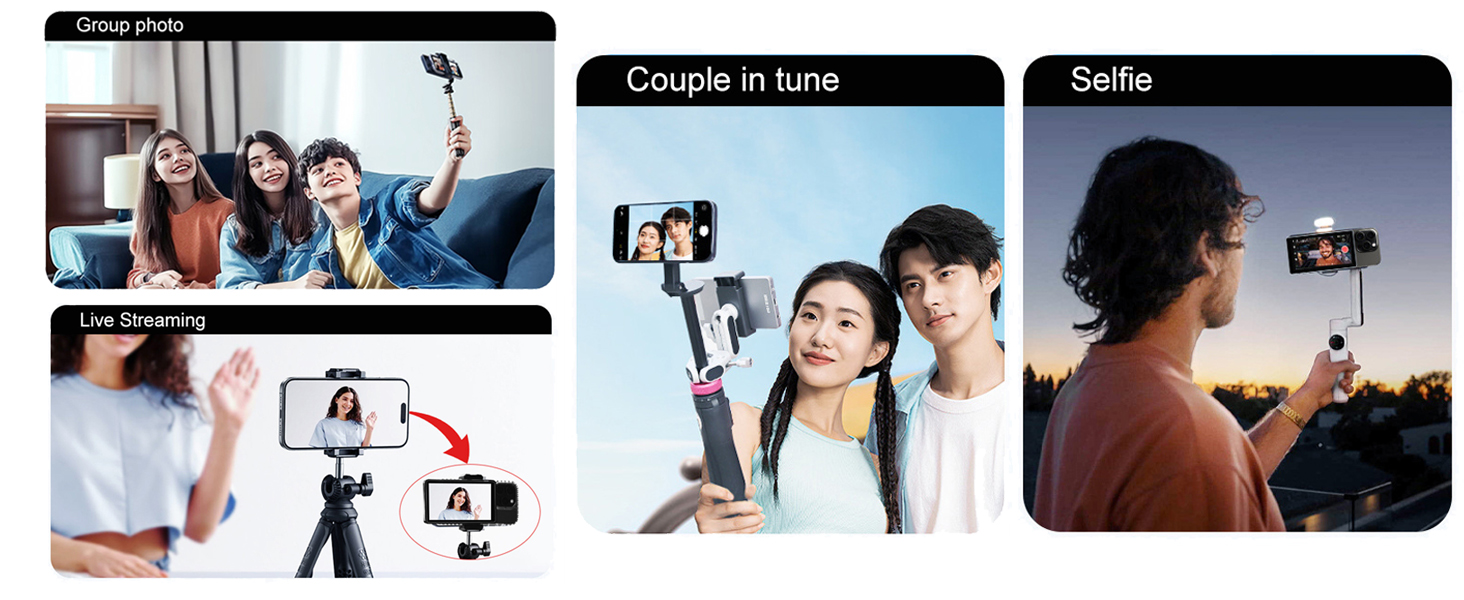
Figure 12: The CP5 Lite supports diverse shooting scenarios for content creators.
Video 4: Demonstrates how the selfie monitor screen enhances the shooting experience by providing a clear view dari kamera belakang.
Video 5: Pratinjau singkatview pertunjukanasing the Shimbol CP5 Lite's functionality and real-time mirroring.
5. Pemeliharaan
To ensure the longevity and optimal performance of your Shimbol CP5 Lite, follow these general maintenance guidelines:
- Jaga kebersihan perangkat dengan mengelapnya menggunakan kain lembut dan kering. Hindari penggunaan bahan kimia keras atau bahan abrasif.
- Simpan perangkat di tempat yang sejuk dan kering, jauhkan dari sinar matahari langsung dan suhu ekstrem.
- Protect the screen from scratches by using the magnetic case or a screen protector when not in use.
- Hindari menjatuhkan perangkat atau membenturkannya dengan kuat.
6. Penyelesaian masalah
If you encounter issues with your CP5 Lite, consider the following:
- Masalah Koneksi: Ensure both the CP5 Lite and your smartphone have Wi-Fi and Bluetooth enabled. Verify that you have selected the correct device for screen mirroring and entered the correct PIN.
- Lag atau Penundaan: While the device boasts low latency, environmental factors or interference can sometimes cause minor delays. Ensure you are within the recommended 50-meter range and minimize other wireless activity.
- Lampiran Magnetik: The magnetic case works best with phones that have built-in magnetic charging capabilities. If your phone has a thick case, the magnetic connection might be weaker.
- iPhone 17 Series Compatibility: For optimal performance with iPhone 17 series devices, please contact Shimbol customer support to upgrade the firmware version.
- No Touchscreen Response: The CP5 Lite is designed for button operation only and does not support touchscreen functionality. All controls are managed via the physical buttons on the device.
7. Spesifikasi
| Merek | Shimboli |
| Nomor Model | CP5 Lite |
| Berat Barang | 123 Gram (4.3 ons) |
| Dimensi Paket | 5.98x3.86x2.24 inci |
| Warna | Biru (varian) |
| Perangkat yang Kompatibel | Ponsel pintar (iOS & Android) |
| Menampilkan | 5-inch 1080P Full HD |
| Transmisi Nirkabel | Dual-band Wi-Fi (2.4G+5G), up to 50 meters range |
| Latensi | 0.04 detik |
| Baterai | 2000mAh rechargeable (up to 3.5 hours usage) |
| Port Pengisian Daya | Type-C (5V/1A compatible) |
| Operasi | Button-operated (non-touchscreen) |
8. Garansi dan Dukungan
For any product inquiries, technical assistance, or warranty claims, please refer to the "After-sales Service Card" included in your package. This card typically contains contact information and details regarding product support.
Important Note for iPhone 17 Series Users: If you are using the CP5 Lite with an iPhone 17 series device, please contact Shimbol customer support to upgrade the firmware version for optimal compatibility and performance.


