1. Pendahuluan
Welcome to the ECOPAD T30 Android 15 Tablet user manual. This guide provides essential information to help you set up, operate, and maintain your new tablet. Please read this manual thoroughly to ensure optimal performance and longevity of your device.
2. Isi Paket
Sebelum memulai, harap verifikasi apakah semua item ada dalam paket Anda:
- ECOPAD T30 Android 15 Tablet
- Kabel USB Tipe-C
- Adaptor Daya 18W
- User Manual (dokumen ini)

Image: Contents of the ECOPAD T30 Tablet package, showing the tablet, USB cable, 18W charger, and user manual.
3. Perangkat Berakhirview
Familiarize yourself with the physical components of your ECOPAD T30 tablet.

Gambar: Depan dan belakang view of the ECOPAD T30 Tablet, illustrating the screen, rear camera, and various ports and buttons.
Komponen Utama:
- Kamera Depan: Untuk panggilan video dan swafoto.
- Kamera Belakang: Untuk mengambil foto dan video.
- Tombol Daya: To turn the tablet on/off or put it to sleep.
- Tombol Volume: Untuk mengatur volume audio.
- Port USB Tipe-C: Untuk pengisian dan transfer data.
- Jack Headphone 3.5mm: Untuk menghubungkan headphone berkabel.
- Slot Kartu Micro SD: Untuk memperluas penyimpanan.
- Pembicara: Untuk keluaran audio.
4. Pengaturan
4.1 Mengisi Daya Tablet
Before first use, fully charge your tablet. Connect the USB Type-C cable to the tablet's charging port and the 18W power adapter to a wall outlet.

Image: The ECOPAD T30 Tablet connected to its 18W fast charger, illustrating its 6000mAh battery and various usage durations.
4.2 Daya Hidup/Mati
- Untuk menghidupkan: Press and hold the Power button until the ECOPAD logo appears.
- Untuk mematikan: Tekan dan tahan tombol Daya, lalu pilih "Matikan" dari pilihan di layar.
- Untuk Memulai Ulang: Tekan dan tahan tombol Daya, lalu pilih "Mulai Ulang" dari pilihan yang ada.
4.3 Pengaturan Awal
Upon first power-on, the tablet will guide you through the initial setup process. This includes selecting your language, connecting to Wi-Fi, setting up your Google account, and configuring basic security settings.
Koneksi Wi-Fi 4.4
- Pergi ke Pengaturan > Jaringan & internet > Wifi gratis.
- Beralih Wi-Fi On.
- Pilih jaringan Wi-Fi yang Anda inginkan dari daftar.
- Masukkan kata sandi jika diminta, lalu ketuk Menghubungkan.
5. Mengoperasikan Tablet
5.1 Sistem Operasi Android 15
Your ECOPAD T30 runs on the latest Android 15, offering enhanced security, improved privacy controls, and a customizable user experience.

Image: A visual representation of the Android 15 operating system, highlighting its key features such as multitasking, privacy controls, customization, and performance.
5.2 Pengaturan Tampilan
The tablet features a 10.1-inch HD IPS touchscreen with a resolution of 1280x800 pixels and a 16:9 aspect ratio.

Image: The 10.1-inch HD IPS display of the ECOPAD T30, showcasing its resolution, aspect ratio, and eye-protection capabilities.
Adjust brightness, font size, and display mode (e.g., dark theme) via Pengaturan > Menampilkan.
5.3 Manajemen Penyimpanan
The tablet comes with 128GB of internal storage, expandable up to 1TB using a Micro SD card.

Image: An illustration of the ECOPAD T30's memory and storage capabilities, featuring 12GB RAM, 128GB internal storage, and support for up to 1TB Micro SD card expansion.
Untuk mengelola penyimpanan, buka Pengaturan > PenyimpananDi sini Anda bisa view used space and free up storage.
5.4 Konektivitas
Your tablet supports various connectivity options:
- Dual-Band Wi-Fi 5 (2.4GHz & 5GHz): For fast internet access.
- Bluetooth 5.0: Untuk menghubungkan aksesori nirkabel seperti headphone dan keyboard.
- Bahasa Indonesia: Untuk layanan navigasi dan lokasi.
- Radio FM: Untuk mendengarkan stasiun radio lokal.
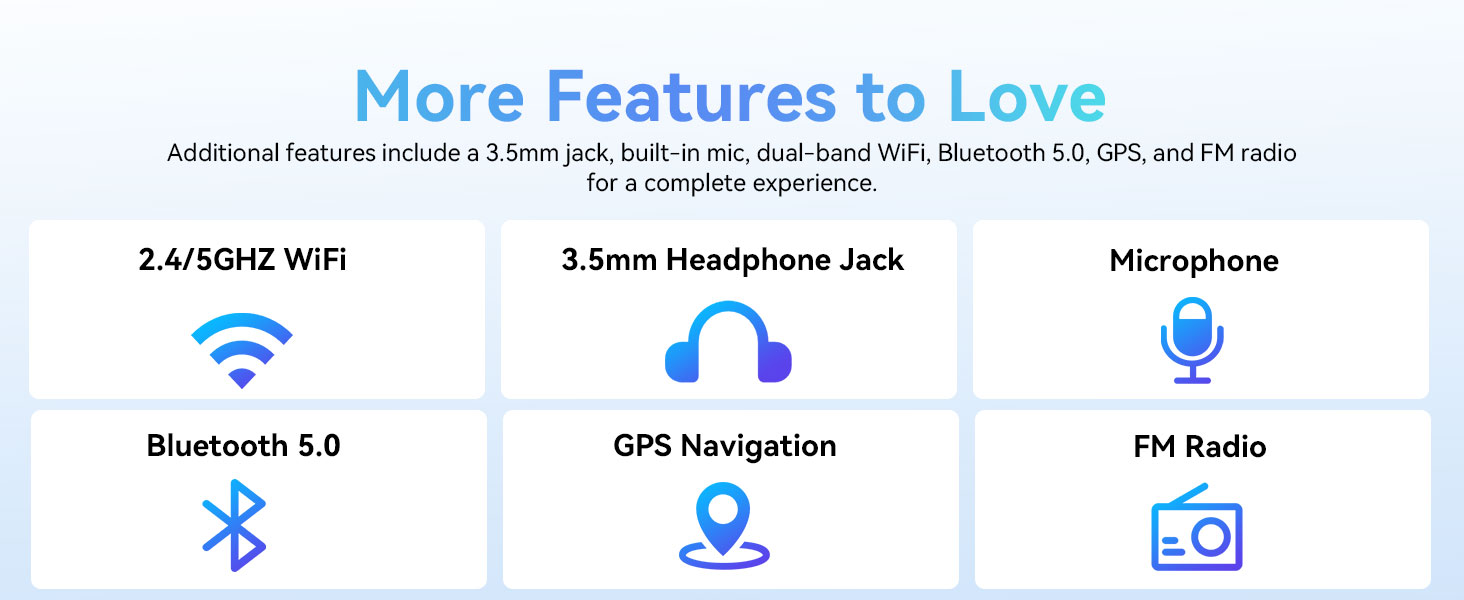
Image: A graphic displaying the ECOPAD T30's additional features, including dual-band Wi-Fi, 3.5mm headphone jack, microphone, Bluetooth 5.0, GPS, and FM Radio.
5.5 Penggunaan Kamera
Tablet ini dilengkapi dengan kamera belakang 8MP dan kamera depan 2MP.
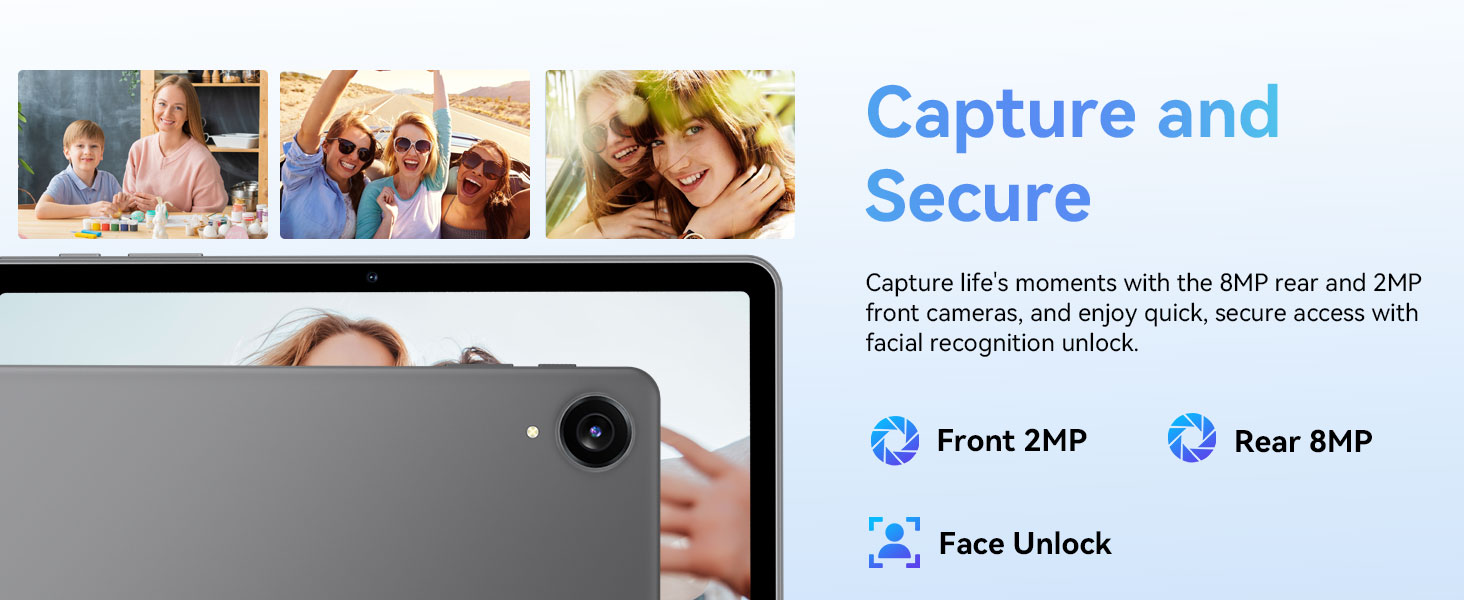
Image: The ECOPAD T30 Tablet highlighting its 2MP front camera, 8MP rear camera, and the Face Unlock security feature.
Buka Kamera app to take photos or record videos. Tap the camera icon to switch between front and rear cameras.
5.6 Security (Face Unlock)
For convenient and secure access, your tablet supports Face Unlock. To set it up, go to Pengaturan > Keamanan & privasi > Buka kunci wajah dan ikuti petunjuk di layar.
5.7 Multimedia and Streaming
The ECOPAD T30 supports Widevine L1, enabling high-definition streaming from platforms like Netflix, Hulu, YouTube, HBO Max, Prime Video, and Disney+.
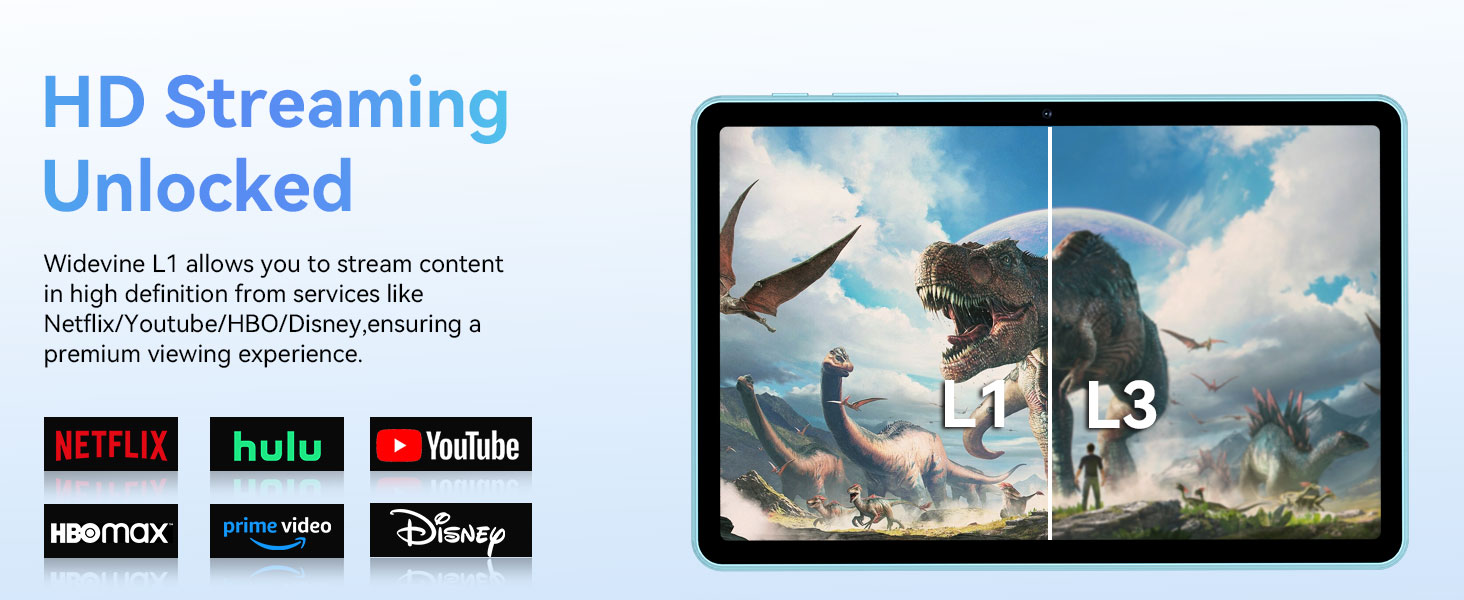
Image: The ECOPAD T30 Tablet demonstrating Widevine L1 support for high-definition streaming, with logos of compatible services like Netflix and Disney+.
6. Pemeliharaan
6.1 Perawatan Baterai
- Hindari suhu ekstrem.
- Do not let the battery fully drain frequently.
- Use the provided 18W charger for optimal charging.
6.2 Pembersihan
Gunakan kain lembut dan bebas serat untuk membersihkan layar dan bodi tablet. Hindari bahan kimia keras atau bahan abrasif.
6.3 Pembaruan Perangkat Lunak
Periksa dan instal pembaruan perangkat lunak secara berkala untuk memastikan tablet Anda memiliki fitur terbaru, tambalan keamanan, dan peningkatan kinerja. Buka Pengaturan > Sistem > Pembaruan sistem.
7. Penyelesaian masalah
- Tablet tidak menyala: Pastikan baterai terisi daya. Hubungkan pengisi daya dan coba lagi.
- Layar membeku: Tekan dan tahan tombol Daya selama sekitar 10-15 detik untuk memaksa memulai ulang.
- Masalah koneksi Wi-Fi: Restart your tablet and your Wi-Fi router. Check Wi-Fi settings to ensure the correct network and password are used.
- Aplikasi mogok: Hapus cache aplikasi yang bermasalah (Pengaturan > Aplikasi > [Nama Aplikasi] > Penyimpanan & cache > Hapus cacheJika masalah berlanjut, coba instal ulang aplikasinya.
- Low audio volume: Check volume settings. Ensure no headphones are connected if you intend to use speakers. Consider connecting a Bluetooth speaker for enhanced audio.
8. Spesifikasi
| Fitur | Spesifikasi |
|---|---|
| Model | ECOPAD T30 |
| Sistem Operasi | Android 15 |
| Prosesor | Unisoc T606 Octa-core (2x Cortex-A75, 6x Cortex-A55) |
| RAM | 12GB (4GB + 8GB Ekspansi) |
| Penyimpanan Internal | 128 GB |
| Penyimpanan yang Dapat Diperluas | Kapasitas hingga 1TB melalui kartu Micro SD. |
| Ukuran Layar | 10.1 inci |
| Jenis Tampilan | Layar Sentuh HD IPS |
| Resolusi | 1280 x 800 Piksel |
| Rasio Aspek | 16:9 |
| Kamera Belakang | 8MP |
| Kamera Depan | 2MP |
| Wifi gratis | Dual-Band Wi-Fi 5 (802.11ax, 2.4GHz/5GHz) |
| Bahasa Indonesia: Bluetooth | Bluetooth 5.0 |
| Kapasitas Baterai | 6000 mAh |
| Pengisian daya | 18W Fast Charge (USB Type-C) |
| Daya Tahan Baterai Rata-rata | 8 Jam (penggunaan umum) |
| Dimensi (P x L x T) | 9.5x6.5x0.3 inci |
| Berat | 1.83 pon |
| Fitur Lainnya | GPS, FM Radio, Dual Speakers, Face Unlock, Widevine L1 |

Image: A detailed diagram illustrating the Unisoc T606 Octa-core processor, highlighting its ARM G57 GPU, core configuration (Cortex-A55 x 6, Cortex-A75 x 2), and 12nm manufacturing process.
9. Garansi dan Dukungan
Your ECOPAD T30 Tablet comes with a Garansi 2 tahun from the date of purchase. This warranty covers manufacturing defects and ensures peace of mind regarding your product's quality.
For technical support, warranty claims, or any questions regarding your tablet, please contact ECOPAD customer service through the official channels provided at the time of purchase or on the ECOPAD weblokasi.


