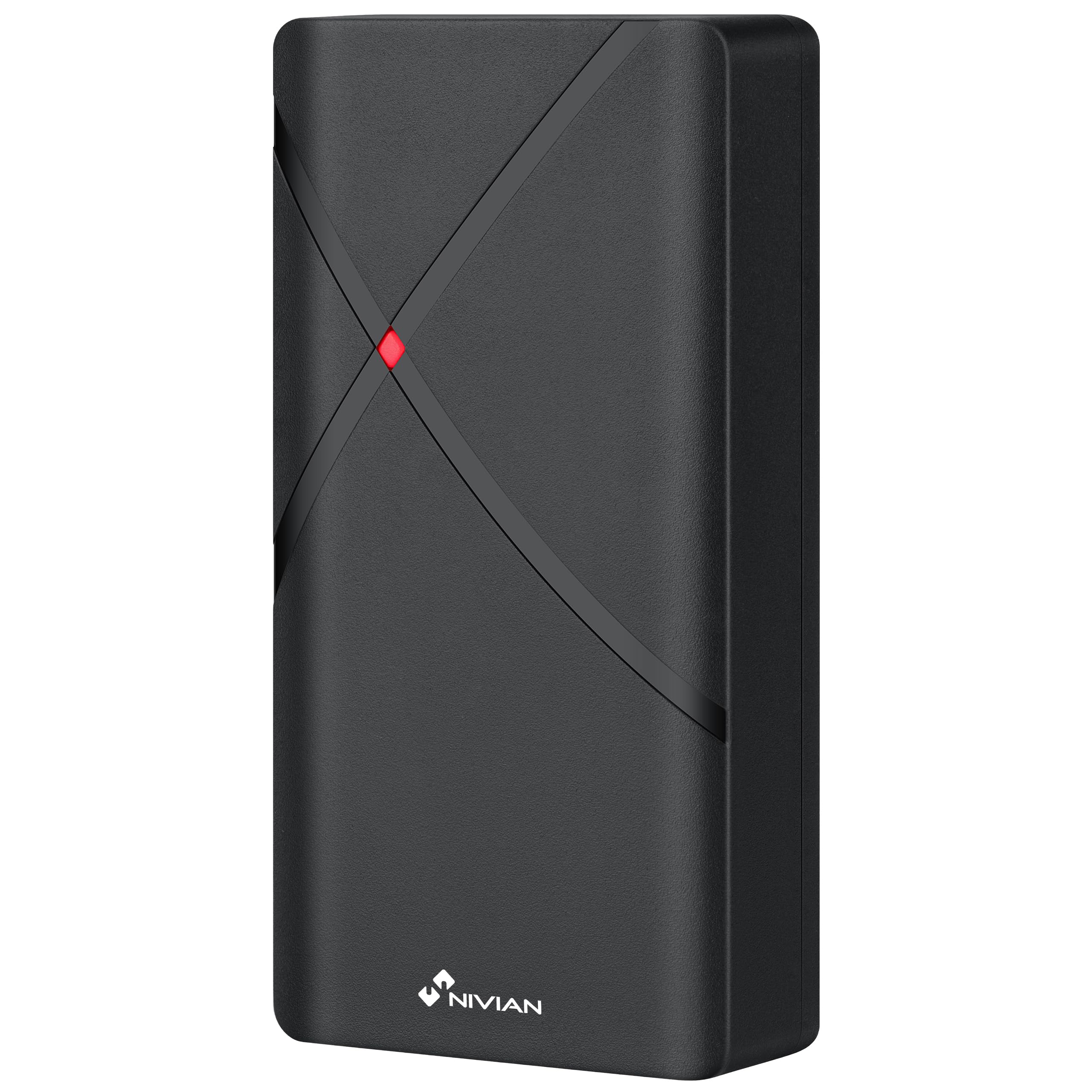
NIVIAN NV-ACCESS-RFID

NIVIAN NV-ACCESS-RFID IP68 RFID Access Control System Instruction Manual

Model: NV-ACCESS-RFID

1. Produk Lebihview

The NIVIAN NV-ACCESS-RFID is an IP68-rated outdoor RFID access control system designed for secure door access. It supports up to 2,000 users and offers convenient configuration via a remote control. This system provides a robust and reliable solution for managing access in various environments.

Fitur Utama:

  • RFID Card and Key Fob Access: Securely opens doors using EM 125kHz proximity cards and key fobs for quick, contactless entry.
  • Kapasitas Pengguna Tinggi: Supports up to 2,000 users, making it suitable for communities, businesses, or facilities with high personnel turnover.
  • Konfigurasi Kontrol Jarak Jauh: Manage users, cards, and functions easily with the included remote control, eliminating the need for internet connection or additional software.
  • IP68 Outdoor Rating: Features a robust, water-resistant, and dustproof design, ideal for outdoor installations. Constructed from durable ABS material.
  • Wiegand System Compatibility: Easily integrates into existing security systems through its 26-bit Wiegand input/output and configurable NO/NC relay output.

Isi Paket:

  • NIVIAN Access Control Unit (NV-ACCESS-RFID)
  • Remote Control for configuration
  • Installation accessories (screws, wall plugs)
  • Panduan Pengguna

Produk View:

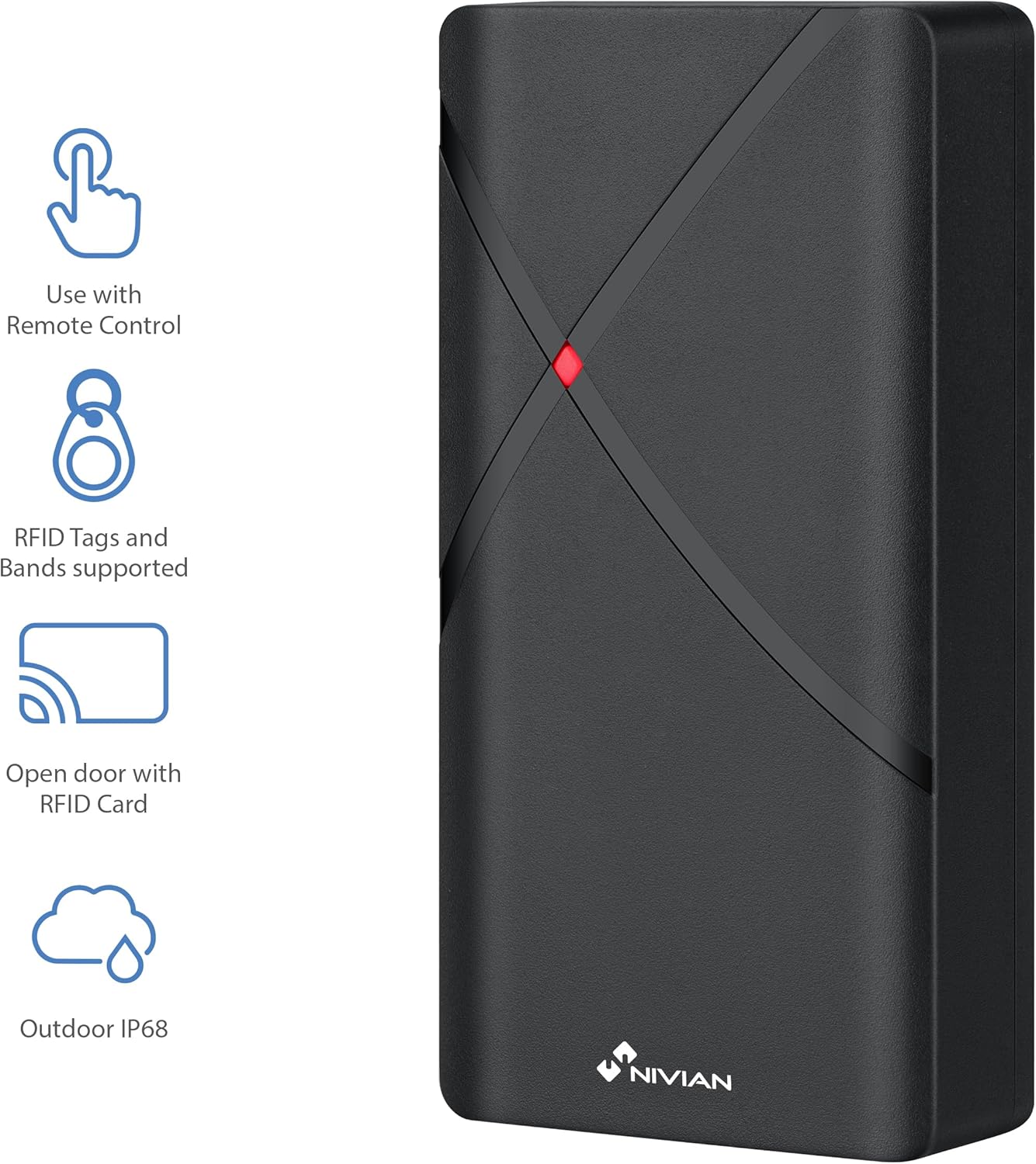
NIVIAN NV-ACCESS-RFID Access Control Unit with feature icons
Gambar 1: Depan view of the NIVIAN NV-ACCESS-RFID Access Control Unit, highlighting its remote control compatibility, RFID tag support, RFID card opening, and IP68 outdoor rating.
NIVIAN NV-ACCESS-RFID Access Control Unit in a weatherproof and anti-vandalism metal alloy casing
Figure 2: The NIVIAN NV-ACCESS-RFID unit demonstrating its weatherproof and anti-vandalism metal alloy construction, suitable for outdoor use.

2. Panduan Instalasi

Proper installation is crucial for the optimal performance and security of your NIVIAN NV-ACCESS-RFID system. Please follow these steps carefully.

2.1 Memasang Unit

  • Choose a suitable mounting location, ensuring it is within reach of necessary wiring and provides clear access for users. The IP68 rating allows for outdoor placement.
  • Use the provided mounting template (if included) to mark drilling points on the wall or door frame.
  • Drill holes and insert wall plugs. Secure the unit to the surface using the provided screws.
  • Pastikan unit terpasang dengan kuat dan stabil.
NIVIAN NV-ACCESS-RFID Access Control Unit mounted on a narrow door frame
Figure 3: The access control unit designed for installation on narrow door frames, demonstrating its compact form factor.
NIVIAN NV-ACCESS-RFID Access Control Unit mounted on a glass door
Figure 4: The access control unit mounted on a glass door, showcasing its versatility in installation environments.

2.2 Diagram Pengkabelan

Connect the access control unit to your power supply, electric lock, and optional exit button or doorbell according to the following diagram. Always ensure power is disconnected before performing any wiring.

Diagram showing wiring options for the NIVIAN NV-ACCESS-RFID system, including power supply, electric lock, remote control, and optional exit button
Figure 5: Wiring diagram illustrating the connections for power supply, electric lock, remote control, and optional exit button for the access control system.

Video 1: This video demonstrates the installation scheme for the access control system, detailing how to connect the various components such as the door access control unit, lock, power supply, exit button, proximity card reader, and doorbell.

3. Petunjuk Pengoperasian

The NIVIAN NV-ACCESS-RFID system is designed for user-friendly operation. This section covers basic access methods and user management.

3.1 Granting Access with RFID Cards/Key Fobs

  • To grant access, simply present a pre-programmed RFID card or key fob to the reader area on the unit.
  • The unit will emit an audible signal and/or visual indicator (e.g., green light) to confirm successful access.
A hand presenting an RFID card to the NIVIAN NV-ACCESS-RFID unit for door access
Figure 6: A user presenting an RFID card to the access control unit to gain entry, illustrating the contactless operation.

3.2 User Management (via Remote Control)

The remote control allows for easy management of users without complex software. Refer to the remote control's specific instructions for detailed programming steps.

  • Menambahkan Pengguna: Use the remote control to enter programming mode, then follow the prompts to add new RFID cards or key fobs.
  • Menghapus Pengguna: Access programming mode via the remote control and select the option to delete specific user cards or all users.
  • Mengubah Kode Master: The remote control can also be used to change the system's master programming code for enhanced security.

4. Spesifikasi Teknis

FiturSpesifikasi
Nomor ModelNV-ACCESS-RFID
MerekNIVIAN
Dimensi (P x L x T)Ukuran 12x7x2 cm
Berat300 gram
Peringkat Perlindungan Ingress (IP)IP68 (Tahan Air dan Debu)
Kapasitas PenggunaHingga 2,000 pengguna
Metode AksesRFID (EM 125kHz cards/key fobs)
KonfigurasiKontrol Jarak Jauh
BahanABS tahan lama
KesesuaianWiegand systems (26-bit input/output)
Sumber DayaListrik Kabel

5. Pemeliharaan

  • Pembersihan: Wipe the unit regularly with a soft, damp kain. Hindari pembersih atau pelarut abrasif.
  • Inspeksi: Periodically check for any signs of damage, loose connections, or wear and tear.
  • Pembaruan Firmware: Periksa pabrikannya websitus untuk pembaruan firmware yang tersedia guna memastikan kinerja dan keamanan yang optimal.

6. Penyelesaian masalah

MasalahKemungkinan PenyebabLarutan
Unit tidak menyalaTidak ada pasokan listrik atau kabel rusak.Check power connections and ensure the power supply is active. Verify wiring according to the installation diagram.
RFID card/fob not recognizedCard/fob not programmed or damaged. Incorrect card type.Ensure the card/fob is correctly programmed into the system using the remote control. Try a different card/fob. Verify it's an EM 125kHz type.
Door does not unlock after successful scanElectric lock malfunction or incorrect wiring.Check the electric lock's functionality independently. Verify the wiring between the access control unit and the lock. Ensure relay output is correctly configured (NO/NC).
Kontrol jarak jauh tidak berfungsiBattery low or out of range.Replace the remote control battery. Ensure you are within the effective range of the unit.

7. Dukungan dan Garansi

For technical support, warranty information, or additional resources, please visit the official NIVIAN websitus atau hubungi layanan pelanggan.

NIVIAN branding with links to NIVIANHOME WEB, Asuransitagram, and YouTube for support and tutorials
Figure 7: NIVIAN support information, including links to their websitus, Instagram, and YouTube channel for technical assistance and tutorials.