Perkenalan
This manual provides essential information for setting up, operating, and maintaining your Acer Nitro KG240Y W3biip 23.8-inch Full HD 240Hz IPS Gaming Monitor. Please read these instructions carefully before using your monitor to ensure optimal performance and safety.
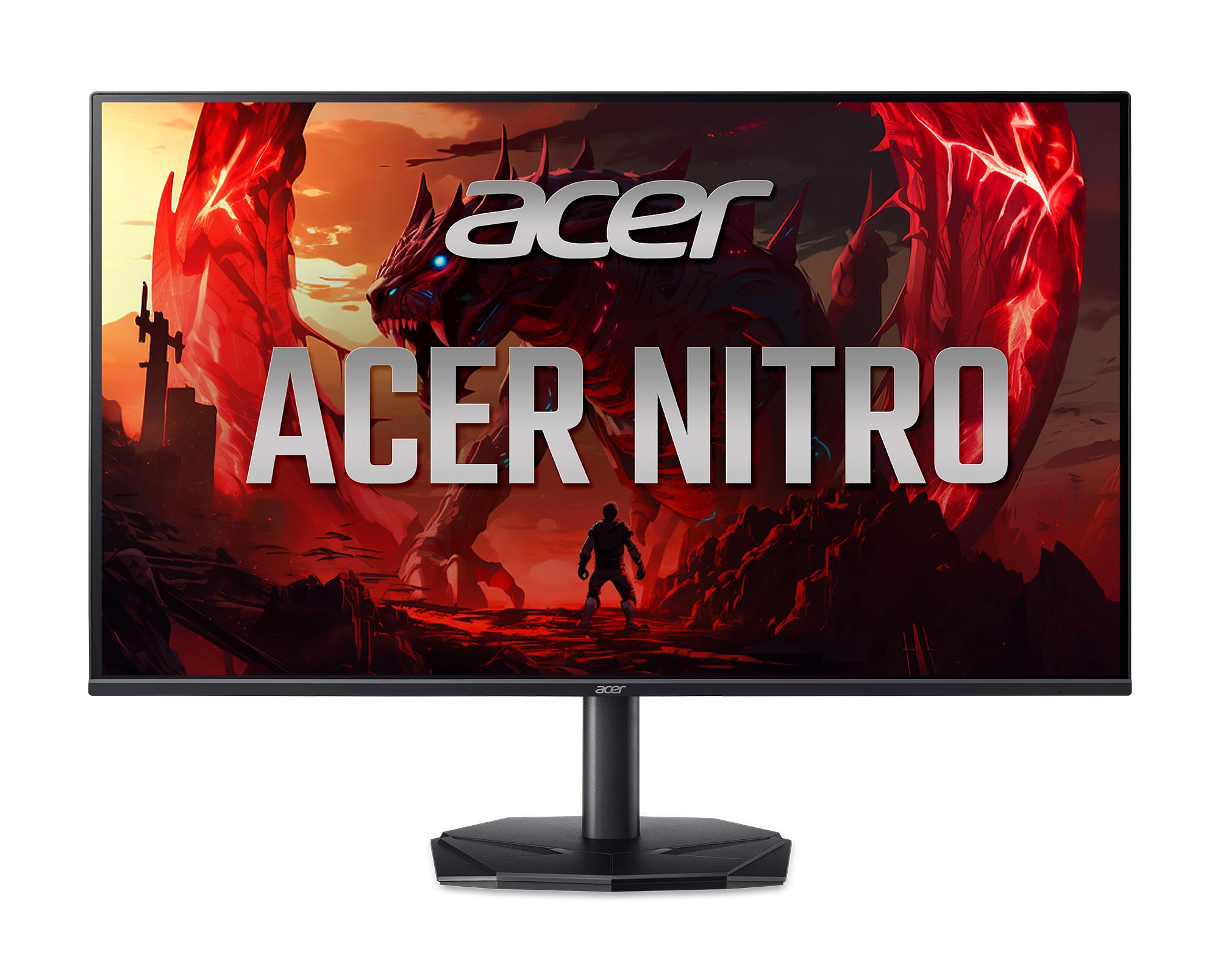
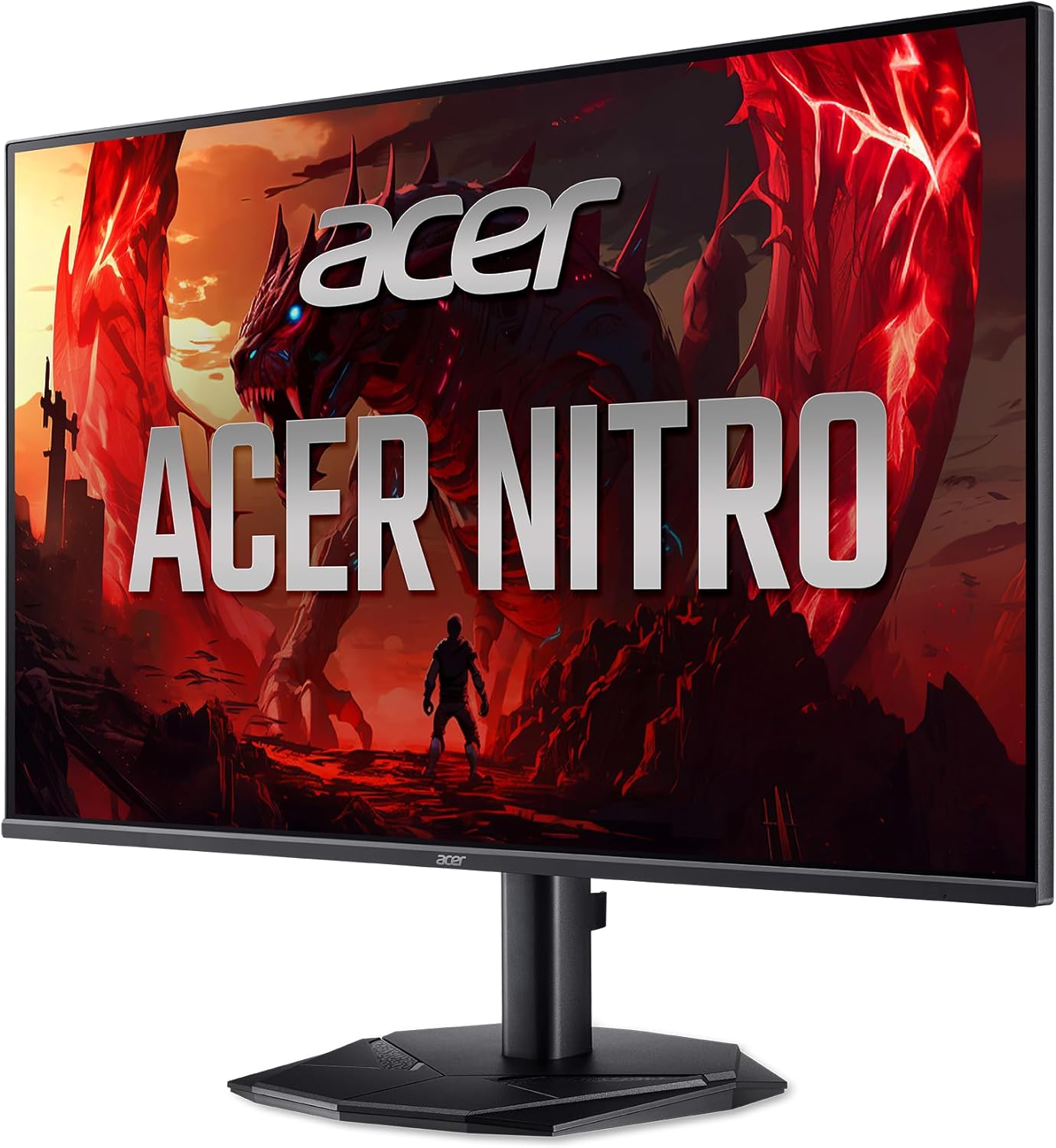
Depan view of the Acer Nitro KG240Y W3biip 23.8-inch Gaming Monitor.
Apa yang ada di dalam kotak
Verifikasi bahwa semua komponen ada dalam paket:
- Unit Tampilan
- Dudukan Monitor (Alas dan Leher)
- Kabel Listrik
- Kabel HDMI
Petunjuk Pengaturan
1. Merakit Dudukan Monitor
- Keluarkan komponen monitor dan dudukan secara hati-hati dari kemasannya.
- Attach the stand base to the stand neck. Secure with the captive screw, if present.
- Align the stand assembly with the mounting points on the back of the monitor. Gently push until it clicks into place or secure with screws as per the included quick start guide.
2. Kabel Penghubung
Pastikan monitor dan komputer Anda dalam keadaan mati sebelum melakukan penyambungan apa pun.
- Sambungan Daya: Hubungkan kabel daya ke input daya monitor dan kemudian ke stopkontak.
- Koneksi Video:
- For optimal performance, connect the included HDMI cable from your computer's graphics card to one of the HDMI 2.0 ports on the monitor.
- Alternatively, use a DisplayPort 1.2 cable to connect your computer to the monitor's DisplayPort input.
Belakang view of the monitor displaying the power and video input ports (HDMI, DisplayPort).
3. Pengaktifan Awal
- Sambungkan kabel daya ke stopkontak di dinding.
- Tekan tombol daya pada monitor.
- Nyalakan komputer Anda. Monitor seharusnya secara otomatis mendeteksi sinyal input. Jika tidak, Anda mungkin perlu memilih sumber input secara manual menggunakan menu OSD.
Petunjuk Pengoperasian
Menu Tampilan Pada Layar (OSD)
The OSD menu allows you to adjust various monitor settings. The control buttons are typically located on the back or bottom right side of the monitor.
- Tombol Daya: Menyalakan atau mematikan monitor.
- Tombol Menu: Membuka menu OSD.
- Tombol Navigasi: Digunakan untuk menavigasi opsi menu dan menyesuaikan nilai.
- Tombol Pilih Input: Quickly switches between available video input sources (HDMI 1, HDMI 2, DisplayPort).
Pengaturan OSD Umum
- Gambar: Adjust brightness, contrast, gamma, and color temperature.
- Warna: Fine-tune color settings, including sRGB mode.
- Permainan: Enable/disable AMD FreeSync Premium, adjust overdrive, and set refresh rate.
- Masukan: Manually select the active video input source.
- Sistem: Language, OSD timeout, and factory reset options.
Enabling AMD FreeSync Premium
To utilize AMD FreeSync Premium, ensure your graphics card supports it and that the feature is enabled in both your graphics card control panel and the monitor's OSD menu (usually under the "Gaming" section).
Mengatur Kecepatan Refresh
To achieve the 240Hz refresh rate, ensure your graphics card and cable (DisplayPort or HDMI 2.0) support it. Set the refresh rate in your operating system's display settings (e.g., Windows Display Settings > Advanced display settings > Display adapter properties).
Fitur Utama
The Acer Nitro KG240Y W3biip monitor offers several features designed to enhance your viewpengalaman bermain game dan menulis:
Full HD (1920x1080) Resolution
Experience sharp, high-quality images with excellent detail on the 23.8-inch IPS panel. The 16:9 aspect ratio is ideal for both productivity and entertainment. The zero-frame design maximizes screen space for an immersive view.

Visual comparison demonstrating the clarity of Full HD (1080p) resolution.
Teknologi Premium AMD FreeSync
Enjoy tear-free and stutter-free gaming. AMD FreeSync Premium synchronizes the monitor's refresh rate with your graphics card's frame rate, providing a smooth and fluid gaming experience.

Illustration of AMD FreeSync Premium eliminating screen tearing during fast-paced action.
Kecepatan Refresh 240Hz
Experience ultra-smooth 2D motion scenes with a rapid refresh rate of up to 240Hz. This significantly shortens frame rendering time and lowers input lag, providing a competitive edge in fast-paced games.

Visual representation of the smoothness provided by a 240Hz refresh rate compared to lower rates.
Up to 0.5ms GTG (Gray to Gray) Response Time
Enjoy clearer, more immersive images without blurring. The rapid 0.5ms GTG response time ensures that fast-moving action and dramatic transitions are rendered smoothly, free from smearing or ghosting effects.

Demonstration of reduced motion blur with a 0.5ms GTG response time.
HDR10 Support and sRGB 99% Color Accuracy
The monitor supports HDR10, providing enhanced contrasts and a wider color palette for more realistic and natural images. With 99% sRGB color accuracy, it is suitable for color-critical tasks such as graphic design and photo editing.

Visual representation of improved contrast and color depth with HDR10 support.
Pemeliharaan
- Membersihkan Layar: Usap layar secara perlahan menggunakan kain lembut bebas serat. Untuk noda membandel, dampen the cloth with a small amount of water or a specialized screen cleaner. Avoid using harsh chemicals or abrasive materials.
- Membersihkan Casing: Gunakan kain lembut dan kering untuk membersihkan monitor.asing.
- Ventilasi: Pastikan lubang ventilasi pada monitor tidak terhalang untuk mencegah panas berlebih.
- Matikan: Selalu matikan monitor saat tidak digunakan dalam waktu lama.
Penyelesaian Masalah
| Masalah | Solusi yang mungkin |
|---|---|
| Tidak ada gambar di layar |
|
| Gambar berkedip atau tidak stabil |
|
| Warnanya tampak salah |
|
Spesifikasi
| Fitur | Detil |
|---|---|
| Merek | Tanaman acer |
| Nomor Model | KG240Y W3biip |
| Ukuran Layar | 23.8 inci |
| Jenis Panel | Bahasa Inggris |
| Resolusi | 1920x1080 (HD Penuh) |
| Rasio Aspek | 16:9 |
| Kecepatan Penyegaran Maksimum | frekuensi 240Hz |
| Waktu Respon | Up to 0.5ms GTG |
| Gamut Warna | sRGB 99% |
| Dukungan HDR | HDR10 |
| Teknologi Sinkronisasi Adaptif | AMD FreeSync Premium |
| Masukan Video | 1 x DisplayPort 1.2, 2 x HDMI 2.0 |
| Berat Barang | 9.79 pon |
| Dimensi Produk (P x L x T) | 8.28x24.08x18.12 inci |
| Warna | Hitam |
Garansi dan Dukungan
Untuk informasi garansi dan dukungan teknis, silakan lihat kartu garansi yang disertakan dengan produk Anda atau kunjungi dukungan resmi Acer. websitus tersebut. Anda biasanya dapat menemukan driver, FAQ, dan informasi kontak untuk layanan pelanggan di sana.
Dukungan Acer Weblokasi: www.acer.com/support