1. Pendahuluan
The Brother DCP-L2640DW is a compact, high-performance monochrome laser all-in-one printer designed for home offices and small workgroups. This manual provides essential information for setting up, operating, maintaining, and troubleshooting your printer to ensure optimal performance.
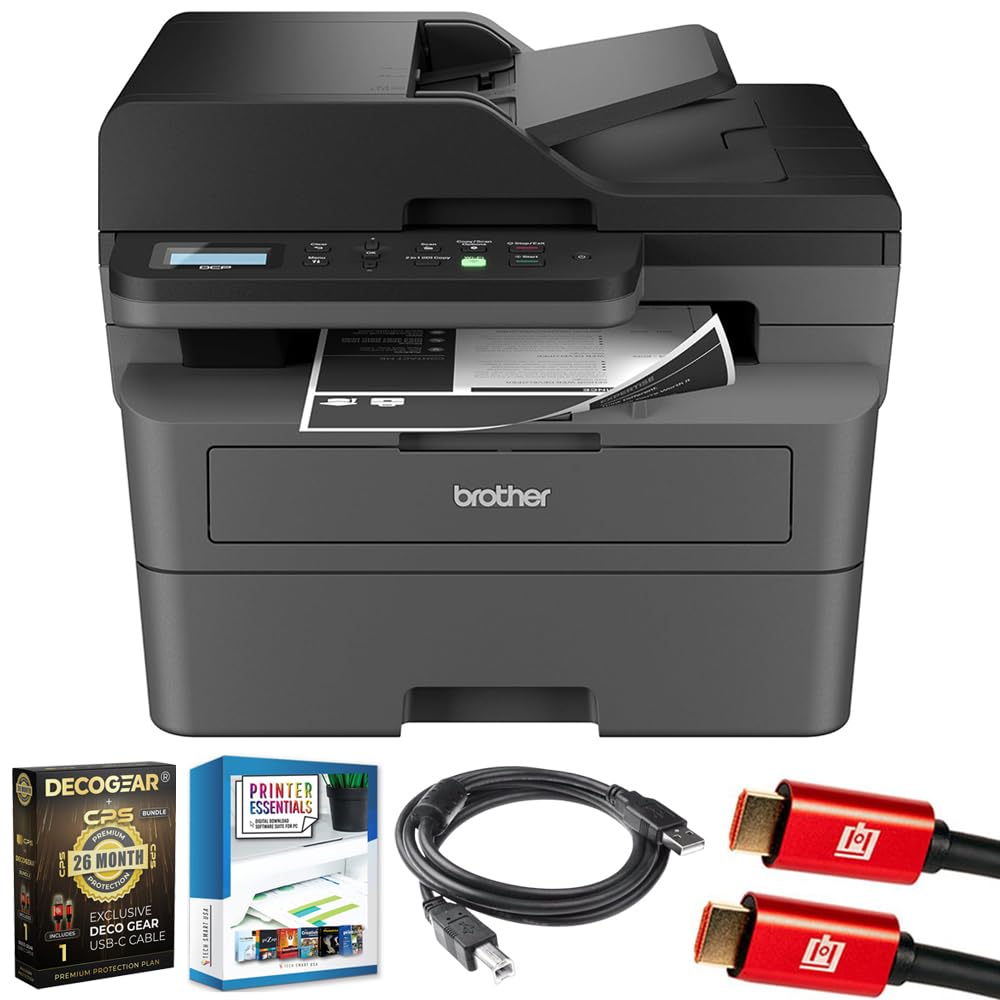
Image 1.1: Brother DCP-L2640DW Compact Monochrome Laser Printer
2. Fitur Utama
- Fungsionalitas 3-in-1: Print, copy, and scan capabilities in a compact design.
- Kecepatan Pencetakan Cepat: Delivers up to 36 pages per minute for efficient task completion.
- Pencetakan Dupleks Otomatis: Built-in two-sided printing to save time and paper.
- Pengumpan Dokumen Otomatis (ADF) 50 Lembar: Untuk pemindaian dan penyalinan multi-halaman yang efisien.
- High-Capacity Paper Handling: 250-sheet paper tray plus a manual feed slot for diverse media types.
- Opsi Konektivitas Fleksibel: Dual-band Wi-Fi, Ethernet, USB, and mobile printing via Brother Mobile Connect, AirPrint, Mopria, and Wi-Fi Direct.
- Keamanan Jaringan Tingkat Lanjut: Features like TLS/SSL, SNMP v3, and IP filtering for secure operation.

Gambar 2.1: Selesaiview of the Brother DCP-L2640DW's key features including print speed, connectivity, and compact design.
3. Apa yang ada di dalam kotak
- Printer Laser Monokrom Brother DCP-L2640DW
- Starter Black Toner Cartridge (approx. 700 pages)
- Brother DR830 Drum Unit (approx. 15,000 pages)
- Kabel Daya AC
- Documentation (Quick Setup Guide, Product Safety and Protection Information)
4. Pengaturan
4.1. Membongkar
- Keluarkan printer dari kemasannya dengan hati-hati.
- Lepaskan semua pita pelindung dan bahan pengemas dari bagian luar dan dalam printer.
4.2. Toner Cartridge and Drum Unit Installation
- Buka penutup depan printer.
- Remove the toner cartridge and drum unit assembly from the printer.
- Keluarkan kartrid toner dan unit drum yang baru dari kemasannya.
- Masukkan kartrid toner dengan kuat ke dalam unit drum hingga terkunci pada tempatnya.
- Slide the green tab on the drum unit from left to right several times to clean the corona wire. Return the tab to the home position.
- Reinstall the toner cartridge and drum unit assembly into the printer.
- Tutup penutup depan.
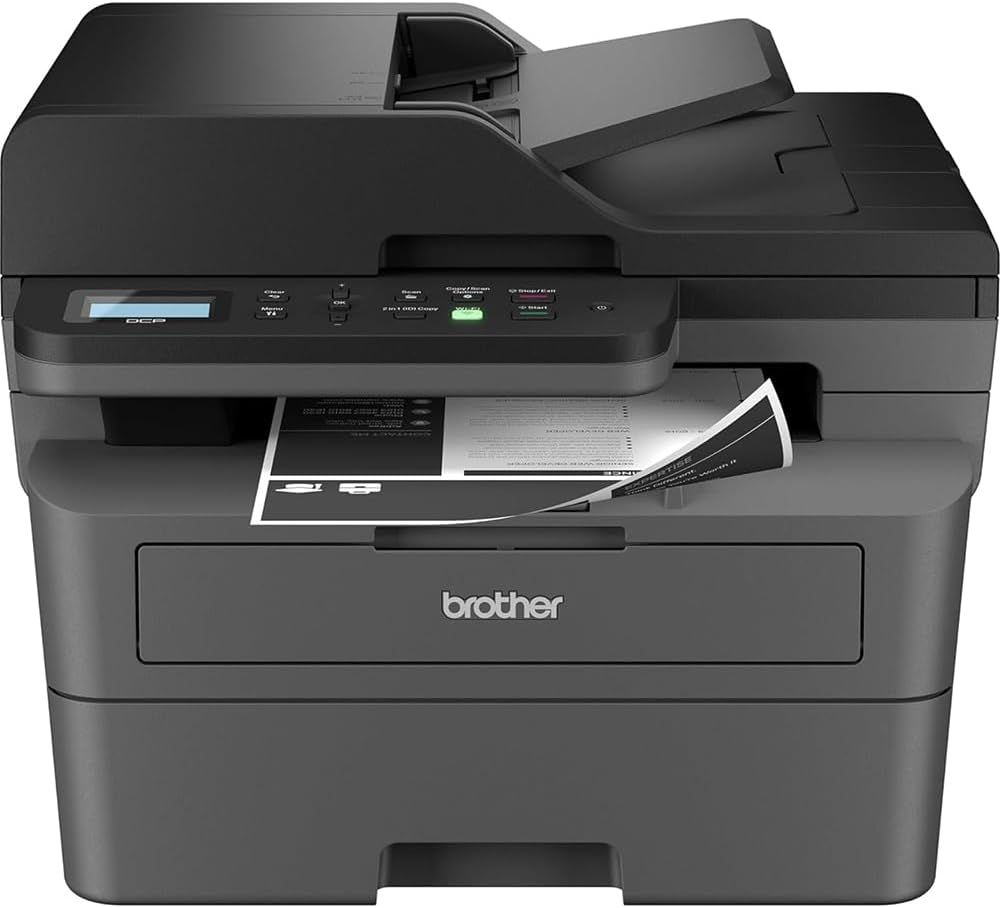
Image 4.1: The Brother DCP-L2640DW printer with the front cover open, showing the toner cartridge and drum unit assembly.
4.3. Koneksi Daya
- Hubungkan kabel daya AC ke input daya printer.
- Colokkan ujung kabel daya yang lain ke stopkontak yang diarde.
- Tekan tombol power untuk menghidupkan printer.
4.4. Initial Setup & Connectivity
Follow the on-screen instructions on the printer's LCD display to complete the initial setup, including language selection and date/time settings.
- Pengaturan nirkabel: Navigate to the network settings on the printer's control panel, select your Wi-Fi network, and enter the password.
- Koneksi Ethernet: Hubungkan kabel Ethernet dari router atau hub jaringan Anda ke port Ethernet printer.
- Koneksi USB: Hubungkan kabel USB dari komputer Anda ke port USB printer.
- Instalasi Driver: Install the printer drivers from the included CD-ROM or download them from the official Brother support weblokasi.
Video 4.1: Sebuah produk di atasview video demonstrating the Brother DCP-L2640DW printer's features and ease of use.
5. Petunjuk Pengoperasian
5.1. Mencetak Dokumen
- Load paper into the 250-sheet paper tray or the manual feed slot.
- From your computer or mobile device, open the document you wish to print.
- Pilih 'Cetak' dari menu aplikasi.
- Choose your Brother DCP-L2640DW printer.
- Sesuaikan pengaturan pencetakan (misalnya, jumlah salinan, pencetakan dua sisi) sesuai kebutuhan.
- Klik 'Cetak'.
5.2. Menyalin Dokumen
- Letakkan dokumen Anda menghadap ke bawah pada kaca pemindai atau menghadap ke atas pada Pengumpan Dokumen Otomatis (ADF).
- Pada panel kontrol printer, tekan tombol 'Salin'.
- Use the arrow keys to select the number of copies or adjust other settings.
- Tekan 'Mulai' untuk mulai menyalin.

Image 5.1: The Brother DCP-L2640DW highlighting its Automatic Document Feeder for multi-page tasks.
5.3. Memindai Dokumen
- Place your document face down on the scanner glass or face up in the ADF.
- On the printer's control panel, press the 'Scan' button.
- Select your desired scan destination (e.g., PC, email, cloud).
- Adjust scan settings (e.g., resolution, color mode) as needed.
- Tekan 'Mulai' untuk mulai memindai.
5.4. Pencetakan Seluler
The Brother DCP-L2640DW supports various mobile printing solutions:
- Aplikasi Brother Mobile Connect: Download the app to manage your printer, print, and scan from your smartphone or tablet.
- Apple AirPrint: Print directly from your Apple iOS device without installing drivers.
- Layanan Cetak Mopria: Cetak dari perangkat Android bersertifikat Mopria.
- Wi-Fi Langsung: Print directly from your mobile device to the printer without needing a router.

Image 5.2: The Brother Mobile Connect App interface, showing options for document print, photo print, scan, copy, and toner monitoring.
6. Pemeliharaan
6.1. Penggantian Toner
When the toner is low or empty, the printer's display will indicate that the toner cartridge needs to be replaced. Always use genuine Brother toner cartridges for optimal performance and print quality.
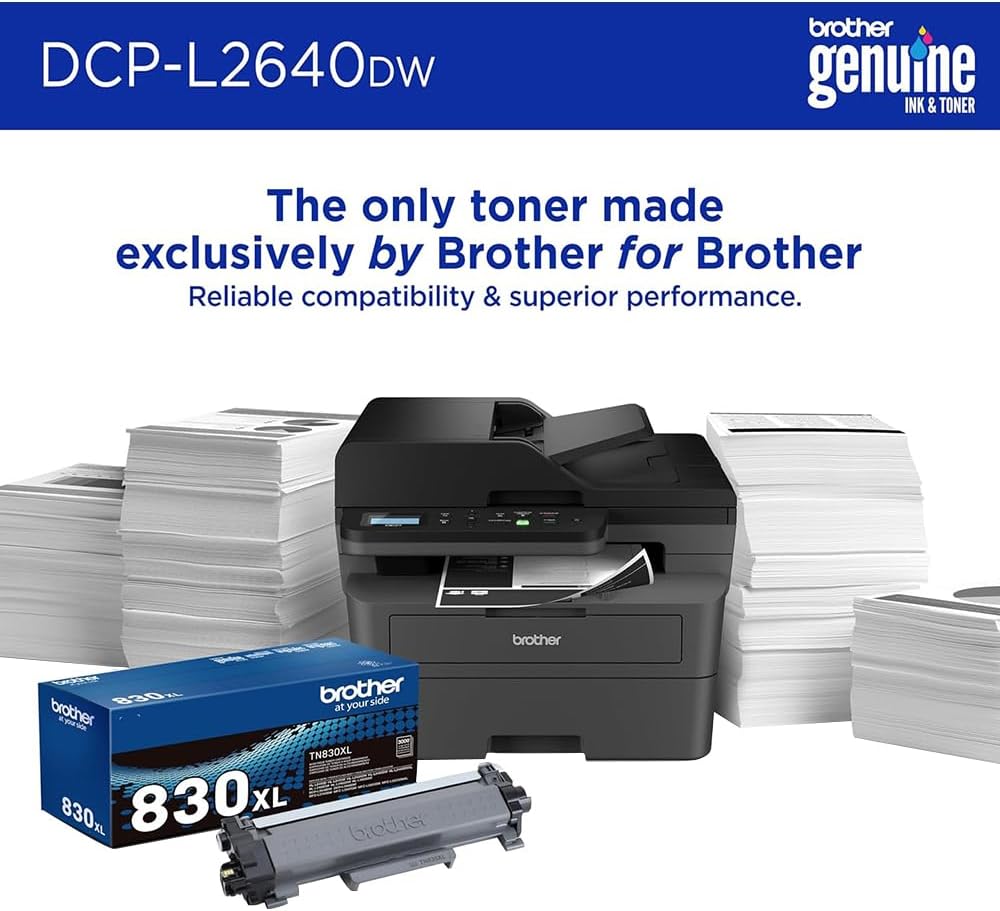
Image 6.1: Brother Genuine Ink & Toner packaging, emphasizing reliable compatibility and superior performance.
6.2. Penggantian Unit Drum
The drum unit is a separate consumable that needs to be replaced periodically, typically after approximately 15,000 pages. The printer will notify you when it's time to replace the drum unit.
6.3. Pembersihan
- Luar: Usap bagian luar printer dengan kain lembut yang tidak berbulu.
- Kaca Pemindai: Clean the scanner glass with a soft, lint-free cloth moistened with glass cleaner.
- Kawat Corona: Regularly clean the corona wire inside the drum unit by sliding the green tab.
7. Penyelesaian masalah
- Kertas Macet: Follow the on-screen instructions or refer to the printer's documentation to clear paper jams from various access points.
- Masalah Konektivitas: Ensure the printer is connected to the correct network (Wi-Fi or Ethernet) or directly to the computer via USB. Restarting the printer and router can often resolve temporary connection problems.
- Kualitas Cetak Buruk: Check toner levels, clean the corona wire, and ensure you are using appropriate paper for your print job.
- Pesan Kesalahan: Refer to the printer's LCD display for specific error codes and consult the online manual or Brother support for solutions.
8. Spesifikasi
| Fitur | Detil |
|---|---|
| Nomor Model | DCP-L2640DW |
| Teknologi Percetakan | Laser |
| Keluaran Printer | Satu warna |
| Kecepatan Cetak Maks Monokrom | 36 halaman |
| Resolusi Cetak Hitam Putih Maksimum | 1200 x 1200 Titik Per Inci |
| Pencetakan Dupleks Otomatis | Ya |
| Jenis Pemindai | Tempat tidur datar |
| Kapasitas Lembar Input Maksimum | 250 lembar |
| Kapasitas Pengumpan Dokumen Otomatis (ADF) | 50 lembar |
| Teknologi Konektivitas | USB, Ethernet, Dual-band Wi-Fi |
| Kartrid yang Kompatibel | TN830, TN830XL |
| Dimensi Produk | 15.7"Panjang x 16.1"Lebar x 12.5"T |
| Berat | Not specified in provided data, typically around 20-30 lbs for similar models. |
9. Garansi dan Dukungan
The Brother DCP-L2640DW Monochrome Laser Printer comes with a Limited Warranty. For specific warranty terms and conditions, please refer to the documentation included with your product or visit the official Brother support weblokasi.
For technical support, driver downloads, and additional resources, please visit the Dukungan Saudara Weblokasi.


